How I Convert Office Documents to PDF Without Opening Office
On this page
- Introduction
- A. The conversion that should not need an application
- B. Why the picture has to survive the trip
- C. Six obstacles in the way
- Method
- A. Choosing the engine that was not the obvious one
- B. An interface made of XML
- C. The colon that means "here"
- D. Making every path absolute before handing it over
- E. Asking whether the file exists, not whether the engine was happy
- F. Three commands instead of one with a flag
- Results and Discussion
- A. What the six decisions add up to
- B. What made this worth writing down
- C. Where this stops being the right approach
- Conclusion
- Terms
Introduction
A. The conversion that should not need an application
Turning a Word document into a PDF is a solved problem in the sense that every office suite has a menu item for it. It stops being solved the moment the request arrives from somewhere other than a person sitting in front of that menu — a script that has just generated a document from a template, a scheduled report that ends in PDF, a folder of files that all need the same treatment.
What those situations have in common is that nothing can be clicked. The conversion has to run with no interface, no prompt waiting for an answer, and no window that appears and has to be closed. It also has to say whether it worked, in a way a calling program can check, because a step in a pipeline that fails quietly is worse than one that fails loudly.
The challenge is to convert Office documents to PDF without opening the Office application at all.
This tool is used both ways, and that is worth stating plainly rather than pretending it is only infrastructure. Day to day it gets typed at a terminal, one file at a time, because typing a command is faster than opening a document to export it. But it was built so it could be called by something else, and those two uses are not in tension — the properties that make it safe inside a pipeline are exactly what make it pleasant by hand. No interface, an obvious exit status, and a predictable output path are as useful to a person as to a script.
Easy to state, awkward to build. The awkwardness begins immediately, at the step where the obvious answer turns out to be the wrong one.
B. Why the picture has to survive the trip
A converted document is not judged by whether it opened. It is judged by whether it still looks like the document. A report that goes to someone else has a layout: a table that fits the page, a heading that sits where it was put, slides whose text boxes have not drifted. If conversion moves any of that, the PDF is not a copy of the document, it is an approximation of it — and the person receiving it has no way to know which parts moved.
That constraint is stricter than it sounds, because the documents in question are made by Microsoft Office. Fidelity to that specific format is not a general claim about quality; it is a question about one particular engine's reading of one particular vendor's files, and the answer differs between engines in ways that only show up on complicated layouts.
The second constraint is about behaviour rather than output. A conversion that is called from a script may be called twice at once, and it may be called on a machine where nobody will ever log in to clean up. Anything that leaves a process running, or that keeps per-user state two invocations can fight over, is a problem that appears under load and not during testing — which is the worst time to discover it, because by then the thing calling the converter is already in production.
C. Six obstacles in the way
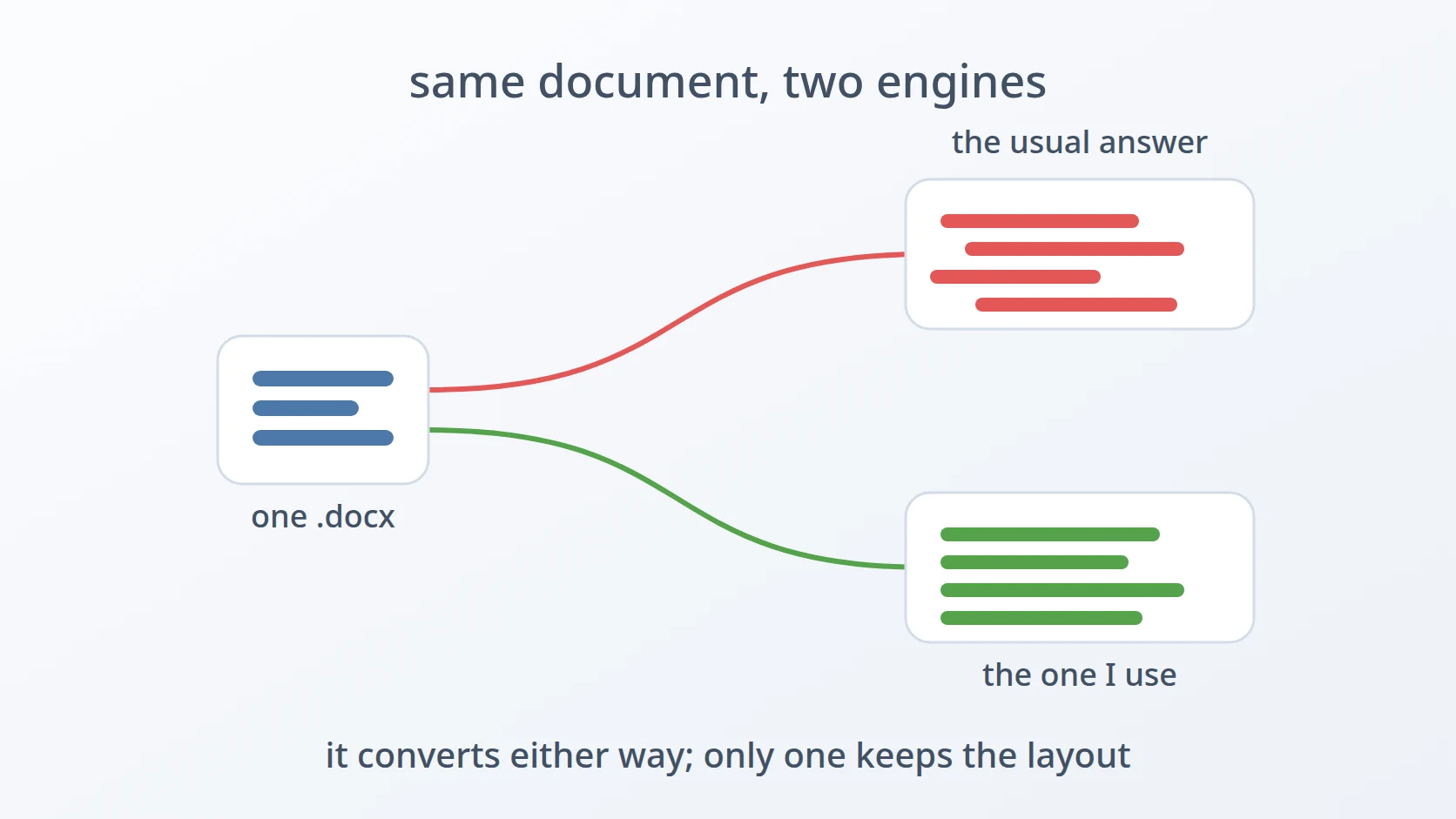
The obvious answer is the one I rejected. Searching for how to do this returns one command, and it is a LibreOffice invocation. It is free, it is widely installed, and it is the answer nearly everyone gives. I used something else, and the reasons are specific rather than aesthetic — which makes this the first thing the article has to justify rather than assume.
The engine does not take arguments — it takes a task file. The converter I chose is not driven by flags. It is handed an XML document describing the job, which is an unusual interface to meet and the single strangest thing about the tool. That shape has consequences for how a wrapper around it has to be written.
An environment variable assembled carelessly can point at the wrong place. The engine is invoked with a library path prefixed to whatever the caller already had. Getting that concatenation subtly wrong produces a value that is not merely useless but actively dangerous, and the danger is invisible because the common case still works.
The engine does not resolve relative paths the way the caller does. A program started by a script does not necessarily share that script's working directory, and a path like output.pdf means nothing without one. Anything relative has to be made absolute before it is written into the task file.
Finishing without an error is not the same as producing a file. For a step that something else depends on, the question is not whether the converter was happy but whether the artefact exists. Those are different questions, and only one of them matters to the next stage.
There are three files, and they are the same file. Word, Excel, and PowerPoint each get their own command, differing in one functional line. That is duplication, deliberately kept, and the reason it is cheaper than the alternative is worth spelling out rather than apologising for.
The order runs from the decision that shapes everything, through the interface that decision imposes, to three ways a wrapper can be wrong in a manner that only shows up when something else is depending on it — and ends with a question about repetition.
Method
A. Choosing the engine that was not the obvious one
Here is the answer to the first obstacle. The command that every search result suggests is this one:
What I used instead is the conversion engine from OnlyOffice, an open-source office suite, called directly. Not the OnlyOffice application, and not a document server — just the binary that does the format translation, invoked as a program.
Four reasons, and the first one is the one that decided it. LibreOffice's rendering of Microsoft Office files drifts on documents with non-trivial layout — the kind with tables that have to fit, slides with positioned text, styling that came from Word rather than from a neutral source. For a PDF that someone else will read as a finished document, a layout that shifts is a correctness problem and not a cosmetic one.
LibreOffice in headless mode keeps a user profile, and two conversions running at the same time contend over it. That is the classic failure of this approach: it works perfectly in testing, where conversions happen one at a time, and misbehaves under a pipeline that runs several at once.
The OnlyOffice engine is a single process that starts, converts, and exits. LibreOffice headless has a habit of leaving something running, which on an unattended machine is a process nobody is going to notice or clean up.
And the engine was already there, because OnlyOffice was installed for other reasons. Choosing it added nothing to the machine, which is a small argument on its own and a decisive tiebreaker alongside the other three.
B. An interface made of XML
This answers the second obstacle. The engine takes no flags describing the job. It takes a path to an XML file that describes it, and everything the conversion needs to know goes inside that document.
The element names give away where this interface comes from: it is the internal task format of a document server, a description of a queued job rather than a command line. The output format is not stated anywhere — it is inferred from the extension of the destination path, which is why the wrapper never passes a format argument.
Two of those fields exist because the conversion needs resources that are not in the document. m_sFontDir points at the system fonts, because text has to be measured to be laid out, and a missing font changes where every line breaks. m_sThemeDir points into the engine's own installation, and matters for presentations, which carry theme references rather than embedded styling.
Since the task file is generated per run and is of no use afterwards, it goes in a temporary directory that removes itself:
TMP=""; The trap is what makes this safe rather than merely tidy. It fires on any exit, including a failed conversion, so no path through the script leaves a stray directory behind.
C. The colon that means "here"
This answers the third obstacle. The engine is invoked with its own directory prepended to the library search path:
LD_LIBRARY_PATH="" The interesting part is :+, and what it prevents. It means "insert this colon only if the variable is non-empty", and the alternative shows why that matters:
# variable empty, with :+      ->  /opt/onlyoffice/documentbuilder
# variable empty, without :+   ->  /opt/onlyoffice/documentbuilder:
# variable set,   with :+      ->  /opt/onlyoffice/documentbuilder:/existing/path
A trailing colon in a search path is not ignored. It is an empty entry, and an empty entry means the current working directory — so the careless version tells the dynamic linker to look for libraries wherever the caller happened to be standing. That is a security problem in the general case and an unpredictability problem in every case, and it is invisible during testing because the libraries are found in the first location anyway.
Worth being precise about what this line does and does not do here. This particular build of the engine carries an RPATH of $ORIGIN, meaning it already looks for libraries next to itself, and a conversion succeeds on this machine even with the variable unset. The line is insurance rather than a load-bearing requirement — but the :+ inside it is worth copying into every place a path variable gets extended, because the failure it prevents is silent everywhere.
D. Making every path absolute before handing it over
This answers the fourth obstacle. Both paths are resolved before they reach the task file, by two different mechanisms because the two cases are different.
IN=""
case "" in /*) ;; *) OUT="/" ;; esacThe input exists, so realpath can resolve it fully — following symlinks and flattening any .. along the way. The output does not exist yet, and realpath on a non-existent path is awkward, so it gets the simpler treatment: if it already starts with a slash, leave it; otherwise prefix the current directory.
The reason this cannot be skipped is that the engine is a separate process reading a file, and nothing guarantees it interprets a relative path against the same directory the caller was in. Writing an unresolved report.pdf into the task file is asking a different program to guess where "here" is.
The behaviour to check is the one where a relative output is given from somewhere other than the input's directory:
The file lands next to the caller, not next to the input — which is what someone typing that command means, and what a script constructing paths relative to its own working directory needs.
E. Asking whether the file exists, not whether the engine was happy
This answers the fifth obstacle. After the engine returns, the wrapper checks for the artefact itself:
if ; then
else
This is a guard against an engine that reports success without producing anything, which is the failure mode that hurts most in a pipeline: the next stage proceeds on the assumption that a file is there.
It is worth being honest about how often that happens. Across the failure cases I could construct — a missing input, a corrupt file with the right extension, an unwritable destination, a destination directory that does not exist — this engine returned a non-zero status every time, and produced no file. I did not manage to make it claim success while producing nothing.
The check stays anyway, and the reason is the asymmetry. It costs one comparison. The thing it protects against is a downstream stage consuming a file that is not there, which surfaces far from its cause. A guard against a lie you have not personally caught is still worth having when the lie would be expensive and the guard is nearly free.
There is a second effect of set -e worth knowing, because it changes when that branch is reachable at all. If the engine exits non-zero, the script stops at that line and never reaches the check — the failure is reported by the exit status rather than by the message. The else branch exists for exactly one scenario: a zero exit with no file.
F. Three commands instead of one with a flag
This answers the sixth obstacle. There are three scripts, and they are the same script. Comparing two of them shows how little differs:
EXT="docx"
# plus three comment lines naming the formatOne functional line. Everything else — validation, path handling, the XML, the library path, the output check — is duplicated three times, and adding a fourth format means copying the file again.
The alternative is one command with a format argument, and the reason I did not write it is that the duplication is cheaper than it looks while the abstraction is more expensive than it looks. Three commands with obvious names are three things to remember that do not have to be remembered, because the name says what it takes. A single office2pdf --format=xlsx is one thing to remember plus a flag to look up, and a wrong flag is a new error case that does not exist when the format is in the command name.
The duplicated part is also the part that does not change. This script has not been edited since it was written, so the cost of duplication — having to fix a bug in three places — has never been paid. That is the actual test for this kind of repetition: not how many copies there are, but how often they change.
The extension check is what makes the split useful rather than merely tidy, because each command refuses input it is not for:
That is a real guard rather than pedantry. The engine infers the source format from the file, so handing a Word file to the spreadsheet command would not necessarily fail loudly — it might produce something subtly wrong. Refusing at the door turns a possible silent oddity into an immediate, legible error.
Results and Discussion
A. What the six decisions add up to
The three commands have not been edited since they were written. They are used by hand most days and inside scripts when a document has just been generated and needs to leave as a PDF.
| Decision | What it buys | Alternative rejected |
|---|---|---|
OnlyOffice x2t | layout fidelity on Microsoft Office files | LibreOffice headless — drifts on complex layouts |
| single process, no profile | safe to run several at once, nothing left behind | headless daemon — contended profile, stray processes |
| XML task file | the interface the engine actually has | none — this is not a choice the wrapper makes |
mktemp -d + trap | no stray directories on any exit path | fixed temp name — collides when run twice at once |
${VAR:+:$VAR} | never a trailing colon, never "look here" | plain concatenation — silently adds the cwd |
realpath + absolute output | paths mean the same thing in both processes | passing relative paths — a different program guesses |
[[ -f "$OUT" ]] | the answer is about the file, not the engine's mood | trusting the exit status alone |
| three commands, one line apart | the name carries the format; wrong input refused | one command with --format — a flag to look up |
B. What made this worth writing down
Most of this tool is unremarkable: validate the input, build a file, call a program, check the result. The part worth recording is the first decision, because it is the one that contradicts what every search result says, and because the reasoning is not visible in the code. A reader looking at these sixty lines sees a path to an OnlyOffice binary and no explanation of why that path rather than a LibreOffice command.
That is the general shape of the thing. Code records what was chosen and is nearly silent about what was rejected, and the rejected option is often the one a future reader — including a future version of me — would reach for first. Four reasons for one engine over another, none of which appear anywhere in the script, are the most perishable part of the whole tool.
Worth stating as a limit rather than a win: this is three shell scripts wrapping somebody else's binary, and it inherits every property of that binary. If the engine's fidelity on some future document turns out to be wrong, no amount of care in the wrapper helps. What the wrapper contributes is smaller and more boring — that paths mean what they say, that temporary files disappear, and that the reported outcome refers to the artefact rather than to the process.
C. Where this stops being the right approach
The conversion is fixed. These commands take a document and produce a PDF at default settings, with no control over page ranges, quality, embedded fonts, or metadata. Anything needing those is a different job, and it belongs to a tool built around the engine's fuller interface rather than to a wrapper whose entire job is to make one common case convenient.
The same applies to volume. Each invocation starts the engine, converts one file, and exits, and that process startup is a fixed cost paid once per document. For a handful of files, or a loop over a folder, it is irrelevant. For thousands, the right shape is a long-running service that keeps the engine warm — which is, not coincidentally, what a document server is, and what this tool deliberately avoids being.
Conclusion
Converting Office documents to PDF without opening Office is one command on the surface, and the surface is misleading in a specific way: the command everyone recommends is not the one I use. Choosing the OnlyOffice engine over LibreOffice came down to four things — layout fidelity on Microsoft Office files, no user profile for parallel runs to fight over, a process that exits instead of lingering, and an engine that was already installed.
Everything after that is the cost of talking to an engine built for a document server rather than for a command line: an interface made of XML, paths that have to be absolute because a separate process does not share your working directory, a library path assembled so it never ends in a colon, and an outcome measured by whether the file exists rather than by whether the converter was satisfied.
The three near-identical scripts are the part most likely to be criticised and the part I would change least. The duplicated code has never needed editing, the format lives in the command name where it cannot be mistyped, and each command refuses documents it is not for. Repetition is expensive in proportion to how often it changes — and this has not changed at all.
Terms
x2t- The format conversion engine from OnlyOffice Document Builder, invoked as a standalone binary. It takes the path to an XML task file rather than command-line options.
- headless
- Running a program that normally has a graphical interface without displaying one, so it can be driven by a script. LibreOffice's
--headlessflag is the usual example. LD_LIBRARY_PATH- A colon-separated list of directories the dynamic linker searches for shared libraries before the system defaults. An empty entry in the list — such as the one a trailing colon creates — means the current working directory.
RPATH- A library search path recorded inside an executable when it is built. With the value
$ORIGINit means "the directory this executable is in", letting a program find its own libraries without environment variables. realpath- Resolves a path to its canonical absolute form, following symbolic links and removing
.and..components. Requires the path to exist. set -e- A shell option that aborts the script when any command returns a non-zero status, instead of continuing to the next line.
Technologies covered
- Bash
- LibreOffice
- ONLYOFFICE