How I Open a Message Broker to the Internet Without Letting Anyone Pose as Someone Else
On this page
- Introduction
- A. What the broker is, and who talks to it
- B. Why a public endpoint changes everything
- C. The shortcuts I rejected
- D. Thirteen obstacles in the way
- Method
- A. One credential per entrance
- B. Binding the token to the name
- C. The right audience, and keys that can be fetched
- D. Rules that do not need a password user
- E. Replacing the dashboard password
- F. Encryption in front of the broker
- G. Starting from empty data
- H. Removing what the containers own
- I. A new identity for the broker
- J. Configuration where the broker reads it
- K. Users that belong to this project
- L. An administrator RabbitMQ actually creates
- M. A disk limit that fits the host
- Results and Discussion
- A. What the internet sees
- B. What is refused, and where
- C. Where this stops
- Conclusion
- Terms
Introduction
A message broker is easy to run on a private network, where everything that can reach it is something I put there. The moment it has to be reachable from the internet, for browsers on one side and devices on the other, every connection is a stranger until proven otherwise. I wanted a broker stack that a new project could get from one command and open to the internet straight away, without anyone being able to connect as somebody else, or walk in with a token that was issued for a different application.
A. What the broker is, and who talks to it
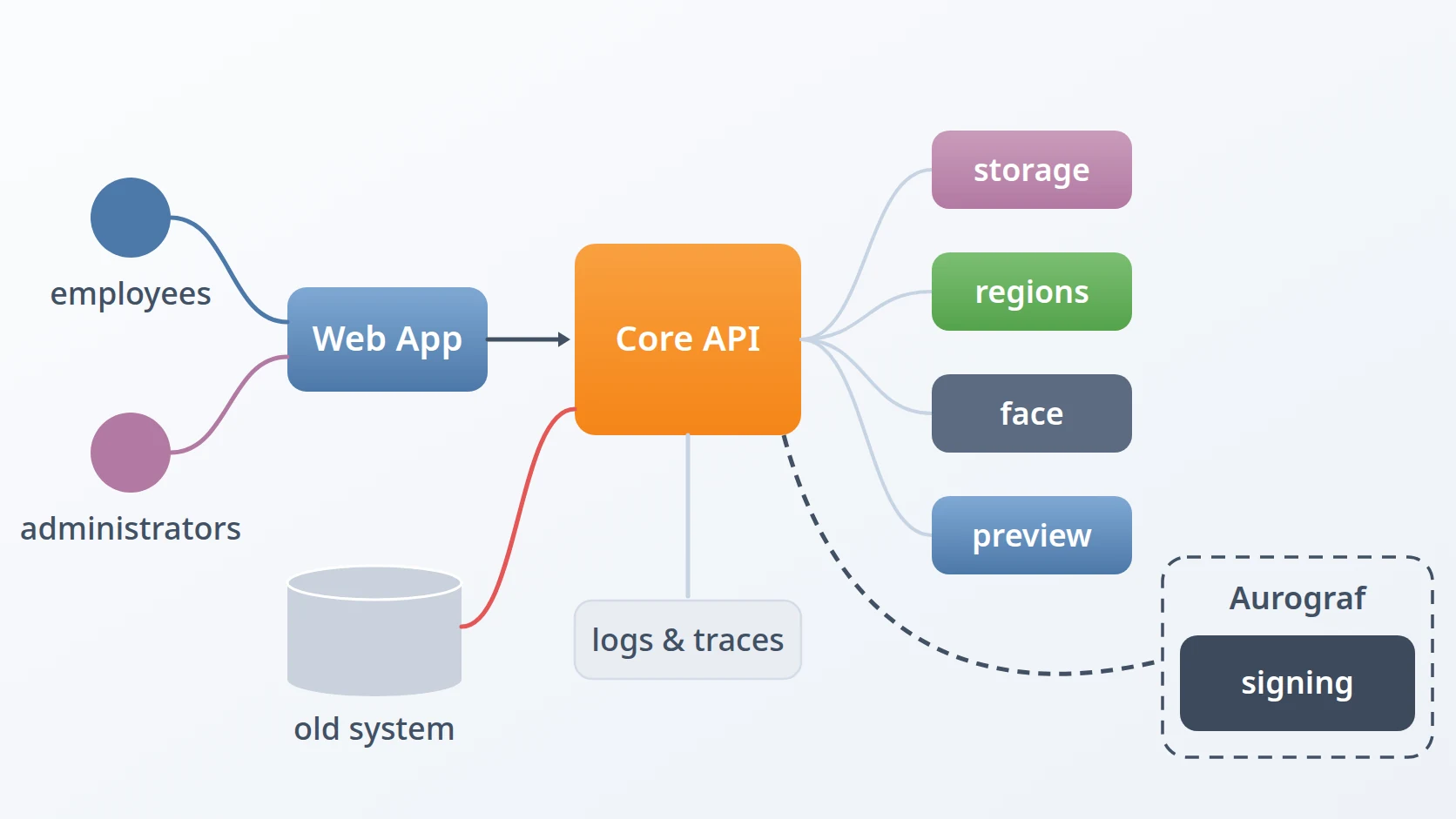
A message broker passes messages between programs that never talk to each other directly: one publishes to a topic, and whoever has subscribed to that topic receives it. My stack runs two of them. EMQX speaks MQTT, a lightweight publish-and-subscribe protocol designed for devices and for browsers that need live updates. RabbitMQ speaks AMQP, a heavier protocol that my backend services use among themselves for queues and events. A small PostgreSQL database holds the MQTT users and their access rules.
The two kinds of MQTT client arrive differently. A device, or a service outside the server, connects over TCP with a username and a password. A browser cannot open a raw TCP connection, so it connects over WebSocket, and it already holds something better than a password: the login token its application received when the user signed in. A broker that serves both has to accept both, and that is where the trouble starts.
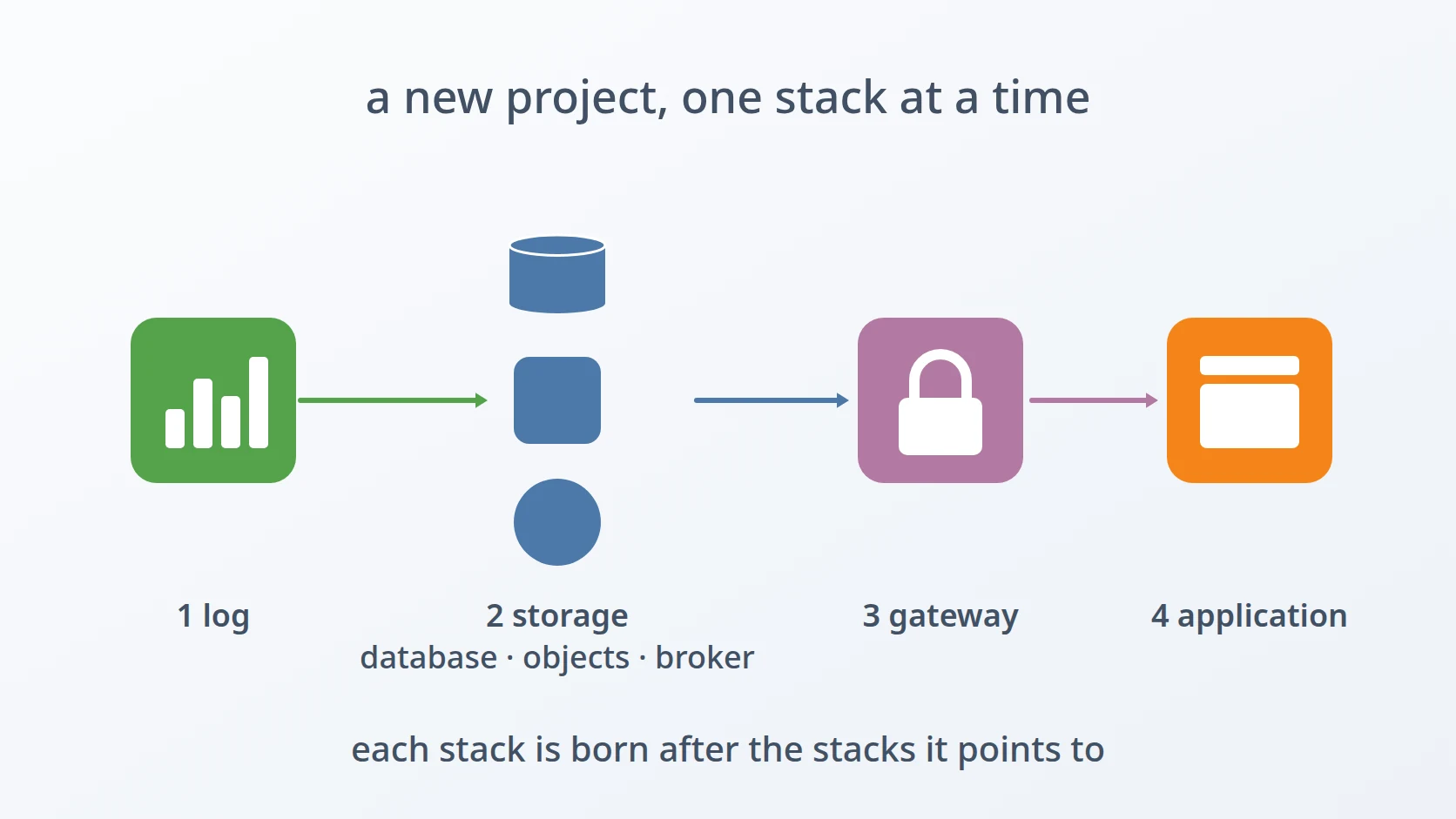
Every project gets its own copy of this stack. The generator asks for the project's name, its Docker network, its credentials, the first MQTT user and the topics that user may use, and whether browsers should sign in with tokens. It then writes a separate folder with its own brokers, its own user database, and its own configuration, so that the clients of one project never share a broker, a user, or a topic with the clients of another. Whatever the stack gets right, it has to get right again for each new project without anyone remembering how.
B. Why a public endpoint changes everything
On a private network, a broker's rules mostly protect against mistakes. On the internet they protect against people. A password check on a public port invites anyone to try passwords. A token check that accepts any token from my identity provider accepts tokens from every application that provider serves, not only the one meant for this broker. And an access rule that trusts the name a client gives itself trusts whoever is willing to type a different name.
None of these failures produces an error. Each one works perfectly from the point of view of the client that abuses it, which is precisely why they have to be closed in the design rather than discovered in the logs. The real test is not whether a legitimate client can connect, but whether an illegitimate one is refused, and refused as early as possible.
C. The shortcuts I rejected
The simplest design is one authentication method for everything: every client, browser or device, presents a username and a password. I rejected it because it puts a password prompt on the public WebSocket endpoint and forces browsers to carry a second secret next to the token they already have. The second shortcut is opening the broker's plain MQTT port directly and leaving encryption for later. I rejected that too: credentials sent over an unencrypted port on the internet are credentials published.
The third shortcut is the subtle one: letting the broker's access rules look clients up by the username they send when they connect. It is the default behaviour, it is what every example shows, and on a private network it is harmless. On a public endpoint it means the username is a claim nobody checks. The design I settled on gives each kind of client exactly one way in, binds every token to the identity inside it, and terminates encryption in front of the broker rather than inside it.
D. Thirteen obstacles in the way
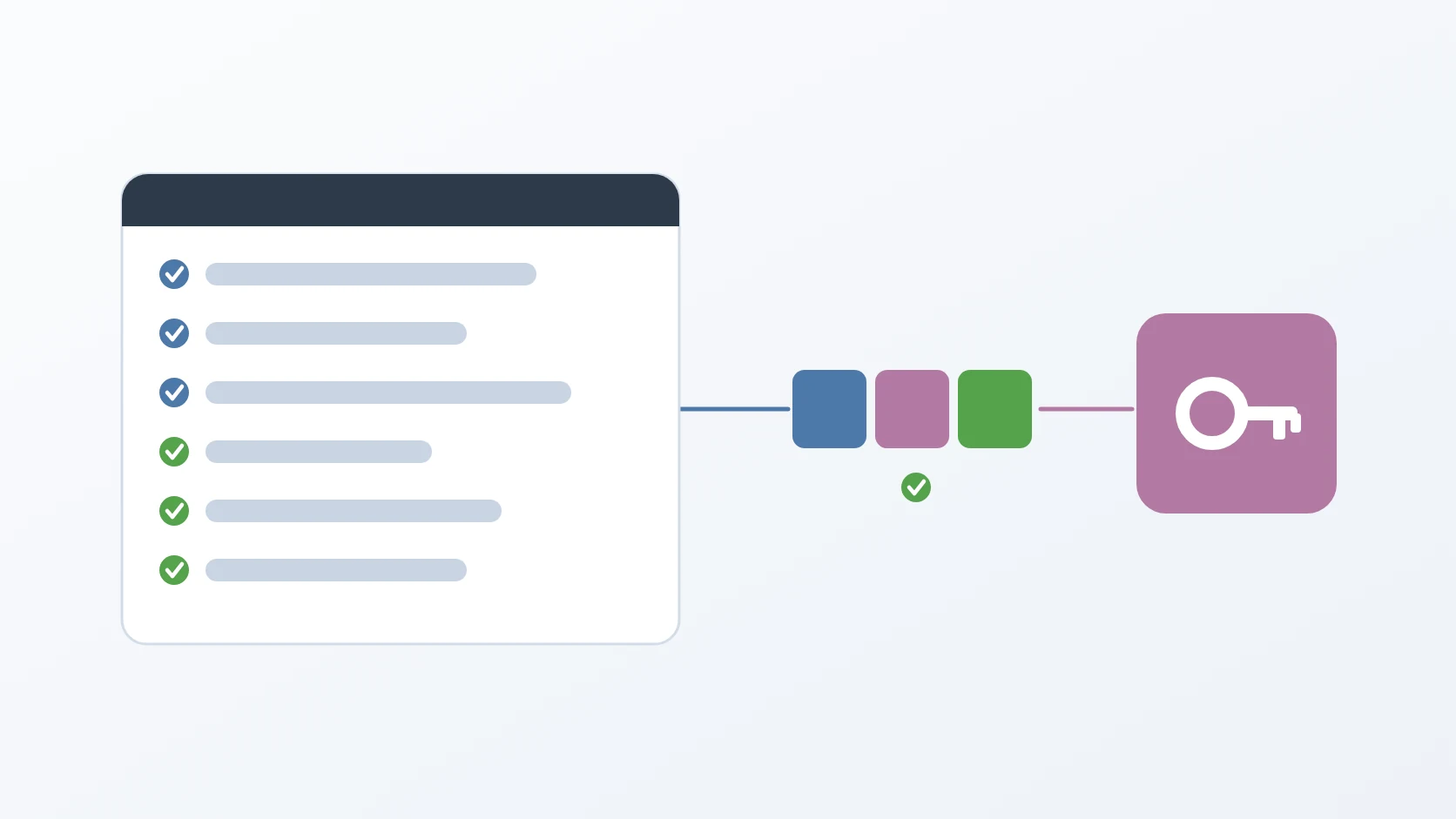
Easy to state, awkward to build. Thirteen things stood between an open broker and one that only lets in who it should: five about identity, one about encryption, and seven about making every project's broker start as itself rather than as a copy of the last one.
Each entrance has to accept exactly one kind of credential. By default, the broker runs every connection through the same chain of authenticators, so a WebSocket client could still try a password and a TCP client could still try a token. A single chain for all listeners is the rejected alternative, because it keeps a password check on the public endpoint that should never have one.
A valid token must not be enough to become someone else. The broker looks up access rules by the username in the client's connect packet, not by the identity inside the token. Trusting that username is the rejected alternative; I proved in a test that a client holding its own valid token could choose another user's name and receive that user's subscriptions.
A token has to be meant for this broker, and the broker has to be able to check it. The token's audience has to name the broker, not the application that requested it. The broker version I started on compared that audience as a plain string, while my identity provider sends it as a list, so every token failed. And fetching the provider's signing keys failed outright until the broker was told which certificates to trust and which server name to present.
Encryption has to end in front of the broker, for two different protocols. Secure WebSocket travels over HTTP, but MQTT over TLS is raw TCP, which the web server handles in a different block of its configuration that must sit at the very top level. Letting the broker hold the certificates itself is the rejected alternative, because every renewal would then mean restarting the broker.
Token users need access rules, and the rules table refused them. Access rules referenced the password users by foreign key, and a user who signs in with a token has no password row, so adding a rule for one failed. Keeping that foreign key, and the automatic clean-up it gave, is the alternative I gave up: the rules table is now the gate itself, and a user without a rule is refused.
The broker's dashboard starts with the image's default password. EMQX does not take its administrator password from configuration, so a fresh stack would open its management dashboard with a password printed in public documentation. Leaving it for someone to change after the first start is the rejected alternative.
A second run for the same project would quietly reuse the old databases. The brokers' data lives under a prefixed path outside the output folder, so overwriting the output leaves the old user database, queues, and broker state in place. Leaving that data alone is the rejected alternative, because the new stack starts healthy on someone else's users.
The containers leave files only root can remove. The database, RabbitMQ, and its cluster cookie write files as the users inside their images, which the person running the generator cannot delete or copy. Running the generator as root, or reaching for sudo, is the rejected alternative, because every file it writes would then belong to root.
A copied broker carries the old node's identity. EMQX keeps its node and cluster identifiers and its stored sessions inside its data folder. Copying the template's data whole is the rejected alternative, because two projects would then share a broker identity.
A broker can start without authentication and look perfectly healthy. The broker reads its configuration from a mounted path under the data prefix, not from the output folder where the generator writes. Editing the configuration in the output folder alone is the rejected alternative: the broker would start on the template's configuration, without the database check or the access rules.
The previous project's users are planted in the migrations. The user database's migrations contained the old project's MQTT users and their access rules, plus a migration for one project's sign-in user. Running them as they are is the rejected alternative, because old users would arrive in a new project with their old permissions.
RabbitMQ ignores the administrator it is given in its environment. Once RabbitMQ loads its definitions from a file, it skips the default user named in its environment variables, so the administrator silently never exists. Relying on those variables is the rejected alternative.
RabbitMQ's default disk limit blocks publishers on a small host. The template sets the free-disk limit relative to memory, one and a half times the RAM, which on a host with little disk raises the disk alarm at once and blocks every publisher. Keeping that relative limit is the rejected alternative.
The order follows a connection from the outside in, and then the stack's own birth. The first obstacle decides which door a client may use. The second and third decide whether the identity it presents at that door is real and meant for this broker. The fifth and sixth close the two remaining ways in that do not depend on the client: a rule table that cannot hold token users, and a dashboard with a public password. The fourth decides whether any of it can travel the internet safely, and it comes after the first three because it only makes sense once there is something worth protecting behind it. The last seven decide whether a new project's broker is really new: its own data, its own files, its own identity, its own configuration, its own users, and a RabbitMQ that has an administrator and does not stop at the first full disk.
Method
A. One credential per entrance
Here is the answer to the first obstacle: each authenticator in the broker's chain carries a precondition that names the only listener it applies to. The PostgreSQL password check applies to the TCP listener alone, and the token check applies to the WebSocket listener alone. A browser on the public endpoint is never asked for a password, and a password sent there is never checked against the database.
authentication = [
  { mechanism = password_based, backend = postgresql, …
    precondition = "str_eq(listener, 'tcp:default')" },
  { mechanism = jwt, use_jwks = true, …
    precondition = "str_eq(listener, 'ws:default')" }
]
The generator writes the template with two placeholders and fills them only when token login is enabled. Without it, both placeholders are removed and the broker falls back to a single password chain, so the same template serves a private broker and a public one. The template also enables the broker's own TLS listeners, on ports 8883 and 8084 inside the container, and neither precondition names them; 8883 is never published, and 8084 is published only on the internal address, so neither is reachable from the internet, but disabling them in the template would close that gap for good.
B. Binding the token to the name
Here is the answer to the second obstacle: the token check verifies a claim that ties the token's own username to the username in the connect packet. The access rules are still looked up by the connect packet's username, but a client can now only send the name its token was issued for.
authorization.sources = [
  { type = postgresql,
    query = "SELECT action, permission, topic FROM mqtt_acl WHERE username = ${username}" }
]verify_claims = {
iss = "https://id.example.com/realms/main",
aud = "broker.example.com",
preferred_username = "${username}"
}Before this claim was in place, a client signed in as alice that connected with the username mallory was granted Mallory's subscription. Afterwards the same attempt is refused at the connect step, before any access rule is consulted. Anything not explicitly allowed is denied, so a user without rules receives nothing at all.
C. The right audience, and keys that can be fetched
Here is the answer to the third obstacle, in three parts. The first is a matter of meaning: the audience is whoever the token is for, so it names the broker. The application's client identifier would be the wrong value: it is the identity of the requester, not of the recipient. The broker now asks for exactly three values — issuer, signing-key endpoint, and audience — and nothing from the application's own OAuth2 configuration, which belongs to a client and not to a resource like the broker.
The second part is a version. My identity provider issues the audience as a list, such as the broker plus the account service. The broker version I started on compared the expected audience with that list as one exact string, so the check failed for every token. The fix was in the broker itself, released in a later patch version, and the template now pins that version.
The third part is the connection that fetches the provider's signing keys. With certificate verification turned on and nothing else configured, the fetch failed with an error saying the trusted certificates were undefined. The broker needs a certificate bundle to trust and the server name to present, and the generator derives that name from the endpoint the user typed.
JWKS_SNI=""ssl {
enable = true
verify = verify_peer
cacertfile = "/etc/ssl/certs/ca-certificates.crt"
server_name_indication = "id.example.com"
}D. Rules that do not need a password user
A migration removes the foreign key from the access rules to the password users and adds an index in its place, so a rule can name a user who only ever signs in with a token. The rules table becomes the authorisation gate: the broker denies anything that no rule allows, so a valid token without a rule is refused. The price is that the rules no longer disappear with their user, so the application that manages users removes them itself. A rule that changes takes effect only after the broker's authorisation cache is cleared, which the provisioning script does after every change.
-- access rules no longer require a password user
mqtt_acl DROP CONSTRAINT IF EXISTS mqtt_acl_username_fkey;
NOT EXISTS mqtt_acl_username_idx ON mqtt_acl (username);E. Replacing the dashboard password
Once EMQX reports ready, the generator sets the administrator password through the broker's own command-line tool, retrying for a minute, because the command fails while the broker is still starting.
for; do
&& break
F. Encryption in front of the broker
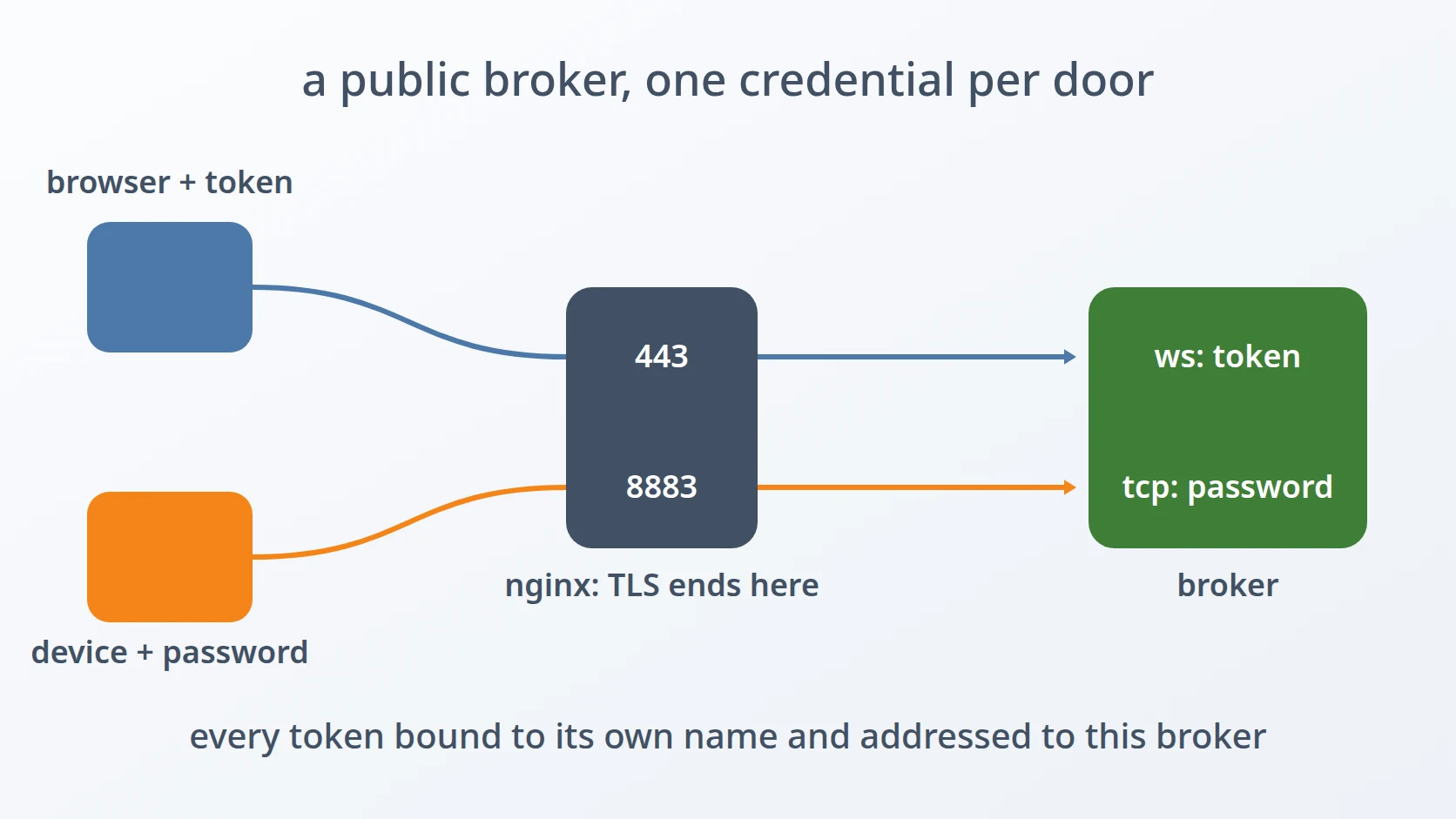
Encryption is handled outside the broker: nginx on the host terminates TLS for both protocols, and the broker only ever sees plain connections on an internal address. Secure WebSocket on port 443 is an ordinary HTTP location with a protocol upgrade. MQTT over TLS on port 8883 is a TCP proxy, which nginx only accepts inside a stream block at the top level of its main configuration — not in the site files, which are included inside the http block. The generator therefore writes two files, and the install script places the second one in a separate directory included from a single top-level stream block.
server {
    listen 8883 ssl;
    ssl_certificate      /etc/letsencrypt/live/broker.example.com/fullchain.pem;
    ssl_certificate_key  /etc/letsencrypt/live/broker.example.com/privkey.pem;
    ssl_protocols        TLSv1.2 TLSv1.3;
    proxy_pass           mqtt_backend;
    proxy_timeout        7200s;
}
Two details in that block came from failures. MQTT connections stay open and quiet between messages, and nginx closes idle stream connections after ten minutes unless told otherwise, so the timeout is raised. And port 8883 must not also be published by the broker's own container: if it is, Docker's proxy holds the port, and nginx fails to start with "address already in use" — not when the configuration is tested or reloaded, which both pass, but at the next restart, possibly hours later. The install script checks for that before it changes anything. It needs root for this one check, because without it the listing shows that a port is taken but not which process holds it; a port held by nginx itself is a previous install and is allowed.
The WebSocket side has its own timeout: nginx closes an HTTP proxy connection that stays silent for sixty seconds, so a browser that receives no message for a minute would be cut off; it is raised to the same two hours as the broker's own idle limit. The site listens on plain port 443 rather than on one address, because nginx sends a request to the most specific listener for an address, and another site claiming that address would otherwise take the broker's domain. The stream module must be installed as a package and never loaded by hand as well, or nginx loads it twice and refuses to start. One limit is worth knowing: the generator's own activation step installs only the WebSocket site; the stream file, its top-level include, and the port check are installed by the separate install script, so MQTT over TLS needs that script to run.
line=""
&& continue
holder=""
&& continue
The generator itself never runs as root. If it did, every file it writes — including the environment file holding passwords — would belong to root, and every later step would have to run as root too. It asks for elevated rights only for the few nginx commands, and only when I agree.
G. Starting from empty data
Before it writes the new stack, the generator deletes the previous run's data under the prefixed path, so the user database, RabbitMQ's queues, and the broker's state all start empty. A comment beside that step states the reason in one line: without it, the old database is silently reused.
H. Removing what the containers own
When the person running the generator cannot delete a file the containers wrote, a short-lived container with the same mount deletes it instead, and the template is copied with those directories excluded, so neither step needs root.
|| I. A new identity for the broker
From the template's broker data, only two files travel: the cluster configuration and the file-based access rules. Everything that identifies the old node — its node and cluster identifiers, its stored sessions and its database — stays behind, so the new broker starts with an identity of its own.
J. Configuration where the broker reads it
After editing the broker's configuration, the generator moves it to the prefixed path that the compose file mounts. Without that move, the broker starts on the template's configuration: healthy, reachable, and without the database check or the access rules.
K. Users that belong to this project
The generator removes the old users and rules from the migrations, deletes the migration that belonged to one project's sign-in, and writes a fresh seed migration for this project's first MQTT user, with a bcrypt hash and a matching down migration, so the user database is created with exactly one user and that user's rules.
L. An administrator RabbitMQ actually creates
The administrator is written into RabbitMQ's definitions file, with a salted SHA-256 hash in the format RabbitMQ expects, together with its permissions on the default and the project's own virtual host.
M. A disk limit that fits the host
The generator asks for an absolute free-disk limit, two gigabytes by default, and writes it in place of the relative one.
disk_free_limit.absolute = 2GBResults and Discussion
A. What the internet sees
The stack was tested from the internet, with a public certificate and real tokens from the identity provider, not from inside the server. Port 8883 accepts MQTT over TLS with a username and password. Port 443 accepts MQTT over secure WebSocket with a token. The plain MQTT port is not reachable from outside at all, because by default the broker's ports are published only on an internal address and nginx is the only thing listening publicly.
| Port | Protocol | Encryption | Credential | From the internet |
|---|---|---|---|---|
| 8883 | MQTT over TCP | TLS | username and password | open |
| 443 | MQTT over WebSocket | TLS | token | open |
| 1883 | MQTT over TCP | none | — | closed |
Two observations from that test are worth keeping. A client that connects to 8883 without TLS does not get an error; it hangs until it times out, because the server is waiting for a handshake that never comes, and that looks like a network problem rather than a refusal; a wrong password is answered at once with a refusal code. And this is not mutual TLS: clients verify the server's certificate with their system's trust store, and the server does not ask for client certificates, so client identity remains the broker's job.
B. What is refused, and where
The cases that matter most are the ones that fail. A token signed in as one user but connecting under another name is refused at the connect step. A valid token from another application in the same identity provider is refused at the same step, because its audience does not name the broker. Neither reaches the access rules, which is the earliest point at which a refusal can happen.
C. Where this stops
RabbitMQ is deliberately not part of the public surface. It carries traffic between my own services, its ports are published only on the internal address, and its users, administrator included, are created from definitions the generator writes. The management dashboards of both brokers stay internal too. Adding mutual TLS for devices, or exposing AMQP to outside services, would be a different design with different obstacles.
Conclusion
Opening a broker to the internet turned out to be less about encryption than about identity. Each entrance now accepts exactly one kind of credential, every token is bound to the name its client uses and must be addressed to this broker, and TLS ends in nginx in front of it for both protocols. Every project's broker also starts as its own: empty data, a new node identity, its own users, a dashboard password that is not the default, and a RabbitMQ with a real administrator and a disk limit that fits. The generator writes all of it from a handful of answers, so a new project gets a public broker that refuses impostors from its first start instead of after its first incident.
Terms
- MQTT
- A lightweight publish-and-subscribe messaging protocol, used by devices and by applications that need live updates.
- AMQP
- A messaging protocol for queues and routed events, typically used between backend services.
- Listener
- One port and protocol on which the broker accepts connections, such as TCP or WebSocket.
- JWT
- A signed token that carries claims about a user, such as their name, who issued it, and who it is meant for.
- JWKS
- The published set of public keys an identity provider uses to sign its tokens, fetched by anyone who needs to verify them.
- Audience
- The claim in a token that names the service the token is meant for.
- ACL
- Access control list: the rules that say which user may publish or subscribe to which topics.
- TLS terminator
- A server that handles encryption on behalf of another and forwards the decrypted traffic to it.
- SNI
- Server Name Indication: the server name a client presents during the TLS handshake so the server can choose the right certificate.
Technologies covered
- Docker Compose
- EMQX
- nginx
- RabbitMQ
- JWT
- MQTT
- TLS