How I Read a Microcontroller's Serial Output Without Its IDE
On this page
- Introduction
- A. The last reason to open an IDE
- B. What the serial output is actually for
- C. Six obstacles in the way
- Method
- A. The program was already on the machine
- B. Answering the two mistakes that actually happen
- C. A default that is right most of the time, and overridable the rest
- D. Refusing to destroy the previous recording
- E. Why exec, and what it actually changes
- F. Recording as a mode, not a default
- Results and Discussion
- A. What the IDE was doing that nobody mentions
- B. The pattern underneath the six
- C. Where this approach stops being the right one
- Conclusion
- Terms
Introduction
A. The last reason to open an IDE
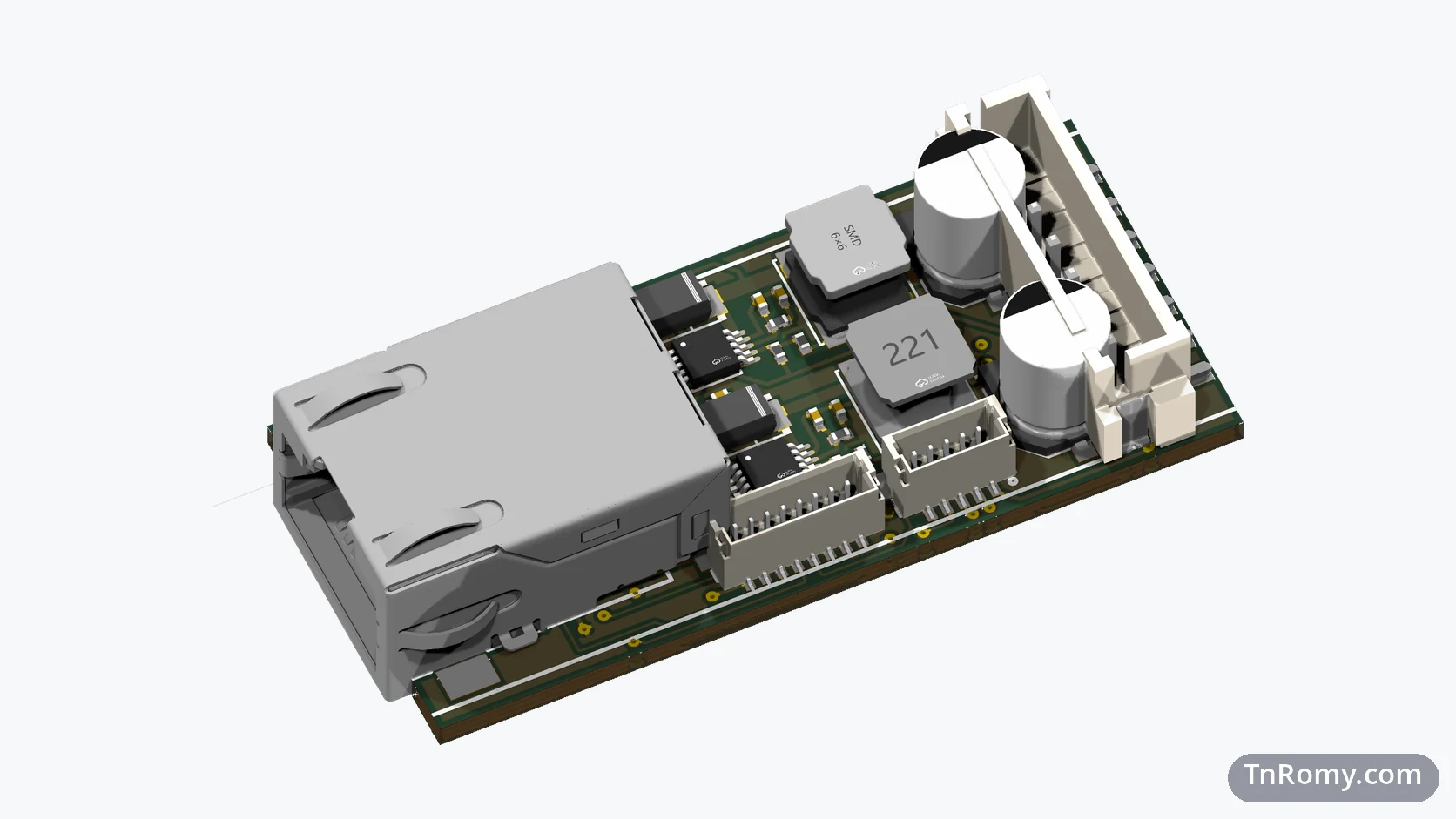
The firmware I was working on targets a CH32V203RBT6 — a RISC-V microcontroller whose vendor toolchain is MounRiver Studio. Like most vendor IDEs, it is the officially sanctioned way to do everything: edit the code, compile it, flash the chip, and watch what the chip says back.
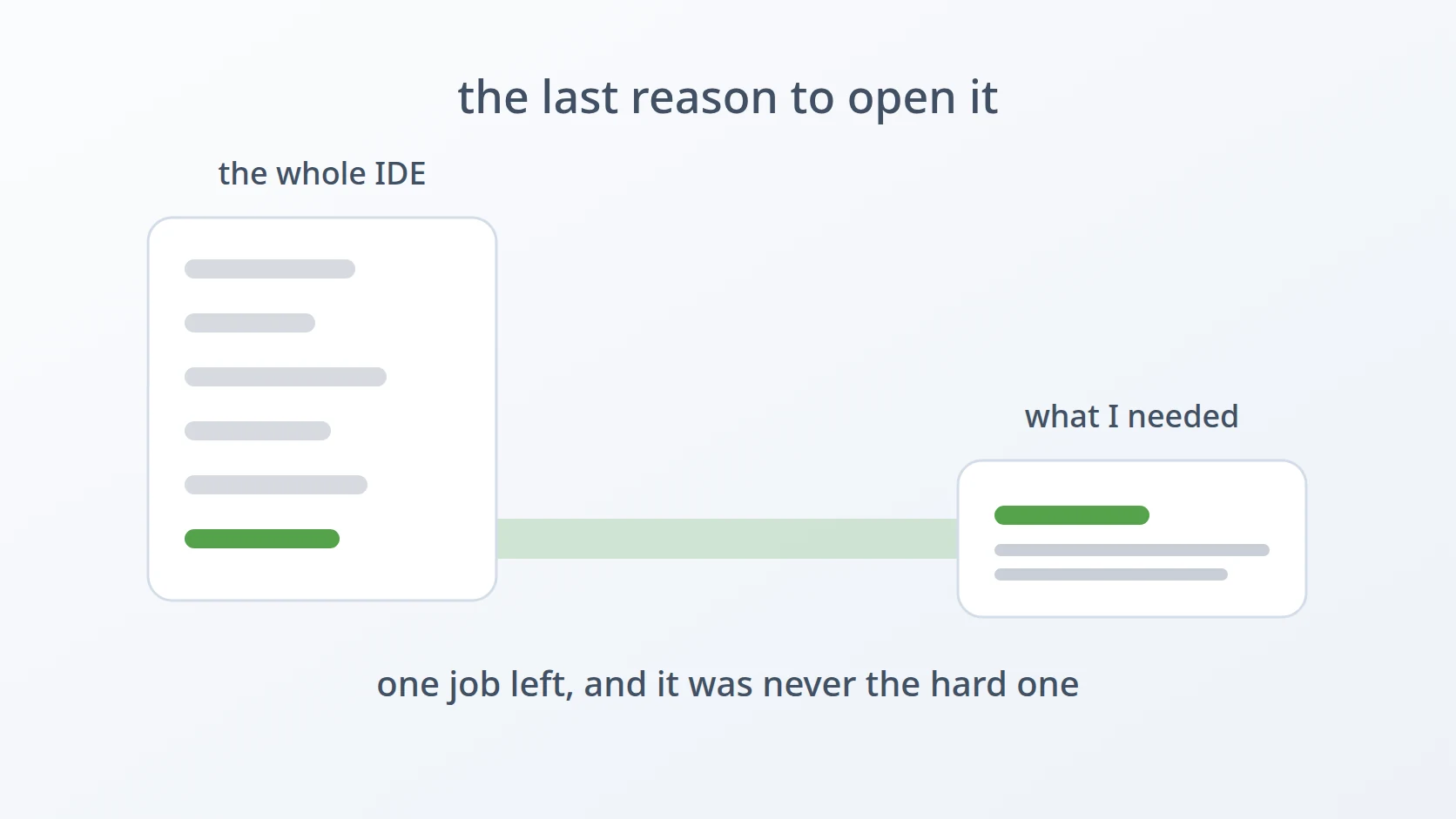
One by one, those jobs moved out. Editing happens in VS Code, because that is where every other project of mine already lives. Compiling happens in a terminal, because a build that runs from a terminal is a build that can run from anything else too. Flashing happens from a terminal for the same reason. What remained was the last item on the list: reading the serial output, the stream of printf lines that tells you whether the thing you just flashed is doing what you thought it would.
That one job was still holding the IDE open. Not because it is hard, but because it was the only piece that had never been moved.
The challenge is to read the serial output of a microcontroller under active development, on Linux, without installing the IDE that chip is supposed to be developed with.
Easy to state, awkward to build. The awkwardness is not in reading bytes from a serial port — a program that does that has existed on every Unix system for decades. It is in everything the IDE was quietly doing around that reading, which becomes visible only once the IDE is gone.
B. What the serial output is actually for
Two things about how this output gets used shape every decision below, and neither is obvious from the outside.
The first is that the traffic goes one way. This is a debugging read, not an interactive session: the firmware prints, and I read. There is no need to type commands back to the device, no protocol to speak, no prompt on the other end waiting for input. A tool that only reads is not a limitation here; it is the whole requirement.
The second is that sometimes reading is not enough, and the output has to be kept. When a bug appears only occasionally — a timing problem, a peripheral that initialises wrongly one boot in ten — the useful thing is not watching the current run but comparing it against the previous one. That means the output has to land in a file, and it means a log that gets destroyed is not an inconvenience but the loss of evidence that may not be reproducible.
Those two facts explain why the tool has the shape it does: a reader by default, a recorder on request, and unusually careful about the recording.
C. Six obstacles in the way
The serial monitor was a passenger inside an application I did not otherwise need. MounRiver Studio exists to write and build firmware, and both of those had already left. Launching a full IDE to watch a text stream scroll past is a lot of machinery for a small job, and the rejected alternative is worth naming: the Arduino IDE's serial monitor, which is the same bargain in a different wrapper. What I used instead was screen — already installed, already understood, and requiring nothing to be added to the machine.
screen does not check anything before it fails. Point it at a device name that does not exist, or hand it a baud rate that is not a number, and what comes back does not clearly say which of the two you got wrong. These are the two mistakes that actually happen, and they are worth answering before screen is ever reached, in a message that names the thing that was wrong.
The device name changes on its own. A chip with built-in USB-CDC appears as /dev/ttyACM0; one reached through a USB-to-serial adapter appears as /dev/ttyUSB0. Worse, the number moves — unplug the board and plug it back in with something else attached, and yesterday's ttyACM0 is today's ttyACM1. A tool with a fixed device name would be wrong regularly, and a tool with no default would make the common case tedious.
A log that gets overwritten silently is lost evidence. Because the recordings exist to be compared against each other, quietly truncating the previous one is the most expensive thing this tool could do. The rejected alternative is the usual one: just overwrite, because that is what shell redirection does. This is the same decision made in two earlier tools of mine — a copy tool and a build-directory cleaner — where the default answer to a destructive question is no.
The thing running screen has to be screen itself. This is the subtlest of the six and the easiest to get wrong, because a wrapper that calls the program and waits for it looks correct and mostly behaves correctly. For an interactive, full-screen program driven by control keys, the extra process in between is not free.
Watching and recording are two modes, not one. Logging is on only when asked for. The tempting alternative — always record, storage is cheap — produces a directory of files nobody ever opens, and makes the interesting recordings harder to find among the ones that were never wanted.
The order matters. The first obstacle is why the tool exists; the next three are things the IDE was doing on my behalf without ever saying so; the last two are about how a wrapper should behave once it is the thing standing between a terminal and a program. Taken together they describe what "just use screen" leaves out.
Method
A. The program was already on the machine
Here is the answer to the first obstacle: nothing needed to be installed, because a serial terminal has been part of Unix for longer than the chip has existed.
That is the entire mechanism the tool is built around — a device and a baud rate. screen is usually thought of as a way to keep shell sessions alive across disconnections, and its ability to attach directly to a serial line is a second job that gets far less attention. It costs nothing to use, because it is already there.
The defaults come from the hardware rather than from preference. 115200 is what the firmware itself is configured to use, and /dev/ttyACM0 is how this chip presents itself, because the CH32V203 provides USB-CDC on the chip rather than through a separate adapter.
BAUDRATE=115200
INTERFACE="/dev/ttyACM0"
Two lines, and they encode a claim: the common case should need no arguments at all. Typing the tool's name with nothing after it should start reading the board that is almost certainly plugged in, at the speed it is almost certainly talking.
B. Answering the two mistakes that actually happen
This answers the second obstacle. Both checks run before screen is called, and both exist because these are the two things that go wrong in practice rather than in theory.
A baud rate has to be a number, and the check is the regular expression rather than a range:
|| The anchors on both ends are doing real work. Without them the pattern would match anything that merely contains a digit, which is how a typo like -b 115200x would sail through and become a confusing failure much later. With them, everything that is not a plain positive integer is refused at the point of entry — a decimal, a negative, a word.
The device check is the other half:
if ; then
The message includes the path it was given, which sounds trivial and is the entire point. The failure mode being prevented is not "the tool stopped" but "the tool stopped and I cannot tell whether I mistyped the device, or the board came unplugged, or I am looking at the wrong port number". Naming the value answers all three at once.
C. A default that is right most of the time, and overridable the rest
This answers the third obstacle. Since the device name moves, the tool needs both a default that covers the common case and a way to say otherwise without editing anything.
The reason this matters more for serial devices than for most things is that the name is assigned by the order of enumeration, not by identity. ttyACM0 is not the name of my board; it is the name of whichever CDC device was seen first. Plug in a second one, or replug the first after something else has claimed the number, and the correct argument changes without anything about the board changing.
The alternative I rejected was matching the device by its USB vendor and product identifiers, which is what a udev rule would do — udev being the Linux mechanism that acts on devices as they are plugged in — and which would produce a stable name that always points at this board. That is the better answer for a tool other people install. For a tool with one user and one board on the desk, a default plus a one-flag override solves the same problem without asking anyone to install a rule first.
D. Refusing to destroy the previous recording
This answers the fourth obstacle. When logging is requested and the target file already exists, the tool stops and asks:
case "" in
y|Y|yes|Yes) ;;
*) ; ;;
esacThe important detail is the shape of the case. Only four spellings mean yes; everything else — including an empty answer from pressing Enter — falls into * and cancels. That is why the prompt is written [y/N] with the capital on the N: the capital is a promise about what happens when you do not read the question carefully, and the code has to keep that promise.
The ordering matters too. The truncation happens here, in the yes branch, before screen is started — not as a side effect of opening the log later. That makes the destructive step and the confirmation adjacent, rather than separated by everything else the tool does.
And the exit on cancel is 0, not an error. Deciding not to overwrite a file is a successful outcome of asking a question, not a failure of the tool.
E. Why exec, and what it actually changes
This answers the fifth obstacle, and it is the one worth measuring rather than asserting. The tool ends with exec:
Without exec, the script would call screen, and then sit there waiting for it to finish. Both versions appear to work. The difference is what the process tree looks like, and it can be observed directly with a stand-in program.
# with-exec.sh runs: exec sleep 30
&
|
The script's own process became sleep. There is no shell left — exec replaces the running program while keeping the same process, so what the terminal is connected to is the target program itself. Compare the version without it:
# no-exec.sh runs: sleep 30
&
|
Here the process is still bash, and sleep is its child — one extra process sitting between the terminal and the program that is meant to be in charge.
For a program that produces output and exits, that middle layer is harmless. For screen, it is not. screen is driven entirely by control keys: Ctrl-A is its command prefix, and detaching, scrolling back through the buffer, and quitting are all key sequences it needs to receive as the foreground program on that terminal. An intervening shell changes who owns the terminal and who is delivered the signals, which is exactly the kind of bug that presents as "sometimes Ctrl-C does the wrong thing" and takes a long time to trace back to a missing six-letter word.
There is a secondary benefit that matters for a wrapper specifically: with exec, the wrapper leaves no trace. Its exit status is screen's exit status, because there is no longer a separate process to report one, and nothing has to be forwarded or translated.
F. Recording as a mode, not a default
This answers the sixth obstacle. There are two ways to end, and which one runs depends on whether a log was asked for:
if ; then
else
Both branches are exec, so the reasoning above applies to both; the only difference is the two flags that turn on logging. Keeping them in separate branches rather than building an argument list conditionally means each mode reads as one complete command, which is easier to check against screen's own documentation.
The reason recording is opt-in rather than always-on is not disk space. It is that a directory full of logs from every session makes the three recordings that matter harder to find, and a file that is always being written is a file nobody thinks to look at. Asking for a log with -d is also a note to yourself that this run is one you intend to come back to.
Results and Discussion
A. What the IDE was doing that nobody mentions
The IDE has not been opened for serial output since. The interesting part is not that the replacement works — screen was always going to work — but what had to be decided once the IDE stopped deciding it.
| Decision | What it buys | Alternative rejected |
|---|---|---|
screen as the engine | nothing to install; already on every machine | Arduino IDE monitor — same bargain, different wrapper |
| defaults from the hardware | the common case needs no arguments | required arguments — tedious for the 90% case |
^[0-9]+$ anchored | 115200x refused at entry, not later | unanchored match — a typo becomes a late, confusing failure |
| error messages name the value | distinguishes typo from unplugged board | generic failure — three causes, one message |
[y/N] with * catch-all | Enter cancels; previous recording survives | plain overwrite — loses evidence that may not recur |
exec | 0 intermediate processes; control keys arrive intact | call-and-wait — 1 extra process owning the terminal |
logging behind -d | the recordings that exist are the ones wanted | always record — a directory nobody opens |
B. The pattern underneath the six
Read as a list, the six obstacles look unrelated: one is about installation, two are about input validation, one is about not destroying files, one is about process semantics, one is about defaults. What connects them is that the IDE was handling every one of them silently, and none of them announced itself until the IDE was removed.
That is the general shape of replacing a piece of integrated tooling with a small script. The visible function — read from a serial port — is the easy part and the part that gets estimated. The cost is in the surrounding decisions that the integrated version had already made, correctly enough that nobody had to think about them. A wrapper that does only the visible function feels worse than the IDE, and it is tempting to conclude the IDE was better, when what actually happened is that four or five small decisions were skipped.
Worth stating as a limit rather than a victory: this tool is right for one person with one board. The udev rule I declined, the send direction I never needed, the log rotation I did not write — each of those is a real requirement for somebody, and their absence is what keeps the script small enough to read in one sitting.
C. Where this approach stops being the right one
The one-way constraint is the honest boundary. Because this is a debugging read, a tool that only receives is sufficient, and screen is a good fit. A device with an interactive command prompt on the other end — something expecting typed input and responding to it — is a different job, and while screen can send characters, building a wrapper around that would mean thinking about line endings, local echo, and flow control, none of which this tool considers at all.
The same applies to anything needing the output parsed rather than read. Watching for a specific line, counting occurrences, or triggering on a pattern is a job for something that treats the serial port as a stream to process, not a screen to look at. The moment the requirement stops being "let me see it" the mechanism should change, and that is a different tool rather than more flags on this one.
Conclusion
A vendor IDE holds onto the last job that has not been moved out of it, and for this RISC-V firmware that job was reading serial output. Moving it took a program that was already installed, plus six decisions the IDE had been making without comment: pick defaults from the hardware so the common case is bare, reject the two inputs that are actually mistyped before reaching the terminal program, name the offending value in the error, treat an existing log as evidence rather than a file, hand the terminal over completely with exec, and make recording something requested rather than assumed.
The measurement worth keeping is the one about exec, because it is the decision whose absence would have been hardest to diagnose. With it, the script's process becomes screen and has no children; without it, the process stays bash and screen becomes a child, leaving a layer between the terminal and a program that is steered entirely by control keys. Six letters, and the difference between a wrapper that disappears and one that interferes.
What makes the whole thing small is a requirement that is genuinely narrow — one board, one direction, one person. Every feature this tool does not have is one that narrowness made unnecessary.
Terms
- baud rate
- The signalling speed of a serial line, in symbols per second. Both ends must agree; a mismatch produces output that arrives as plausible-looking garbage rather than as an error.
- USB-CDC
- USB Communications Device Class — the standard that lets a microcontroller present itself to the host as a serial port with no adapter in between. On Linux such a device appears as
/dev/ttyACM*. /dev/ttyUSB*- The device names used for serial ports provided by a separate USB-to-serial adapter chip, as distinct from a port the microcontroller implements itself.
exec- A shell builtin that replaces the current process with the named program instead of starting a new one. The process id stays the same; the shell that called it no longer exists.
screen- A terminal multiplexer, better known for keeping shell sessions alive across disconnections, which can also attach directly to a serial line given a device and a baud rate.
- RISC-V
- An open instruction set architecture. Relevant here only because it is why the chip's vendor toolchain is a separate IDE rather than one of the more widely supported embedded environments.
Technologies covered
- Bash
- Microcontrollers
- RISC-V