S3 Health Check
On this page
- At a glance
- What it does
- A. Connects first, and stops there if it cannot
- B. Uses each bucket the way a client does
- C. Proves large files survive
- D. Tests the limits of a proxy
- E. Reports in a form that both people and scripts can use
- F. Cleans up after itself
- How I use it
- Design decisions
- Specifications
- Related
- Terms
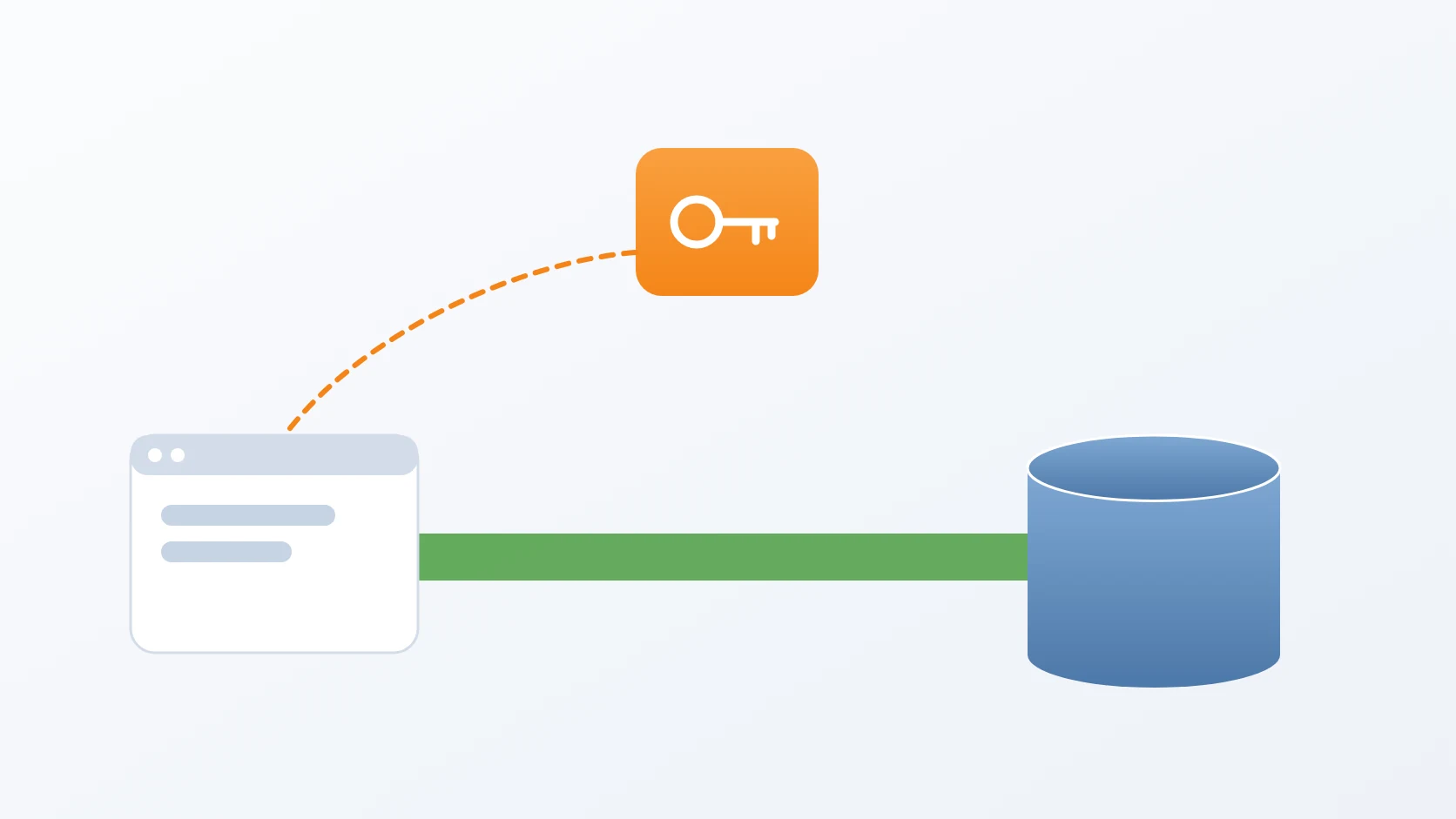
S3 Health Check is a single Python script that proves an S3-compatible storage server is ready before any application is allowed to depend on it. Instead of asking whether the server answers, it uses the server exactly the way a real client would — with the same credentials and through the same kinds of links — and reports, check by check, whether each bucket behaves as it is supposed to.
Object storage keeps files as objects inside named buckets, reached over HTTP; Amazon S3 defined the interface, and servers such as MinIO implement it for self-hosted use. A presigned URL is a temporary link, signed with the storage credentials, that lets a browser upload or download one specific object without ever holding those credentials. Most of what can go wrong with object storage goes wrong in those links, and most of it goes wrong silently — which is why the tool exists.
At a glance
| Form | A single command-line script |
|---|---|
| Language | Python 3, with boto3 and requests |
| Status | Stable, in use |
| Source code | Private |
What it does
A. Connects first, and stops there if it cannot
The first check connects and authenticates against the server. If that fails, nothing else runs: a wrong endpoint, a certificate problem, or a rejected key is reported once and clearly, instead of as a cascade of failures across every bucket that hides the one real cause. It connects by listing buckets, so the very first answer already proves the credentials are accepted.
B. Uses each bucket the way a client does
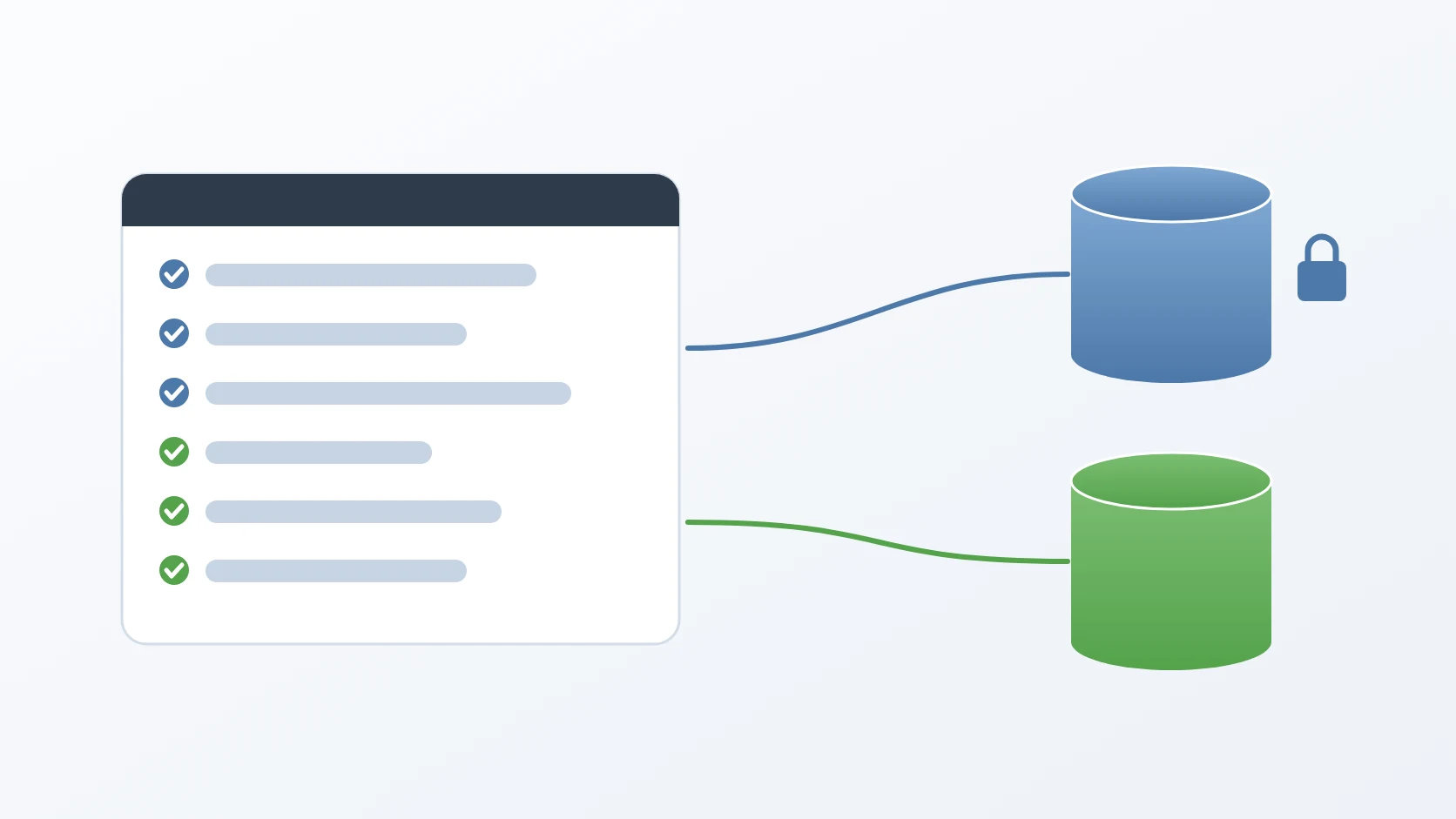
Every bucket in the configuration declares whether uploads and downloads need authentication, and the script follows those flags exactly. A bucket whose flags are left out is treated as private. Where authentication is required, it creates a presigned link and sends a small random object through it; where it is not, it uploads or downloads with no credentials at all. Before any of that it asks the server whether the bucket exists and the key may use it, so a missing bucket is named as missing rather than buried under upload errors, and a bucket the configuration lists but the server does not have is reported up front. It then checks the bucket's real access policy on its own: a private bucket must refuse a stranger, and a public bucket must serve one.
C. Proves large files survive
Large files are uploaded in parts, and a server or a proxy in front of it that mishandles those parts usually does so without an error. The default test object is 16 MiB, large enough that the test cannot pass without real parts. The script uploads it in parts and reads the part count from the server's own response, falling back to the suffix of the ETag when the server does not report it. It checks the stored size by asking a second time without a part number, because the size reported next to a part number is the size of that one part. It then downloads the object and compares an MD5 of the bytes, because the ETag of a multipart object is not an MD5 of its contents. Both directions stream: the upload is generated as it is sent and the download is hashed as it arrives, so memory stays flat even at gigabytes. The run reports how long the upload took and its throughput, and the large test runs only when the small checks of that bucket passed, so a broken basic path is not buried under multipart noise.
D. Tests the limits of a proxy
When the part size is set to the full size of the object, the upload goes out as a single request instead of parts, which turns it into a direct test of a proxy's request-size limit. Part sizes are checked before anything is sent: below the 5 MiB minimum, or more than 10,000 parts, the run stops and suggests the smallest part size that would work. The multipart and single-request tests use the storage SDK against the configured endpoint, not presigned links, because a multipart upload is three API calls in sequence that one presigned link cannot represent, and the presigned path is already covered by the small test.
E. Reports in a form that both people and scripts can use
It prints one line per check, a summary per bucket that lists its failures, and an overall status: HEALTHY when every bucket passes, DEGRADED when only some do, and UNHEALTHY when none do or the server cannot be reached. It ends with an exit code. A failed check is translated into its likely cause: a 413 points at the proxy's request-size limit, a part that is too small at the part size, and certificate errors, connect timeouts, and read timeouts are told apart. A person reads the lines; a deployment script reads the exit code and stops before an application starts against storage that is not ready.
F. Cleans up after itself
Every test object is named with a fixed prefix, a timestamp, and a random suffix, and is deleted when its checks finish, even when a check before it failed. The deletion is a check of its own: an object the script cannot remove marks its bucket as failed. If a run is interrupted, whatever it left behind is easy to find by that prefix, so running the tool against a production server leaves no trace in the buckets.
How I use it
Three commands cover nearly every use: a full run, a quick run without the large-file test, and a run with a much larger test object when a proxy is suspected.
The configuration names the server, the credentials, the address clients actually use, and each bucket with its two flags. The real file holds live credentials and never leaves the machine; a placeholder copy is kept next to the script to start from.
| Option | Default | Effect |
|---|---|---|
--config FILE | config.json | configuration file to read |
--large-size SIZE | 16MiB | size of the multipart test object, e.g. 512MB, 1GiB |
--part-size SIZE | 5MiB | size of each part; 5 MiB is the protocol minimum, and the full object size makes a single-request test |
--skip-large | off | skip the multipart tests for a quick run |
--timeout SECONDS | 30 | timeout for each network operation |
--keep-artifacts | off | keep the test objects for inspection |
--verbose | off | print extra detail, with signatures in URLs masked |
The exit code is part of the contract: 0 when every check passes, 1 when at least one fails, 2 when the configuration or a command-line value is invalid or a required library is missing — with the install command instead of a traceback — and 130 when the run is interrupted. This is a shortened real run against a server with one private and one public bucket, with the host name replaced; the tool reports in Indonesian:
===
[ &
===
[
[
[
[
Design decisions
It tests the way a client tests, so a pass means something. A server that answers a connection has proven only that a process is listening. I made the script use presigned links where clients use them and anonymous requests where clients make them, and send both to the public address clients actually use. A pass therefore means that links work for real users at the address they actually use, not merely that a back door is open.
It catches the failures that do not announce themselves. An HTTP 200 does not prove the bytes arrived intact, so every download is compared by MD5. A bucket's flags in the configuration do not prove its real policy, so the policy is tested separately and a disagreement is reported as a POLICY MISMATCH that names both sides. A successful multipart upload does not prove it was split, so the tool reads the part count from the object's ETag. Each of these failures would otherwise surface much later, as a broken image or, worse, as private files that turn out to be public.
It fails fast, so it can sit inside automation. The storage client is allowed two attempts per operation, not the default many: a health check that quietly retries for minutes hides exactly the slowness it should report. Together with stopping at the first connectivity failure and an exit code with fixed meanings, that lets a deployment run it as a gate and act on the answer.
It is safe to run anywhere, as often as needed. Test objects carry a recognisable prefix and are removed after use. The large payload is generated as it is sent rather than held in memory, and generated from a seed, so the same position always yields the same bytes — which matters because the SDK resends a part when it retries, and replayed bytes that differed would fail the checksum for a reason that has nothing to do with the server. The generated stream also answers the close call the SDK makes on a single-request upload, a call that once ended the run with an attribute error. In verbose mode, signatures and credentials in URLs are masked, so a log of a run can be shared, and both the real configuration and any saved output are kept out of version control, because the output names the real endpoint.
A forgotten setting fails safe, and a wrong one fails early. A bucket without upload or download flags is expected to be private, so forgetting a flag can never make the script accept a public bucket as correct. The configuration is validated before any connection: flags must be real booleans, link lifetimes must stay within the seven days a SigV4 signature allows, the addressing style must be a known one, bucket names may not repeat, and credentials may not be empty. A typo therefore ends the run with exit code 2 instead of surfacing as a misleading test failure. The endpoint is normalised as well — a missing scheme is added, and a port is appended only when it is not the default — so the host the SDK signs is the host that is actually sent.
Specifications
| Inputs | A JSON configuration: endpoint, region, addressing style, credentials, public address, link lifetime, and buckets with their upload and download flags |
|---|---|
| Outputs | One line per check, a summary per bucket, an overall status of HEALTHY, DEGRADED, or UNHEALTHY, upload throughput, and an exit code of 0, 1, 2, or 130 |
| Checks | Connectivity, bucket existence and access, presigned and anonymous upload and download, MD5 integrity, anonymous-access policy, multipart upload with part count and size, single-request size limit, cleanup |
| Configuration | Nested layout or the older flat one; link lifetime set globally or per bucket, up to seven days; sizes in decimal or binary units such as MB or MiB; TLS verification on unless turned off on purpose |
| Dependencies | Python 3, boto3, botocore, requests |
| Safety | Prefixed test objects deleted after use; optional retention for inspection; secrets masked in verbose output; no change to buckets or policies |
| Works with | Any S3-compatible server, such as MinIO, including servers behind a reverse proxy |
Related
The story behind these checks, and why each one exists.
It follows the shape I give every small tool: one file, one job, and an exit-code contract at the top.
It is the kind of readiness check my release procedure runs before code starts depending on an external service.
The template that creates the private and public buckets this check proves ready.
Terms
- Presigned URL
- A temporary link signed with storage credentials that allows one specific upload or download without giving the client those credentials.
- Multipart upload
- Uploading a large object as several separately sent parts that the server joins into one object.
- ETag
- An identifier the server returns for a stored object; for multipart uploads it ends with a hyphen and the number of parts.
- MD5 checksum
- A short fingerprint of a file's contents; two copies with the same checksum are, for this purpose, identical.
- Exit code
- The number a program returns when it finishes, which other scripts read to decide what to do next.
Technologies covered
- Python
- boto3
- MinIO
- S3