Single-File Tool Architecture
On this page
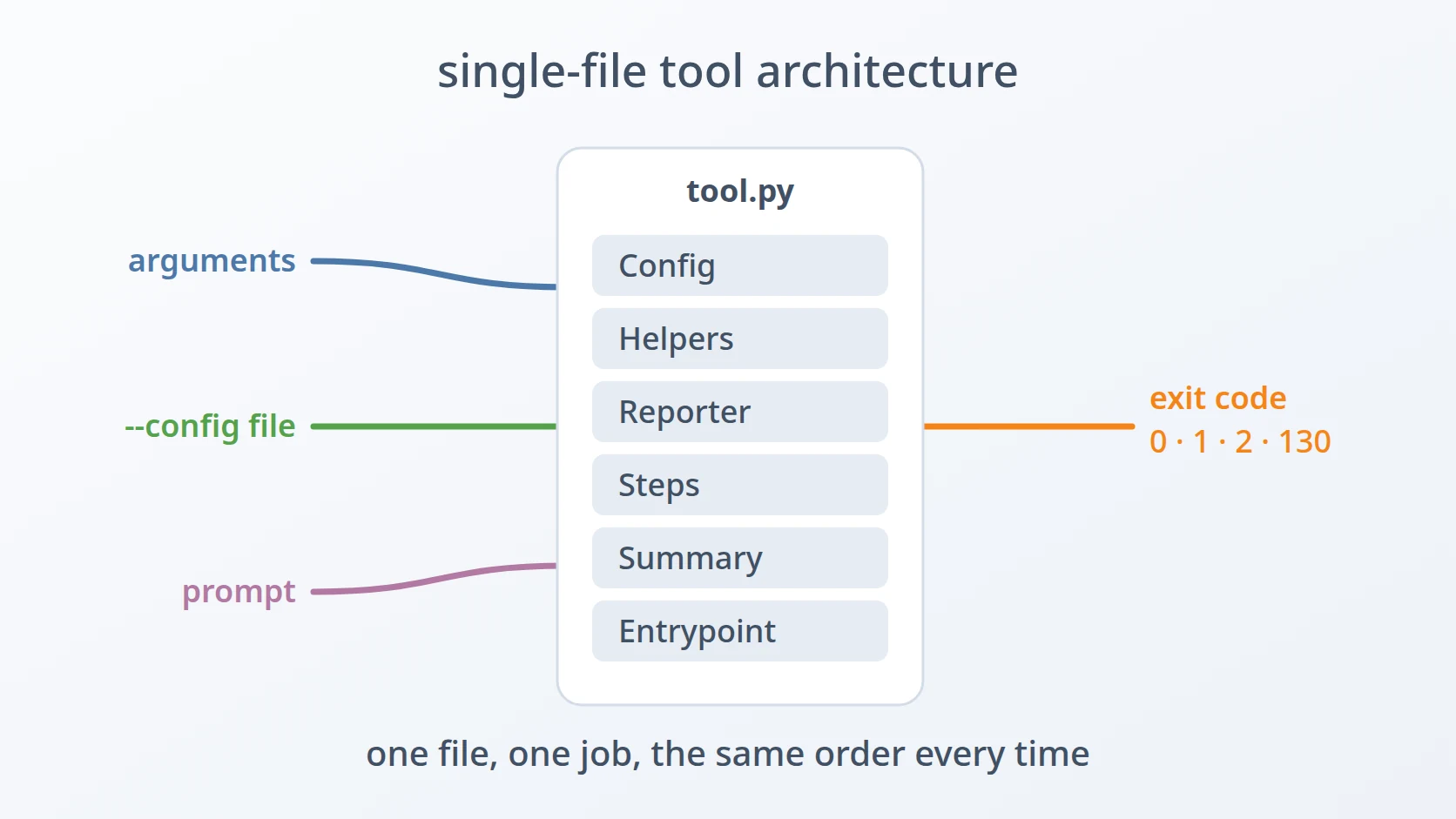
Single-File Tool Architecture is the shape I give to small tools: one file that does one job, with its sections always in the same order and a fixed contract for how it is started and how it reports the result. It is my own convention, not a design from a book. It grew out of writing many small tools that check servers, generate deployment stacks, and convert files.
It is one of the architectures I use, and it covers the smallest end of my work. For services that hold real business rules and live for years I use something heavier; for a tool that does one thing and finishes, this is enough.
At a glance
| Origin | My own convention, shaped by many small command-line tools |
|---|---|
| I use it for | Tools with one clear job, run by a person or by another script: readiness checks, stack generators, converters |
| I do not use it for | Long-lived services with many use cases |
| Languages | Python, Bash |
The idea in brief
A. One file, one job
The whole tool lives in a single script. Next to it there are only the things it reads: a dependency list, an example configuration file, and for generators a folder of templates. There is no package, no import between files of the same tool, and nothing to install beyond its dependencies.
B. Read from top to bottom
The file is divided into sections marked by a banner comment, and the sections always come in the same order: configuration, helpers, a reporter, the steps that do the actual work, a summary, and the entry point. Reading the file from top to bottom follows the life of one run.
C. A contract at the top
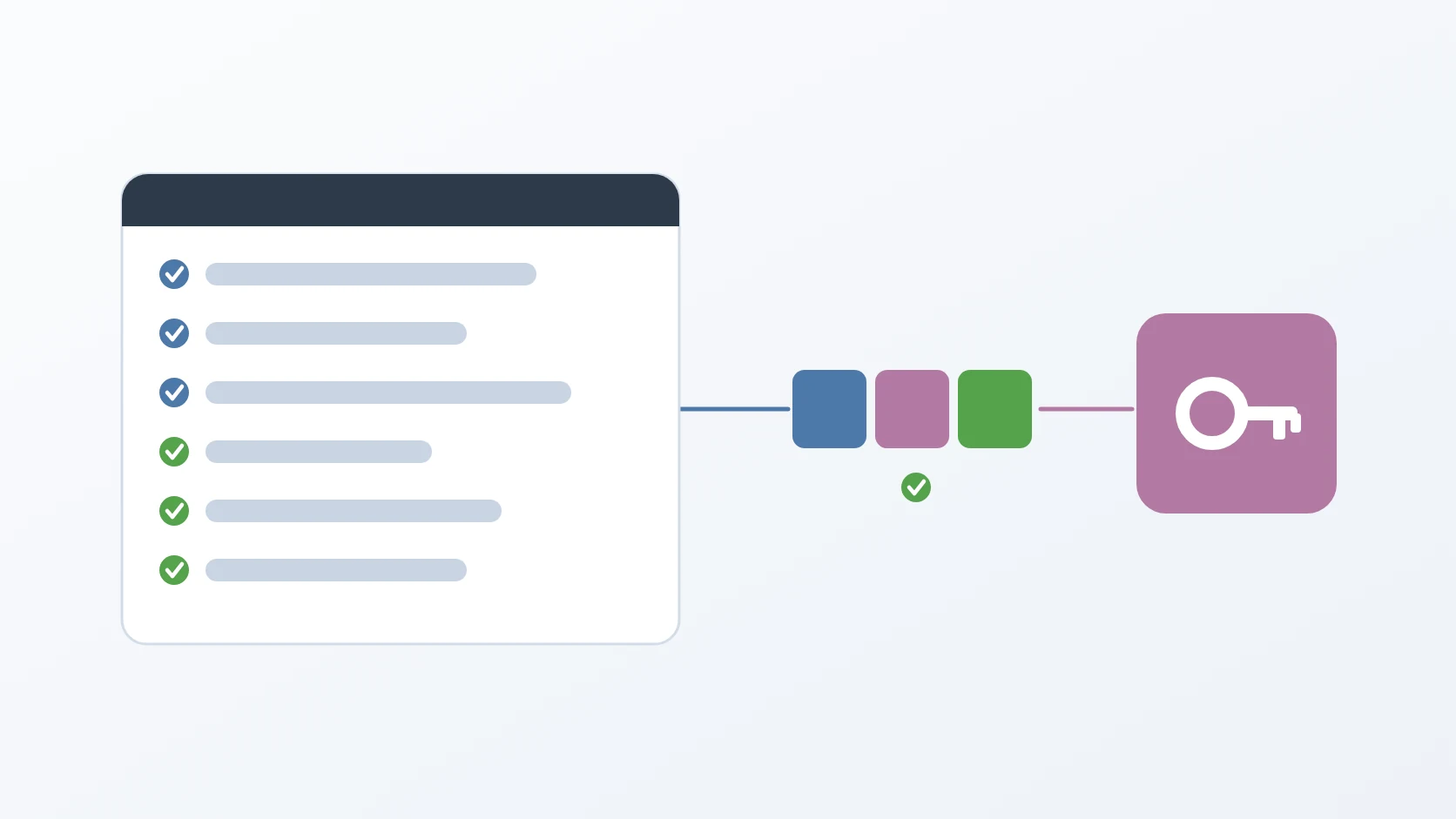
The first lines of the file say what the tool does and what its exit codes mean. The exit code is the number a program returns when it ends, and it is how another script tells success from failure without reading the output.
D. Three ways in
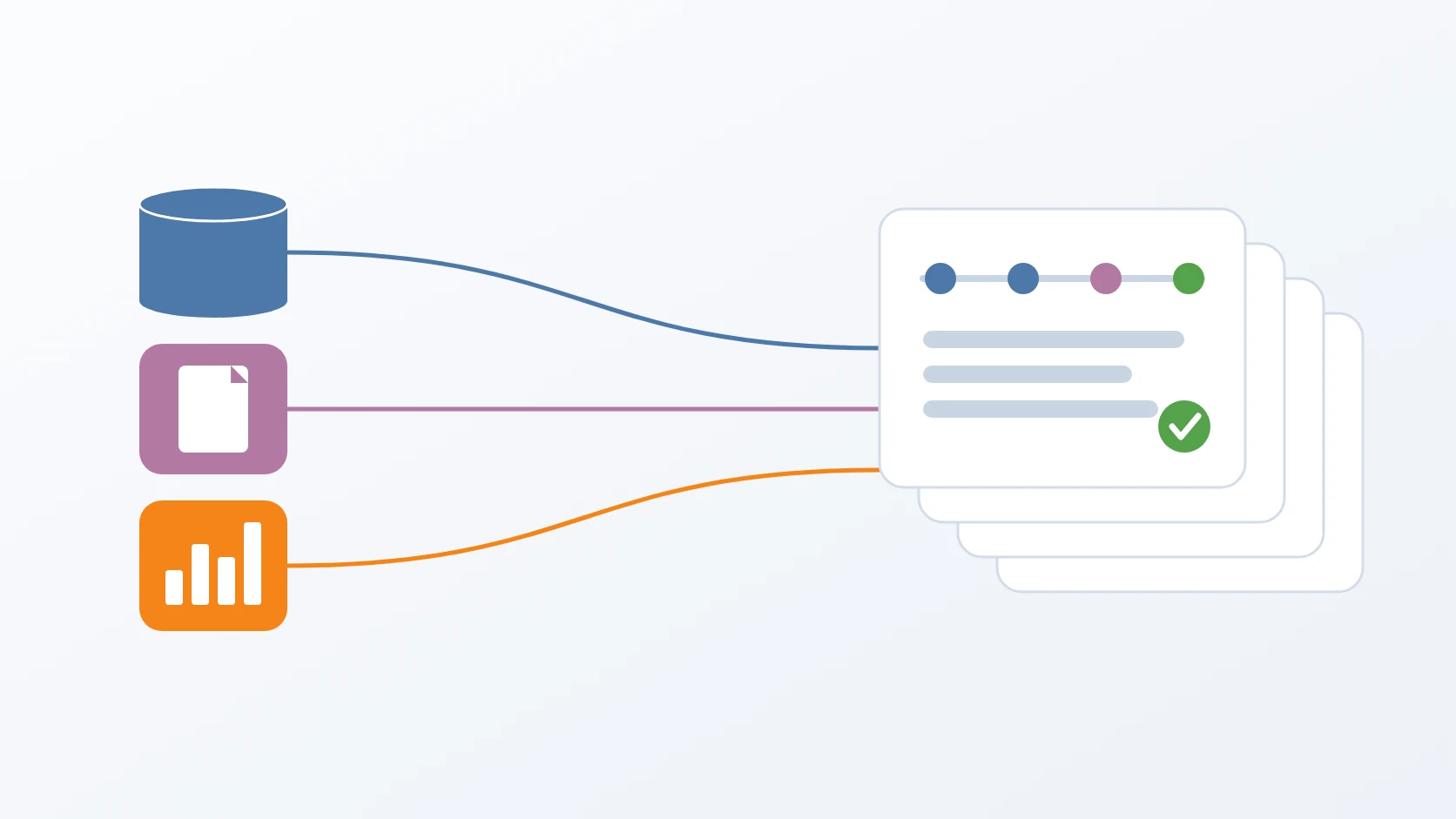
A tool receives its input in up to three ways: command-line arguments for options, a configuration file for everything that describes one target, and an interactive prompt for values that change on every run. Each kind of value has one way in, so a run is easy to repeat.
Why I chose it
Layers make a small thing complicated. A tool with one job does not need domains, use cases, and adapters. Splitting a few hundred lines across several folders would make the structure bigger than the program, and I would spend more time navigating it than reading it.
One file is easy to copy and move. I can carry a tool to another machine as one script, its configuration, and its dependency list. There is no package to build or publish before it can run somewhere else.
The same order in every tool tells me where things are. Because every tool keeps its sections in the same order, I know where the configuration is validated or where the summary is printed in a tool I have not opened for months, before I read a single line of it.
Another script can call it. Fixed exit codes, and inputs that can come from arguments or from the environment, mean a tool I run by hand today can be run by a scheduler or a pipeline tomorrow without changes.
My conventions
A tool of mine that says it follows this architecture has this shape. In Python:
#!/usr/bin/env python3
"""What the tool checks or does.

Exit code:
    0 - every check passed
    1 - a check failed
    2 - the configuration is missing or invalid
  130 - cancelled by the user
"""

# --- Config ------------------------------------------------------------
# --- Helpers -----------------------------------------------------------
# --- Reporter ----------------------------------------------------------
# --- Steps -------------------------------------------------------------
# --- Summary -----------------------------------------------------------
# --- Entrypoint --------------------------------------------------------| Section | What it holds |
|---|---|
| Config | loading the configuration file and validating every field strictly, before any connection is made |
| Helpers | small functions the steps share, such as turning an error into one readable line |
| Reporter | printing one line per check, pass or fail, and collecting facts for the summary |
| Steps | the actual work, one section per part of the job |
| Summary | a count of passed checks and a final status |
| Entrypoint | parsing arguments, running the steps, and choosing the exit code |
Each kind of input has its own way in:
| Input | Used for | Example |
|---|---|---|
| command-line argument | options that change how the tool runs | --timeout 30 |
| configuration file | everything that describes one target, one file per target | --config server-a.json |
| interactive prompt | values that change on every run | the address a test message is sent to |
A missing third-party dependency also ends the run with exit code 2 and a message that says how to install it. Next to every tool there is an example configuration file with placeholders, and the real configuration files, which hold credentials, are never committed.
The Bash variant is used for generators — scripts that create a ready-to-use folder from templates. Its header lists the environment variables it respects, and every input is read the same way: from the environment if it is set, otherwise from a question with a default.
# ask VAR "Prompt" "default": use the environment variable if set, otherwise ask
That one rule lets the same generator run interactively for me and unattended in automation, with one more variable to skip every confirmation. The templates sit in a folder next to the script, so the generator carries everything it needs.
How I check a tool against it
These are the questions I ask a finished tool, taken from the conventions above:
| Area | Question I ask | Source |
|---|---|---|
| Contract | Do the first lines say what the tool does and what each exit code means? | the contract at the top |
| Order | Are the sections in the fixed order, each marked by a banner? | the section order |
| Configuration | Is every field validated before anything is connected, with its own exit code when it fails? | the Config section |
| Input | Does each kind of value have exactly one way in? | the three ways in |
| Reporting | Does every check print one line, and does the summary count them? | the Reporter and Summary |
| Secrets | Is there an example configuration with placeholders, and is the real one kept out of the repository? | configuration files |
| Automation | Can it run without a person, through arguments, configuration, or environment variables? | the Bash variant and exit codes |
Where I do not use it
When a tool grows into a service
A tool that starts to hold several jobs, serves requests, or needs to live and be maintained for years has outgrown one file. At that point the layers that would have been a burden become worth their cost, and I move it to Clean Architecture, where its rules are kept apart from the tools around them.
References
This architecture has no book behind it; it is a convention I built up from my own tools. Two parts of it follow long-standing conventions of Unix command-line programs: an exit code of 0 for success and a non-zero code for failure, and 130 for a run interrupted with Ctrl+C, which shells report as 128 plus the number of the interrupt signal.
Terms
- Exit code
- The number a program returns when it ends. Scripts use it to tell success from different kinds of failure without reading the output.
- Configuration file
- A file, here JSON, that describes one target the tool works on, such as one server and its credentials.
- Interactive prompt
- A question the tool asks in the terminal while it runs, for values that change on every run.
- Environment variable
- A named value set outside a program and readable by it, which lets a script supply answers without typing them.
- Generator
- A script that creates a ready-to-use folder, such as a deployment stack, from templates and a few answers.