Image Build & Versioning Toolkit
On this page

Image Build & Versioning Toolkit is a set of commands that give every module of a stack its own version, build its image under that version, and archive images in a way that keeps versions apart. One builds a module and raises its version; one raises a version without building; two save images to files and load them back.
A stack of nine modules does not change all at once. When one service gets a fix, only that service deserves a new number, and the tag it carries has to mean exactly one build, because staging and production will pull that tag and trust that it is what was tested.
At a glance
| Tools | build-all, upgrade-version-only, backup-docker-images, restore-docker-images |
|---|---|
| Form | Command-line scripts; the version-only and backup commands load a shared helper library to derive the module list, while build and restore stand alone |
| Language | Bash with awk, driving Docker Compose and Cargo |
| Status | Stable, in production |
| Source code | Private |
What it does
A. Versions each module on its own
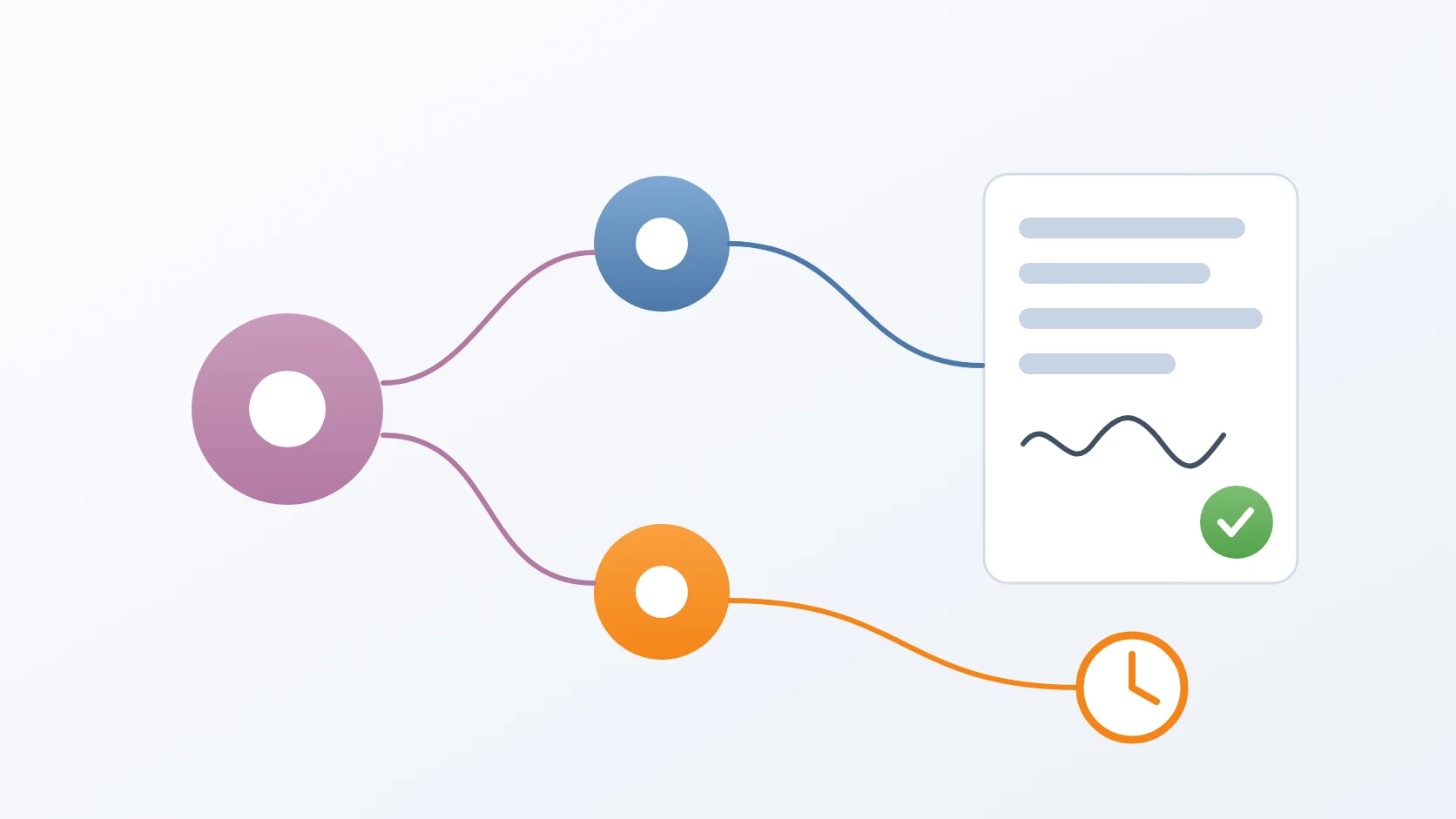
Each module keeps its version in its own environment file, so one service can be at 2.13.0 while the rest stay at 2.11.2. Building one module raises only that module's number; building all of them is a separate, explicit option, because raising every version for a change in one service creates releases that did not happen.
B. Builds an image under its new version
The build command reads the module's current version from its file, writes the new one, and builds the image. Modules written in Rust compile their binary on the host first, since their image only copies the finished binary; the source location can be redirected for another machine. Modules used across projects build under a universal image name, without any project's suffix, so the same image serves every project that uses it.
C. Refuses to reuse a version
If the module already carries the version requested, the build stops and explains why. A deliberate rebuild under the same number, for instance after a base image changed without any change to the source, needs an explicit flag.
D. Raises a version without building
When the image already exists, pulled from the registry, the second command only brings the module's version in line with it. Its list of modules is derived from the compose files rather than written by hand, so a new module is included without anyone remembering to add it. A module already at the requested version is reported as fine, and one without an environment file or a readable version is skipped with a message.
E. Archives images by name and tag
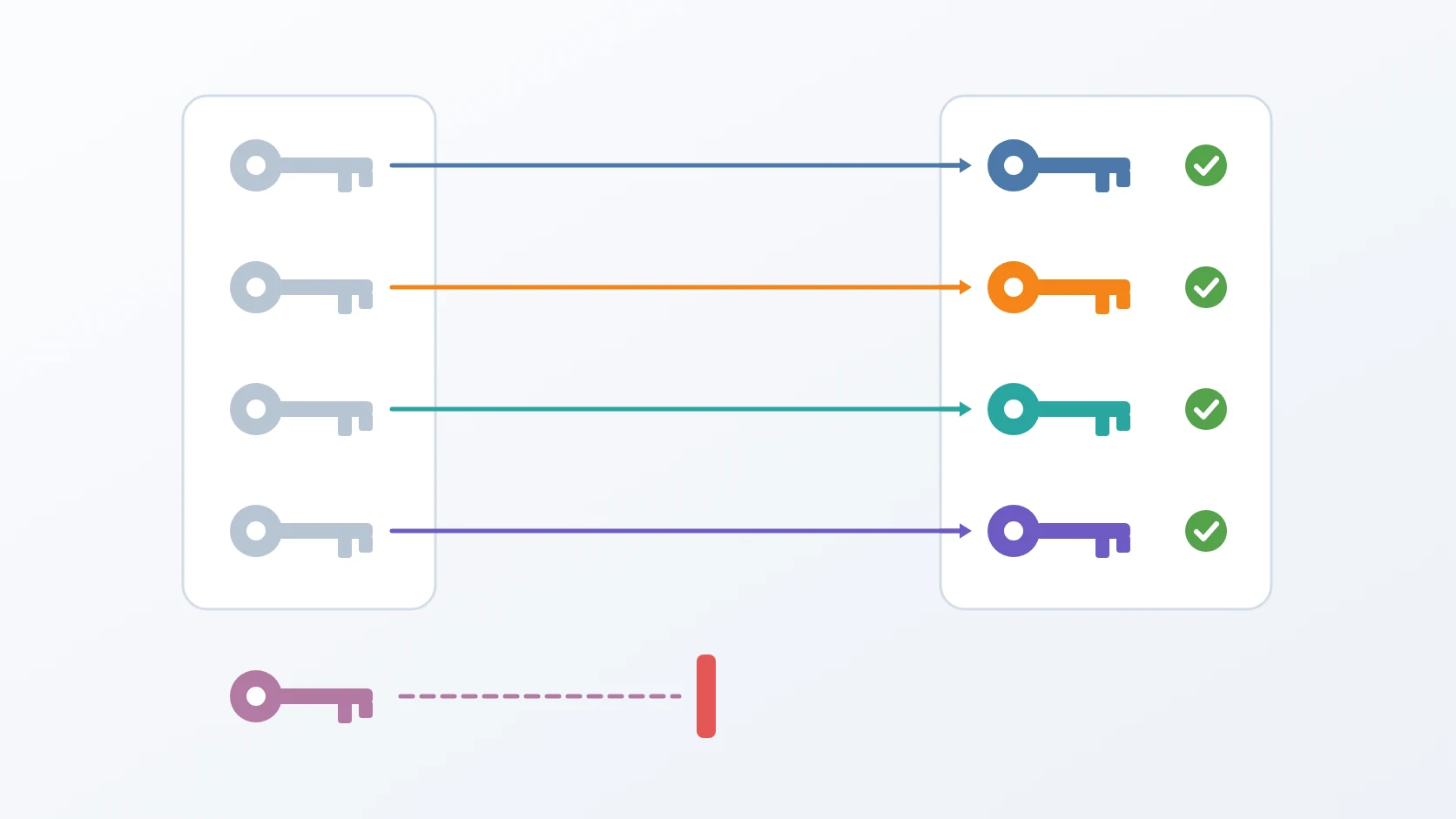
The backup command saves each module's image to a compressed file named after both the image and its tag, reading the version of each module from its own file and the image name from its compose file, failing rather than producing an empty name. It can read another environment's modules, prints its own help, and rejects an unknown option with exit code 2. The restore command loads every archive back, or only those named. A name typed from the repository root is found in the archive folder by its base name. A load that fails stops the run.
How I use it
| Command | What it does | What it refuses |
|---|---|---|
build-all | raises one module's version and builds its image | a version the module already carries; an unknown module; a Rust build that failed |
upgrade-version-only | raises a version without building | an unknown module |
backup-docker-images | saves each image as <image>__<tag>.tgz | an unknown module; it reports any image missing from the daemon and fails |
restore-docker-images | loads archives back with their tags | running with nothing to load |
Design decisions
Versions belong to modules, and the old version is read, never typed. The build command once asked for both the old and the new version. A typo in the old one meant the replacement found nothing, the file stayed as it was, and the script still reported success. Now the old version comes from the module's own file. The same reasoning reached the image backup: with one version argument for the whole stack there was no right value, since 2.11.2 skipped the module at 2.13.0 and 2.13.0 skipped the other six, and either way a half backup was written that looked complete.
One tag means one build. A storage service was once rebuilt with a new endpoint under its existing 1.0.0 tag, while the registry still held the earlier 1.0.0. Development ran the fresh local image, staging pulled the old one, and an identity check failed with a 404 that pointed everywhere except at the tag. So the build refuses to overwrite a version it already carries; staging and production that pull a tag receive the content that was tested.
A failed step stops the build instead of disappearing. The Rust build used to sit in a one-line chain whose || true swallowed a failing compile, so the image packed the previous binary under a new version and reported success. The chain is gone, and a compile error now stops everything. In the build command the version itself is written by changing only the version line, matched literally, and the file's contents are replaced in place so it keeps its owner and mode: the earlier search-and-replace treated the dots in 1.0.0 as wildcards, matched a port number, and turned it into 1.1.0, which failed later as an invalid port. A module name the toolkit does not know is rejected instead of quietly building nothing, and the closing message reminds me that every other module stays at its own version.
Archives are labelled by version, and publishing stays a separate step. Naming each archive after its tag means two versions of one module never overwrite each other, and the folder shows at a glance which versions it holds. The build stops once the image exists on the local machine. Pushing to the registry is a manual step on purpose, because the tag pushed is the tag every later environment will pull, and that moment deserves a person's attention.
Specifications
| Inputs | A module, or all modules explicitly, and a new version; for archives, optionally one module or another environment as the source |
|---|---|
| Outputs | Images tagged with each module's version, updated version entries, and one compressed archive per image and tag |
| Safety | Existing versions are not overwritten without a flag; compile failures stop the build; unknown modules are rejected; nothing is pushed automatically |
| Requirements | Docker with Compose; Cargo for the Rust modules; the module sources on disk. The scripts resolve their own location, so they run from any working directory |
Related
The release procedure whose first step is building the image with this toolkit.
The short Docker commands the build and the archives run on.
The search-and-replace tool I use for renames across a project; the build command deliberately stopped using it for version numbers.
Each script follows the shape I give every small tool, in its Bash variant.
Terms
- Image tag
- The label after the colon in an image name, used here as the version that environments pull.
- Registry
- The server that stores published images, from which staging and production pull them.
- Module
- One service of the stack, with its own source, image, and version.
- Rebuild
- Building an image again under a version it already has, allowed only on purpose.
- Literal match
- Matching text exactly as written, so a dot means a dot and not any character.
- Image archive
- An image saved to a compressed file, which can be loaded on another machine with its tag intact.
Technologies covered
- Bash
- Rust
- Docker
- Docker Compose