Key Rotation Tool
On this page
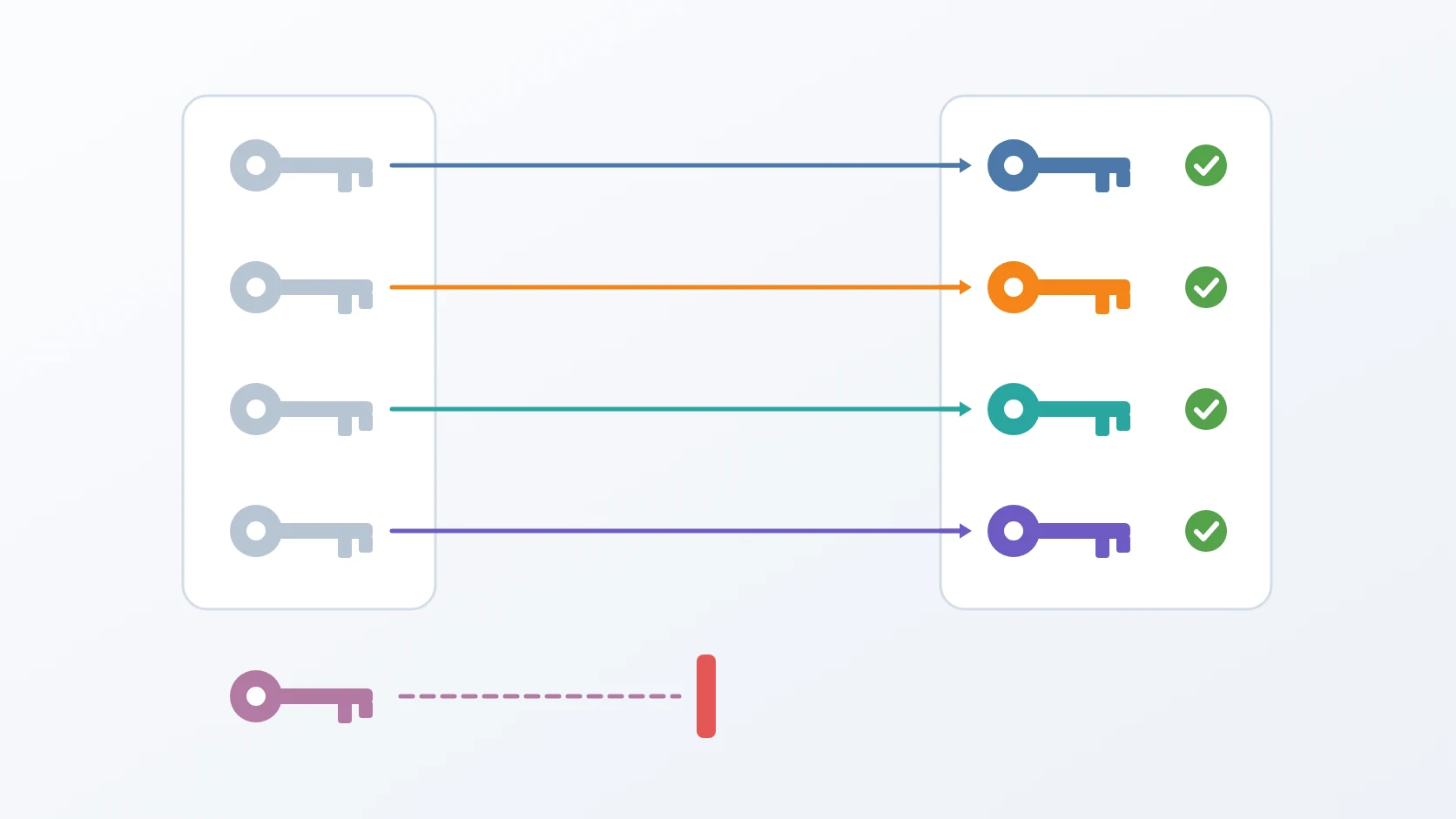
Key Rotation Tool is a single command that replaces the internal credentials of one environment, key by key, and proves each new credential works before it moves on to the next. By default it only shows its plan; when it does run, it takes a backup first, gives every key a value of its own, and puts any key it cannot prove back the way it was.
Rotating a password looks like editing a configuration file. For a database, an object store, or a search engine it is not, because the real password lives inside their data, and the file only matters on the day the data directory is empty.
At a glance
| Form | Command-line script |
|---|---|
| Language | Bash with embedded Python for JSON configuration, driving Docker and openssl |
| Status | Stable, in production |
| Source code | Private |
What it does
A. Rotates internal credentials, each to its own value
It covers every internal credential of the stack: databases, caches, object storage, and the search engine. Every key receives a fresh random value of its own, so a rotation also ends any password that several services used to share. The values are generated in a form that needs no escaping in a URL, an environment file, or a shell. Groups can be rotated together or one at a time.
B. Proves every new credential before moving on
For each group the order is fixed: change the credential where it really lives, write it into the files of the owner and of every consumer, recreate the containers, and then connect with the new credential. Each file is copied before it is written, and the copies are restored on failure or dropped on success. The database login is made the way a real client makes it, so a wrong password cannot pass by accident. In the search engine the superuser is changed last, because it authenticates every other change. A group whose container is not running is skipped, not failed. If the connection with the new credential fails, the old password is set again, the files are restored, and the services are restarted on their old values. One failed group does not stop the others; the summary lists what succeeded, what failed, and what was skipped.
C. Backs up first, in the cheapest safe mode
Before changing anything it runs the backup toolkit, and a failed backup cancels the rotation. It chooses a full backup when there is none yet, when the latest one is older than a threshold, or when its age cannot be read, and an incremental one otherwise, and prints the reason for its choice. The backup can be skipped with a flag labelled as not recommended, for the day the backup system itself is what is broken.
D. Shows the plan without showing a secret
Without --apply nothing changes; the command prints the backup mode it would use and why, and each group with a short hash of its old and new value. Secrets never appear in the tool's own output or in its log, yet two runs can still be compared.
How I use it
| Store | Where the change is made | How it is proven |
|---|---|---|
| PostgreSQL | ALTER USER inside the database | a query that logs in with the new password |
| Redis | its configuration, applied on restart | an authenticated PING |
| Object storage | its root credentials, applied on restart | listing buckets with the new key, before its consumers restart |
| Search engine | its security API, per user, the superuser last | an authenticated request with the superuser's new password |
| Shared encryption key | both services at once | both containers running again |
| Exit code | Meaning |
|---|---|
| 0 | every group that ran was rotated and proven, or nothing was asked to run |
| 1 | the backup failed and nothing was rotated, at least one group failed and was rolled back, or the environment folder does not exist |
| 2 | an unknown argument |
Design decisions
A dry run is the default, and a backup comes first. Touching production credentials by accident has to be impossible, so the command does nothing until it is told to. A rotation that works can still leave a service unable to read what it wrote, so it never starts without a fresh backup unless I skip it on purpose. The backup mode is chosen, not fixed: when every rotation forced a full backup, two runs 38 minutes apart produced two nearly identical full copies of about 294 MB, and with a fixed retention they pushed older restore points out. An incremental run of the same data took 66 MB, and it restores as a chain of one full and one incremental with every table intact. The operation meant to protect the data had been eroding its history.
It works from an allowlist, never by searching for the old value. Two unrelated secrets can hold the same value, so a rotation that searched for the old value and replaced it could break an integration it never meant to touch. So the command touches only the keys it names, in the files it names, and gives each of them a different value, which ends the sharing for good. A password stored inside a connection URL is URL-encoded, so a plain search would not even find it; the tool takes the URL apart, replaces the password field, and puts it back together, including a URL nested deep inside a JSON file.
A credential counts as rotated only when something has logged in with it. An exit code of zero from the command that changed it proves nothing. The one exception is the shared encryption key, which nothing logs in with; there the proof is that both services start again. Containers are recreated, not merely restarted, because a service whose configuration is mounted from the host would otherwise keep running with a connection pool that still uses the old password, and report its database as down while its file looks correct. The object store's consumers are restarted only after the new key has been proven, so a failed attempt never leaves them holding a key the store does not accept. Each group stands alone: one that fails is rolled back to its old password and files, and the rest carry on.
Knowing what not to rotate is part of the tool. Some secrets cannot be replaced by a random value without consequences that go beyond a restart, so each of those decisions carries its reason in the code, and nobody changes one without understanding the cost. The shared encryption key is rotated only when no queued job still holds a value encrypted with the old one; otherwise it is skipped and named, to be run again once the queue is empty.
Small reads and writes are made carefully, because one bad one is silent. Values are read with carriage returns and surrounding quotes stripped. A key is rewritten by itself, in place, so the file keeps its owner and mode, and a filter that finds nothing no longer ends the run under strict error handling, as it once did without a word. The list of groups lives in a variable that does not shadow a read-only one built into the shell, after the listing once printed a user id instead of the groups.
Specifications
| Inputs | An environment (production by default); optionally specific groups, a forced full backup, a skipped backup, or a different full-backup age threshold, also settable from the environment |
|---|---|
| Outputs | New credentials applied in each store and in every consumer's configuration, and a summary of what succeeded, failed, or was skipped |
| Safety | Dry run by default; backup before rotating; allowlist of keys and files; per-group verification and rollback; secrets shown only as short hashes |
| Downtime | A short restart of each service whose credentials change |
| Requirements | Docker, openssl, and Python 3 on the host; the backup toolkit, writing to a backup path built from the project name; network access to pull the storage client's image |
Related
The story of rotating every internal credential without breaking a single service.
The toolkit that takes the backup every rotation starts with.
The release procedure that keeps production changing safely; rotation runs beside it on its own schedule.
The script follows the shape I give every small tool, in its Bash variant.
Why a rotation never starts without a fresh point to return to.
Why the telemetry user has a password of its own, which is rotated with the rest.
Terms
- Credential rotation
- Replacing a password or key with a new value on a schedule, so that a leaked old value stops being useful.
- Dry run
- Running a command so that it reports what it would change without changing anything.
- Allowlist
- An explicit list of what may be touched; anything not on it is left alone.
- Rollback
- Returning a change to its previous state when it could not be completed or proven.
- Fingerprint
- A short hash of a value, enough to tell two values apart without revealing either.
Technologies covered
- Bash
- Elasticsearch
- PostgreSQL
- Redis
- Docker
- MinIO