OAuth2 Health Check
On this page
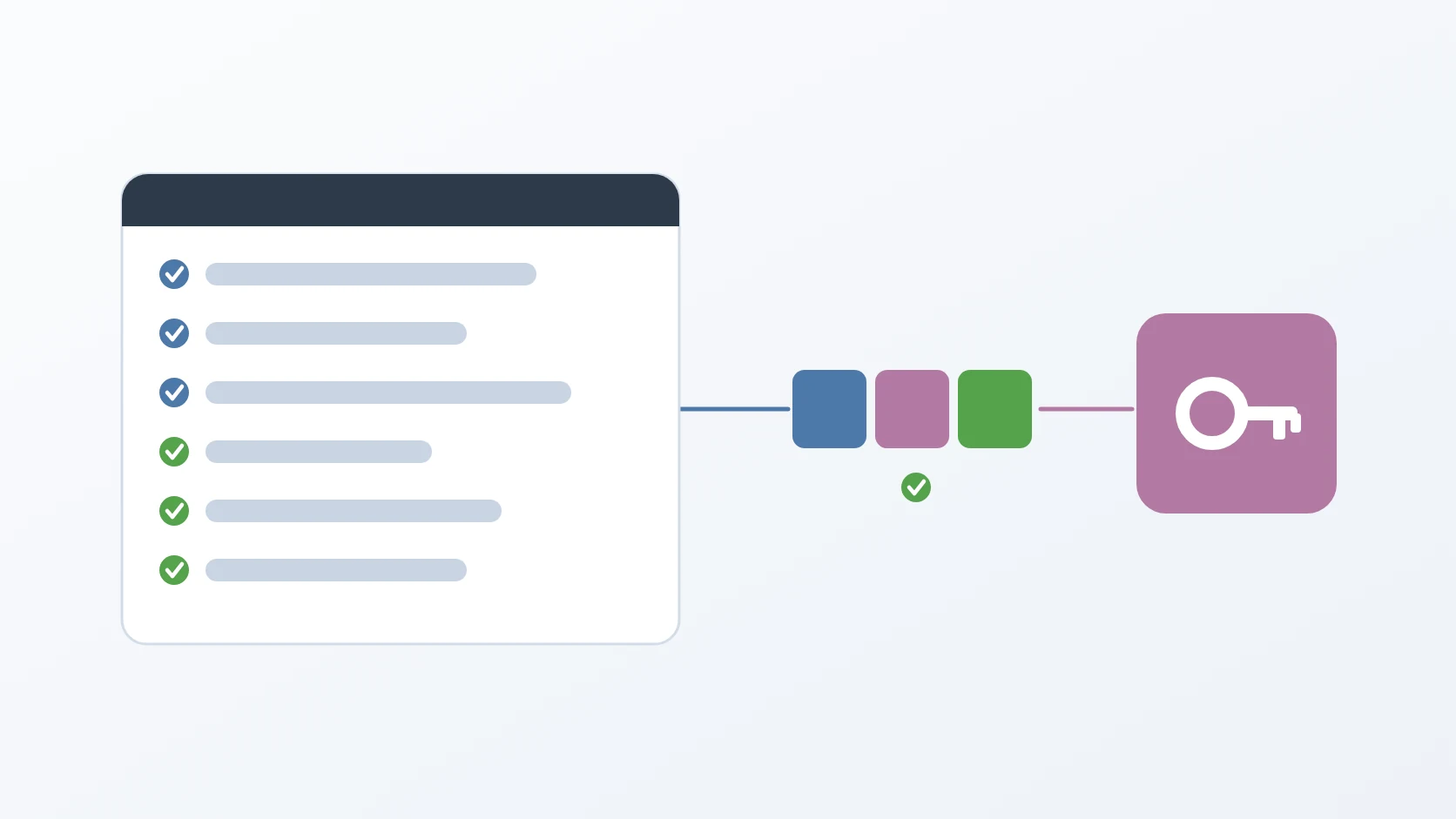
OAuth2 Health Check is an interactive Python script that proves an identity provider is configured correctly for a client before any application depends on it. It performs a complete sign-in exactly as an application would, receives the tokens, and checks them the way an application should, so that by the time I write the application's own login code, the provider is no longer a suspect.
OAuth 2.0 is the standard by which an application obtains access on a user's behalf without seeing their password, and OpenID Connect (OIDC) adds a signed statement of who the user is. PKCE is the extension that binds the final step of a sign-in to the client that started it, and JWKS is the published set of public keys a provider signs its tokens with. A failed login in a half-built service can be the provider's configuration or the service's code; this tool removes the first possibility before the second exists.
At a glance
| Form | An interactive command-line script, oauth2.py |
|---|---|
| Language | Python 3, with requests, PyJWT, and InquirerPy |
| Status | Stable, in use |
| Source code | Private |
What it does
A. Rehearses a complete sign-in
It builds the authorization address the way an application would — Authorization Code flow with PKCE, a fresh state and nonce, and the client's registered redirect address, with spaces encoded as %20 rather than + — and prints the verifier, challenge, state, and nonce with a reminder to keep the verifier, so any step can be repeated by hand. Then it waits while I sign in in a browser. When I paste back the address the provider redirected to, it checks that the issuer is present and is the one it expects, that the state matches what it sent, and that a code came back, and it shows the session state the provider attached. Then it exchanges the code for tokens; when the exchange is refused, it prints the provider's status and error body exactly as they arrived.
B. Validates the tokens it receives
Each token that is a JWT is verified against the provider's published keys, which are fetched once and used for both tokens. The signature and the expiry are always verified, and an expired token gets its own message. The issuer and the audience are verified when they match what the configuration expects; when they do not, that check is skipped with a yellow warning instead of failing, because providers such as Google legitimately differ there — so a warning, not a pass, is the honest verdict. A token missing from the response is reported as missing. It prints the decoded claims next to the verdict, with the expiry in local time, so a failure points straight at the claim that caused it.
C. Checks opaque tokens the way a resource server would
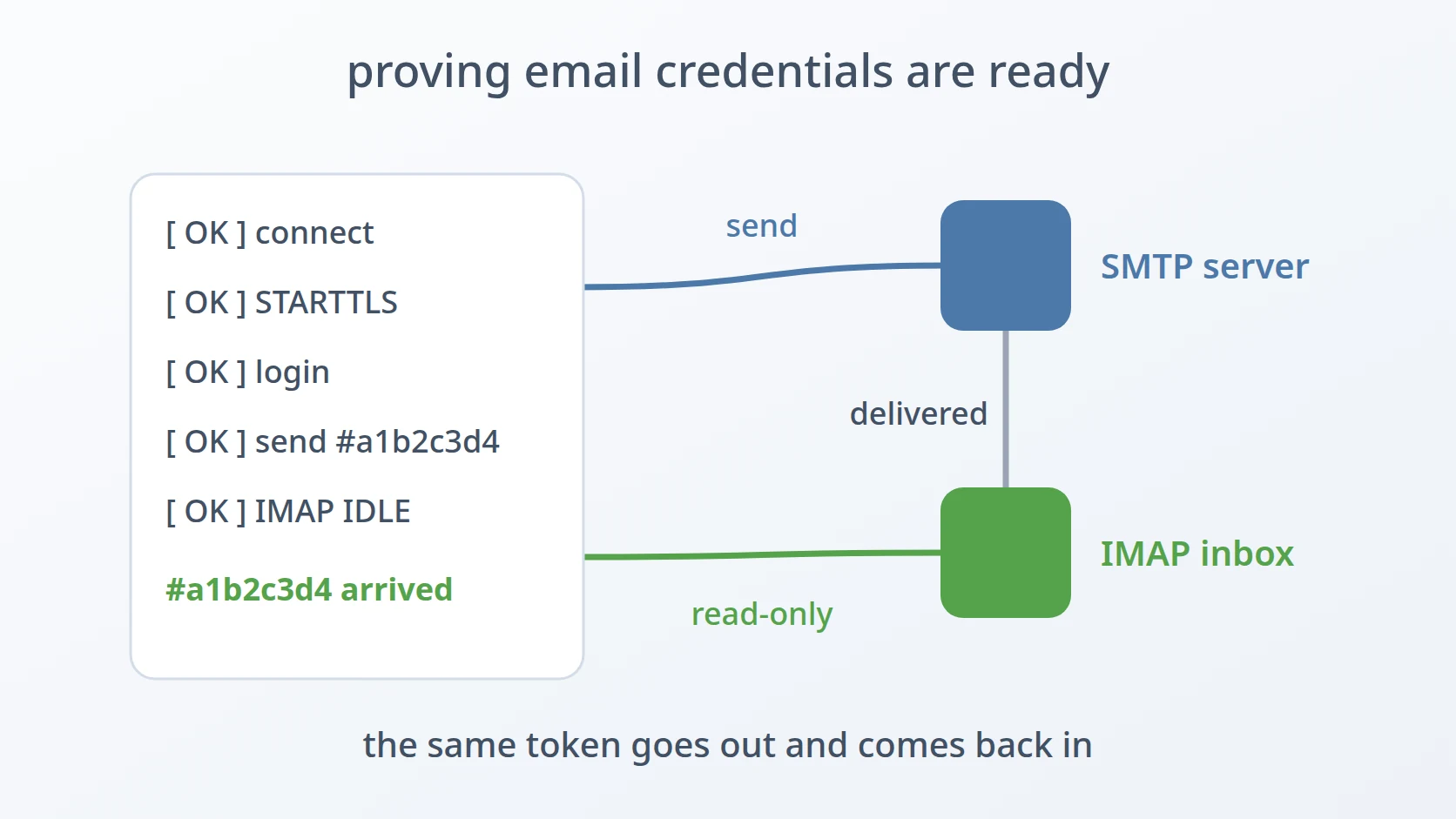
Not every provider issues access tokens that can be decoded. For those, it asks the provider's token-information endpoint whether the token is active and for whom, and then calls the user-information endpoint to prove the token actually grants access — the same two questions a resource server would have to ask. It does this through Google-style token-information and user-information endpoints, because Google offers no public RFC 7662 introspection; a provider that has neither endpoint configured gets its opaque token flagged as one that cannot be validated, never passed silently.
D. Signs out as well as in
A sign-in that works is half of the integration. The tool also performs an RP-Initiated Logout as a separate run: I paste the ID token from the sign-in as the hint, it builds the provider's logout address with that hint and a fresh state, and it validates the address the provider returns to after signing out. On that return the state is required, while a missing issuer is accepted with a note, because Keycloak omits it there.
E. Many providers from one file
One configuration file can hold several providers, each with its endpoints, redirect addresses, clients, and scopes. The tool lets me pick the provider, the client, the flow, the scopes, and the mode from menus, so the same file serves a self-hosted Keycloak and Google alike. A missing file, invalid JSON, or a provider without clients is reported in one plain sentence instead of a traceback, every scope starts ticked, and an empty selection stops the run.
How I use it
There is one command; everything else is chosen interactively.
| Stage | What happens |
|---|---|
| 1. Choose | provider, client, flow (login or logout), scopes, and mode |
| 2. Callback | I sign in in a browser and paste back the redirect address; state and issuer are checked |
| 3. Token exchange | the code and the PKCE verifier are exchanged for tokens |
| 4. Validation | each token is verified and its claims are shown |
Two modes decide where a login run stops. The full mode goes through all four stages. The body-only mode stops after the callback and prints the request body an application would send to finish the sign-in itself, so the exchange can be tested against my own backend instead. The body carries everything my backend needs to finish the exchange, and the code itself is left unspent, because a code can be exchanged only once and my backend must be the one to use it.
The configuration describes each provider once. Client secrets live only in the local file, which never leaves the machine:
These are two real runs against a Keycloak realm, a sign-in and then a sign-out, shortened, with every address, identifier, and token replaced. The tool reports in Indonesian:
&code=<code>
Design decisions
It rehearses the whole sign-in, so the provider is proven before the application exists. Checking that a provider's discovery address answers proves almost nothing. I made the tool walk the same path an application walks — PKCE with a verifier of the length the standard requires and the S256 challenge method, a fresh state, the registered redirect address, a real browser sign-in, and a real token exchange. When it passes, every failure that comes later belongs to the application, which halves the search before it starts.
It checks what an application must check, and says why when something is off. Signatures are checked against the provider's published keys, picking the key named in the token, skipping keys meant for encryption, and falling back to the first usable signing key when the token names none or none matches. Only RS and ES algorithms of 256, 384, and 512 bits are accepted — never none and never a shared-secret HS algorithm — which closes the algorithm-confusion attack in which a token signed with the public key as an HMAC secret would otherwise verify. The keys are fetched with an explicit User-Agent, because some providers sit behind a firewall that refuses the default one of a Python library. When the client is not in the token's audience but is its authorized party, the tool accepts it and says so, instead of failing silently or passing silently — the distinction that decides whether an application's own check will pass.
It treats providers as data, so a new one costs a few lines of configuration. Providers differ in small, irritating ways: one issues decodable access tokens, another opaque ones; one names its keys, another does not; one returns the issuer on every callback, another omits it on logout. Rather than branching on provider names, the tool reads what each provider declares and adapts — accepting a logout return without an issuer, and using token-information and user-information endpoints when a token cannot be decoded. Guides for the provider side, such as adding the client to a Keycloak token's audience or a 2048-bit signing key, live next to the script.
Secrets stay on the machine, and the rule covers every name a secret file can have. Every configuration file that can hold a secret is ignored by version control; only an example with an empty secret is committed. Tokens are printed to the terminal only and never written to disk.
It stops where the next component begins. A full run tests the provider; a body-only run hands the finished callback to my own backend; a logout run closes the session it opened. Each mode ends exactly where another part of the system takes over, so a failure is always traced to one side of a boundary.
Specifications
| Inputs | A JSON configuration of providers: issuer, endpoints, redirect addresses, clients, and scopes; the redirect address pasted back after signing in |
|---|---|
| Outputs | Authorization and logout addresses, callback verdicts, tokens and their decoded claims, a verdict per token, or a request body in body-only mode; the verdict is shown in the output |
| Flows | Authorization Code with PKCE; RP-Initiated Logout |
| Standards | OAuth 2.0 (RFC 6749), PKCE (RFC 7636), JWT (RFC 7519), JWK and JWKS (RFC 7517), OpenID Connect Core and RP-Initiated Logout |
| Signatures | RS256, RS384, RS512, ES256, ES384, ES512 |
| Dependencies | Python 3, requests, PyJWT, InquirerPy |
| Safety | Client secrets stay in the local configuration, and every secret-bearing configuration name is ignored by version control; tokens are printed to the terminal only and never stored |
| Clients | Confidential clients authenticated with a client secret |
| Provider guides | Notes on the Keycloak audience mapper and on adding a 2048-bit RSA signing key |
| Works with | Standard OpenID Connect providers, including Keycloak and Google |
Related
The story behind the tool, and the disagreements between providers it uncovered.
It follows the shape I give every small tool: one file, one job, and the same order of sections every time — though, being interactive, it reports through its messages rather than an exit code.
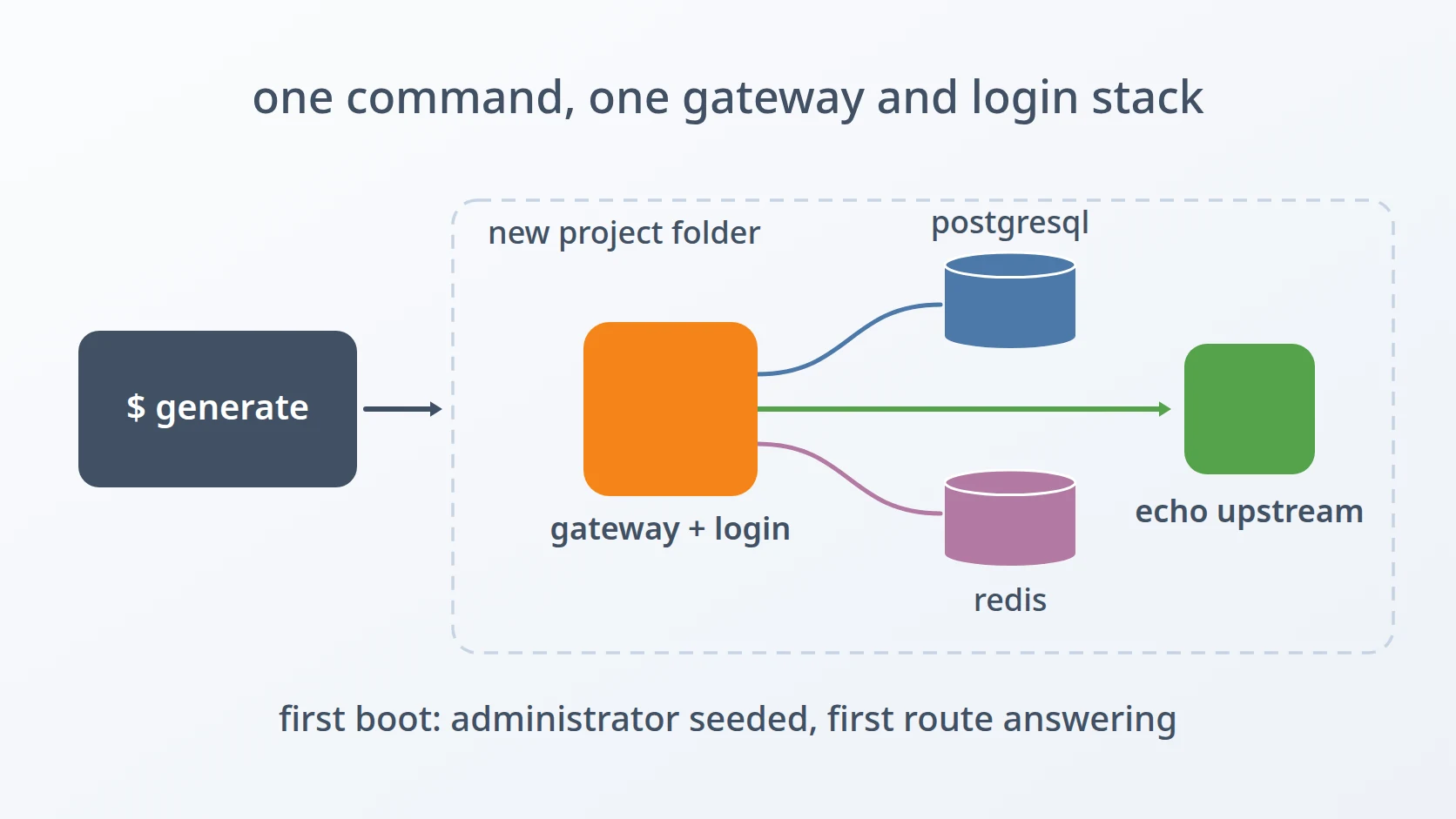
The gateway and sign-in stack whose identity provider this check proves ready first.
The story of an audience sent as a list — the same lesson behind the audience and authorized-party rule here.
Terms
- Authorization Code flow
- The sign-in flow in which the provider returns a short-lived code to the client, which then exchanges it for tokens.
- PKCE
- Proof Key for Code Exchange: a secret verifier created by the client, whose hash is sent at the start and the original at the end, so a stolen code is useless.
- ID token
- A signed token, issued by an OpenID Connect provider, that states who the user is and for which client.
- Opaque token
- An access token that cannot be decoded by the client and must be checked by asking the provider.
- Audience and authorized party
- The claims that name who a token is for (
aud) and which client requested it (azp). - RP-Initiated Logout
- Signing a user out by sending them to the provider's logout address with a hint of the session to end.
Technologies covered
- Python
- Keycloak
- JWT
- OAuth 2.0
- OpenID Connect
- PKCE