Signing Platform Web App
On this page
- At a glance
- What it does
- A. Signs documents in the browser
- B. Keeps people signed in, safely
- C. Proves identity
- D. Manages stamps and certificates
- E. Approves the systems that sign through it
- F. Runs the platform for administrators
- Interface
- Standards
- Inside
- Design decisions
- Specifications
- Related
- Terms
Signing Platform Web App is the browser application of a document-signing platform: where people sign in, prove who they are, place their stamp on a PDF and sign it, manage their certificates, and approve the systems that sign on their behalf — and where administrators run organisations, users, reviewers, and client systems. It is a single-page application in Vue and TypeScript that talks to one backend, the platform's core API, and keeps a person signed in without ever storing their access token where a script could find it later.
I built it as the counterpart of the core: the core holds the rules and the data, and this application turns them into screens. Most of the decisions in it are about two things a signing product cannot get wrong — keeping a session safe without making people log in again and again, and putting a stamp exactly where the signer saw it.
At a glance
| Language & framework | TypeScript, with Vue 3, Pinia, vue-router, vue-i18n, Tailwind CSS, and Vite; pdf.js for documents |
|---|---|
| Architecture | Feature-Based Frontend Architecture |
| Version | 2.13.2 |
| Status | Stable, in production |
| Form | A single-page application served under its own path, beside a server-rendered public home page |
| Source code | Private |
What it does
A. Signs documents in the browser
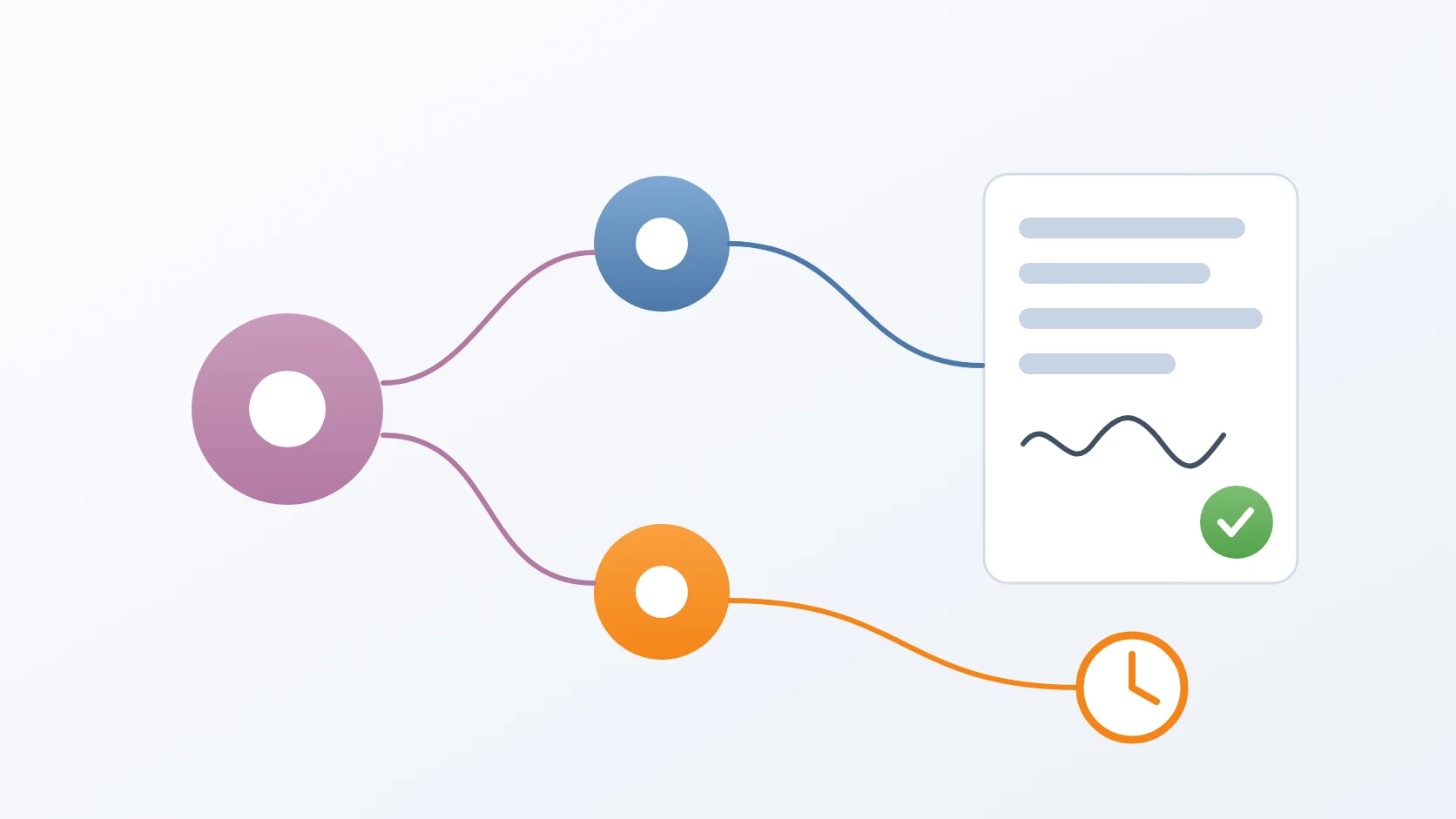
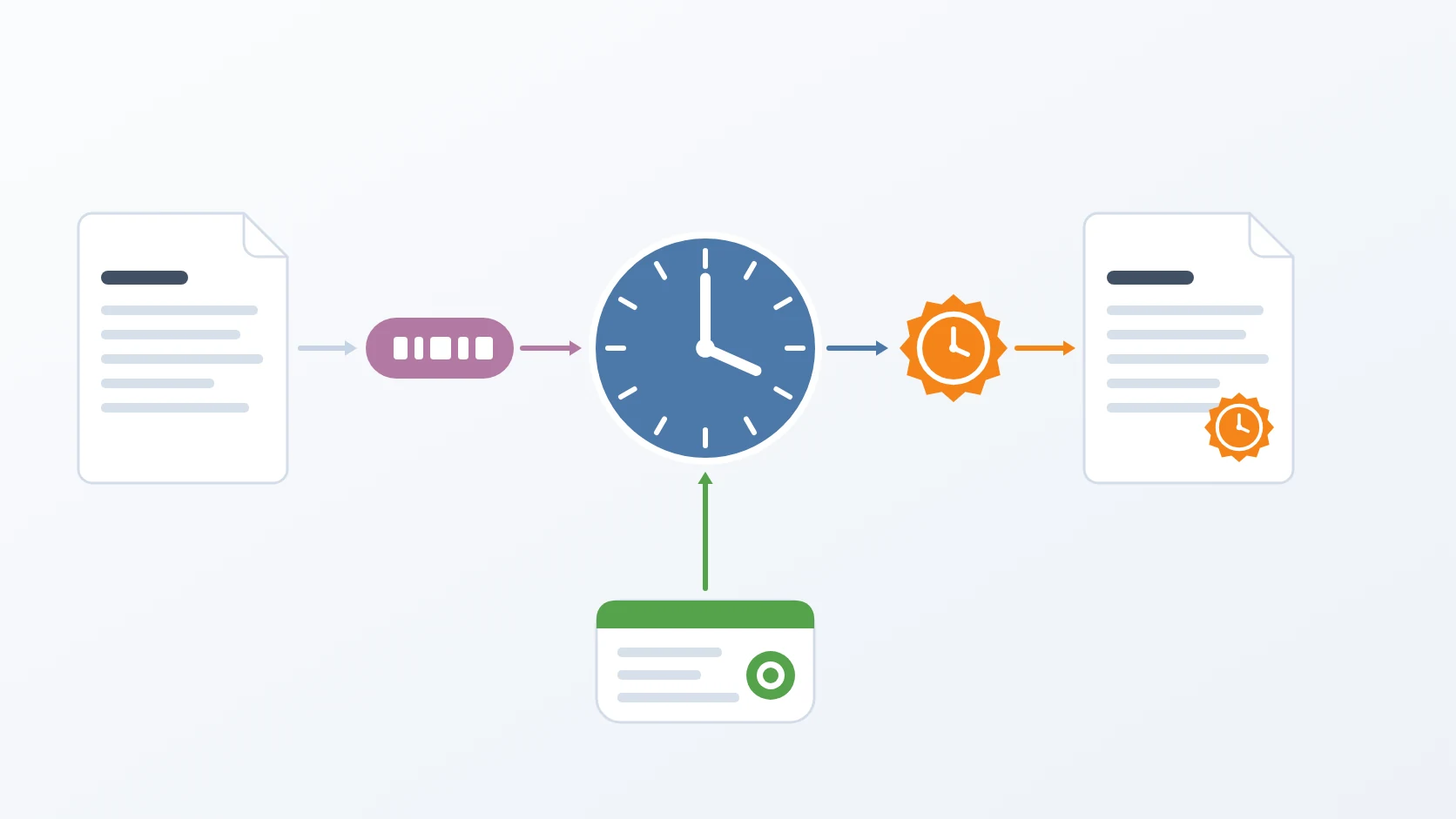
A document is uploaded straight to storage through a short-lived link and given its signers in ordered stages. The signer opens it in a PDF viewer with high-resolution rendering, zoom, and touch support, drags and resizes their stamp on the page, chooses a certificate, enters a reason, a location, and their passphrase, and signs. A public page verifies any signed PDF dropped, pasted, or chosen from disk.
B. Keeps people signed in, safely
A session survives reloads and expired access tokens without asking for the password again, and without the token ever being written to browser storage. Sign-in works with a password, with external identity providers, with two-factor authentication, and with invisible bot protection.
C. Proves identity
Before someone can hold a signing certificate, they submit their personal details and two photos, and complete a live face challenge embedded in the page. A status card and banner tell them where their verification stands, prompting them at most once per session.
D. Manages stamps and certificates
Signers draw or upload their signature image or generate a QR stamp, request certificates protected by their own passphrase, and see each certificate's status. Conflicts, such as a certificate that already exists, are explained in dedicated dialogs rather than a bare error.
E. Approves the systems that sign through it
When a client system wants to act for a user, the user sees exactly which system and which permissions, and allows or denies in a consent dialog. Client systems can also send a user straight to a document to sign and receive them back when it is done. Users can see and revoke every system bound to their account.
F. Runs the platform for administrators
Administrators get a dashboard tailored to their role, and manage organisations and their units, members and e-mail allowlists of up to a thousand addresses, users, identity reviewers, account managers, certificates, and client systems. Destructive or privileged actions ask for the administrator's password again.
Interface
| Area | What a person can do there |
|---|---|
| Sign-in | log in, register, verify e-mail, reset a password, use an external provider, complete two-factor |
| Documents | upload, add signers in stages, place a stamp, sign, download the signed file |
| Verify | check any signed PDF, without an account |
| Profile | personal details, password, two-factor, identity verification |
| Stamps and certificates | signature images, QR stamps, certificate requests and status |
| Clients | consent to client systems, review and revoke them |
| Administration | dashboard, organisations, users, reviewers, certificates, client systems — on desktop screens |
Standards
| Standard | What it guarantees here |
|---|---|
| OAuth 2.0 and OpenID Connect with PKCE (RFC 7636) | sign-in through external providers without a client secret in the browser, with state, nonce, and issuer checks |
| JSON Web Tokens | short-lived access tokens held only in memory and renewed silently |
| TOTP (RFC 6238) | two-factor authentication with any authenticator app, set up from a QR code |
| PDF, rendered with pdf.js | documents shown exactly as they will be signed, with stamp positions converted into PDF coordinates |
| Window messaging (postMessage) | the embedded face challenge reports its result to the page that opened it |
| Strict TypeScript | every build type-checks the whole application before it is produced |
Inside
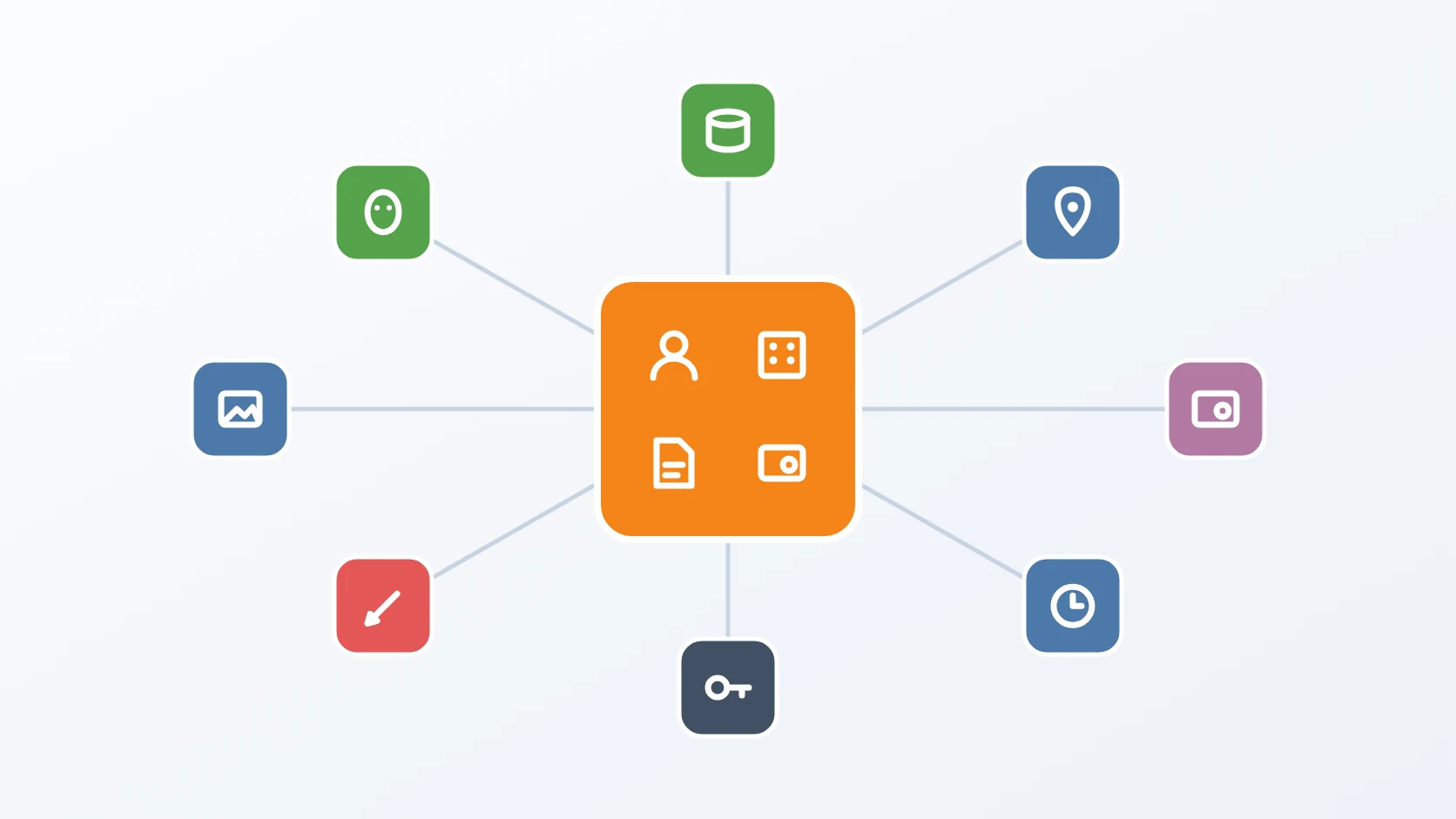
The application follows Feature-Based Frontend Architecture: each feature — sign-in, documents, profile, stamps, certificates, clients, dashboard, administration — has its own views, components, and composables, and features never import each other. Components never call the network themselves; every request goes through one service layer with one HTTP client, and session and interface state live in a few shared stores. The visual design comes from a separate design-system package behind an alias, so the whole look can be exchanged without touching a feature.
Design decisions
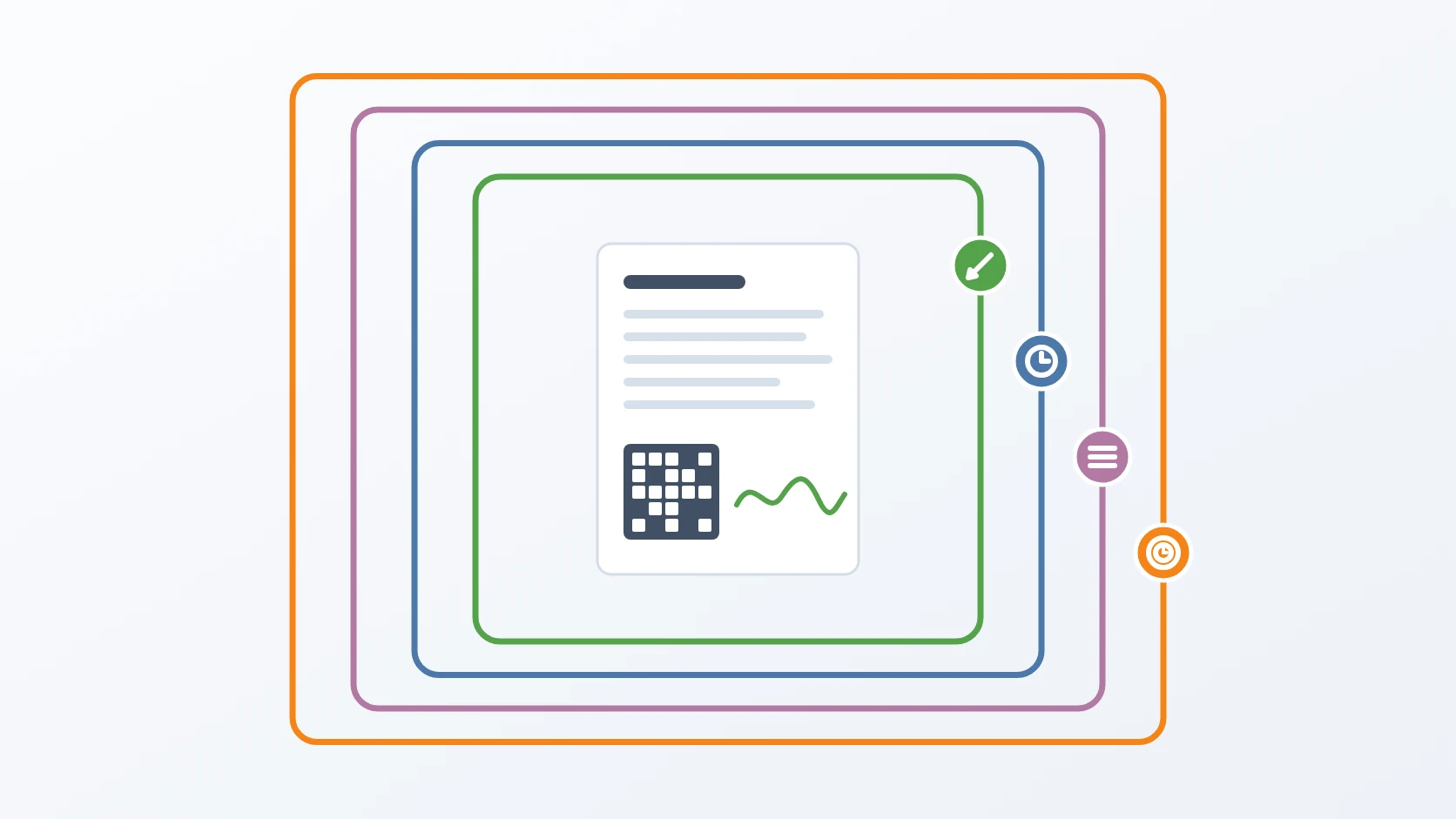
The access token lives in memory and nowhere else. I keep the session in memory, inside a Pinia store, and let a refresh credential that no script can read carry it across reloads. When the application starts, it asks for a fresh token before the router is even installed, so a reload lands the person back where they were, signed in, and a failed refresh simply starts them signed out.
One refresh, however many requests fail at once. Access tokens are short-lived, so several requests often discover an expired token at the same moment. The HTTP client catches the first unauthorised answer, starts a single refresh, and parks every other failing request in a queue; when the new token arrives, each queued request is retried with it. An early version retried queued requests with the stale header they had captured, and failed again; now the new token is handed to each one explicitly. If the refresh itself fails, the session is cleared and the person is taken to the sign-in page.
External sign-in follows the specification to the byte. Sign-in through an external provider uses PKCE with a verifier generated from random bytes and encoded in URL-safe base64. My first version used ordinary base64, which a strict identity provider rejected as an invalid code verifier. State and nonce are random, the issuer is checked on the way back to defend against provider mix-up, and every temporary value is cleared once the exchange succeeds or fails.
A stamp lands exactly where the signer placed it. The viewer draws pages at the screen's real pixel density, so a stamp placed on a sharp display is not misplaced by the scaling between screen pixels and canvas pixels — a bug I fixed early. When the signer confirms, the stamp's box is converted from screen coordinates, measured from the top-left in pixels, into PDF coordinates, measured from the bottom-left in points, together with the page number, using the viewer's own conversion. The stamp keeps its proportions when resized, and stamp previews sit on pure white, because a checkerboard background hid pen-drawn signatures.
Consent and handover by redirect, not by embedding. Client systems once embedded a signing page in a frame. I replaced that with redirects: a client sends the user to the application with a one-time token, the user consents or signs inside the application they already trust, and is sent back to the client with the original state and the outcome. Consent moved from a full page to a dialog on the clients screen, where the user also sees every system already bound to them.
The design system is a package, not a folder of styles. The application was rebuilt in phases into feature modules on top of a separate design-system package. The package is referenced through an alias, and switching the alias to another build of the theme re-skins the whole application — tested by doing exactly that. I tried consuming it as a git submodule and went back to a compiled copy kept in the repository, so the theme's source can stay private.
Every label follows the active language. All interface text moved into translation files in ten measured steps. Column and navigation definitions that had been created once at start-up became computed values, because otherwise their labels froze in whatever language the application booted with. A script cross-checks every key used in code against the translation files, since the type system cannot. One bulk edit produced a malformed binding that silently hid the buttons of a dialog — the identity submit button disappeared — and neither the type check nor the build caught it, so that pattern is now searched for explicitly. Text that ends up inside a signed PDF, such as the stamp's wording, is deliberately not translated: it becomes part of a permanent document.
The browser bundle receives only what is meant for it. Only variables with the application's public prefix reach the bundle; each is typed and normalised in one configuration module.
Every screen knows its place. The public home page moved out of this application into the server-rendered core, so search engines can index it, and the application now lives under its own path. Every route is loaded only when visited. The administration area is meant for desktop screens and says so on smaller ones, while the signing screens are built for touch, with a bottom navigation bar and room for the phone's safe areas. Search fields share one debounced input that never loses focus while results load.
No answer reveals what exists. Password resets and verification e-mails always show the same message, whether or not the account exists, and links that arrive by e-mail are checked against the API's own origin before the application follows them.
Specifications
| Talks to | One backend — the platform's core API — with credentials included for session renewal; files go directly to storage through short-lived links |
|---|---|
| Session | Access token in memory only; silent refresh on start; one queued refresh for concurrent failures |
| Sign-in | Password, external providers with PKCE, two-factor with recovery codes, invisible bot protection |
| Documents | PDF up to 50 MB; signers in ordered stages; stamp placement converted to PDF coordinates |
| Interface | Dark and light themes; touch-friendly signing screens; administration on desktop; translations with key cross-checks |
| Build | Vite with strict TypeScript type-checking on every build; routes split per page |
Related
The core API behind every screen: tokens, data, and the rules of the platform.
The face challenge embedded in the identity verification form.
The signer that produces the long-term PDF signatures this application places, downloads, and verifies.
Terms
- Single-page application
- A web application that loads once and then changes its screens in the browser, asking the server only for data.
- Refresh token
- A long-lived credential used only to obtain new short-lived access tokens, here kept where no script can read it.
- Interceptor
- Code that sees every request or response of an HTTP client and can change, retry, or reject it.
- PKCE
- Proof Key for Code Exchange: a one-time secret that proves the application finishing a sign-in is the one that started it.
- Design system
- A shared set of styles and components that gives every screen the same look and behaviour.
Technologies covered
- TypeScript
- Pinia
- Vite
- Vue
- OAuth 2.0