Staging Environment Toolkit
On this page
- At a glance
- What it does
- A. Builds a release environment from three sources
- B. Restores data in the order each store needs
- C. Aligns credentials with the data it restored
- D. Runs the release's migrations against production data
- E. Adapts the copy to its own network
- F. Serves each version's interface, and proves it
- G. Removes a version without leftovers
- H. Gates on health
- How I use it
- Design decisions
- Specifications
- Related
- Terms
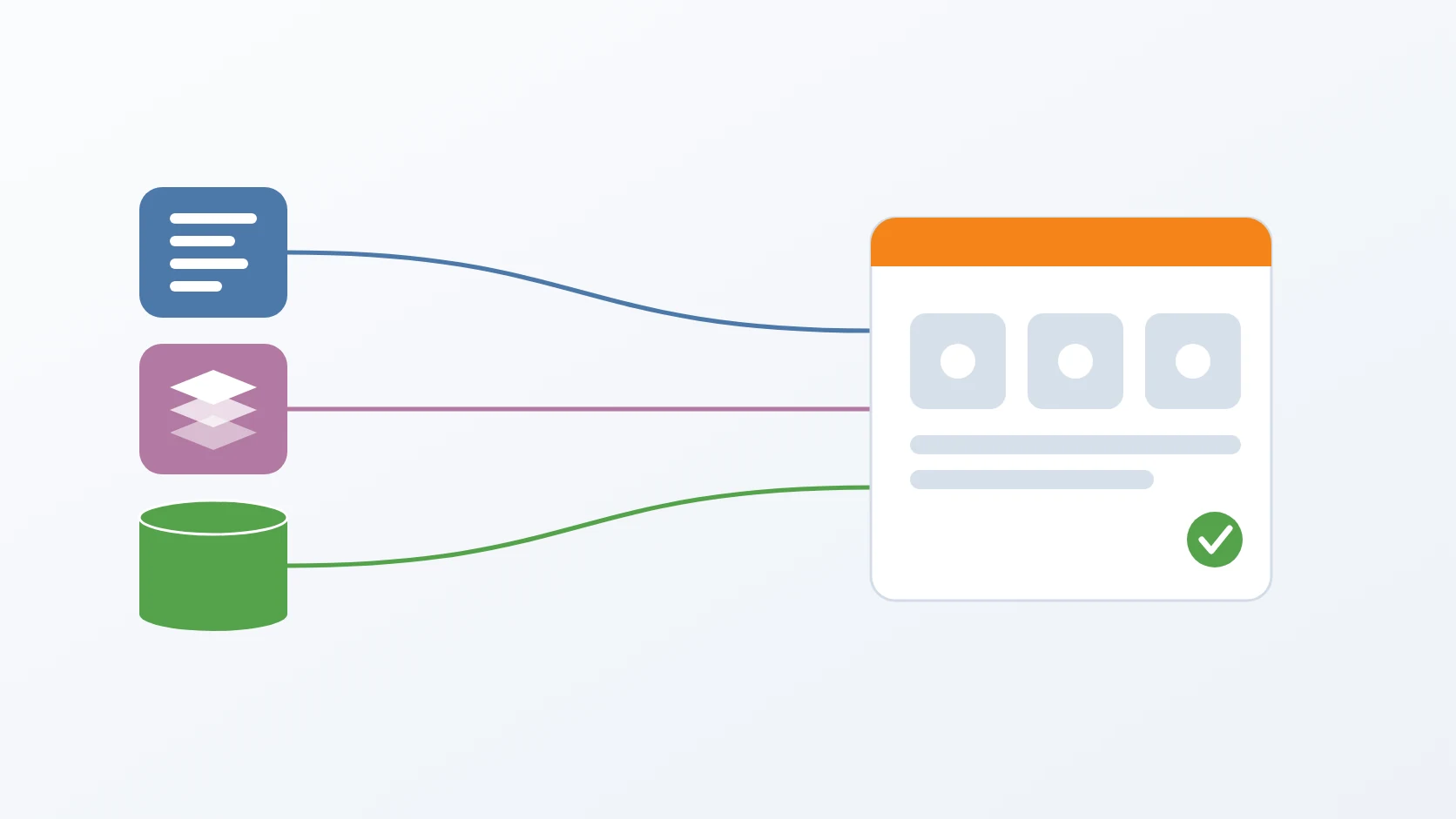
Staging Environment Toolkit is a set of three commands that build a full copy of production for one release, ready for testing, and remove it again without leaving anything behind. One command assembles the environment from three sources — the configuration in the repository, the published images in the registry, and the data in the latest backup — restores and starts everything in the order it needs, runs the release's database migrations against that data, and checks that it is healthy. Production is never written to; its databases are read only through their backups.
Building a staging environment used to be five commands in a fixed order, and skipping any one of them produced a failure that did not look like the step that was skipped. The toolkit exists so that the only thing I have to decide is which version to test.
At a glance
| Tools | gen-staging-env, remove-staging, health-check |
|---|---|
| Form | Command-line scripts sharing one helper library |
| Language | Bash, driving Docker Compose, nginx, and the backup toolkit's restore command |
| Status | Stable, in production |
| Source code | Private |
What it does
A. Builds a release environment from three sources
The services' compose files and configuration come from the development templates in the repository, the images are pulled from the registry for the exact version under test, and the data comes from the most recent backup rather than from the live databases. The result is an environment that runs what will be released, against the kind of records it will meet, without a single query against production's databases. Every module's image is pulled, not only the application's, because each module carries its own version and a version never pulled once made the start fail on the server; the image names are read from each module's compose file. The pull runs as the user who invoked the command, not as root. The stack is then started without any build, in a fixed order — databases and cache first, storage second, the rest after — so Compose can never fall back to building an image locally.
B. Restores data in the order each store needs
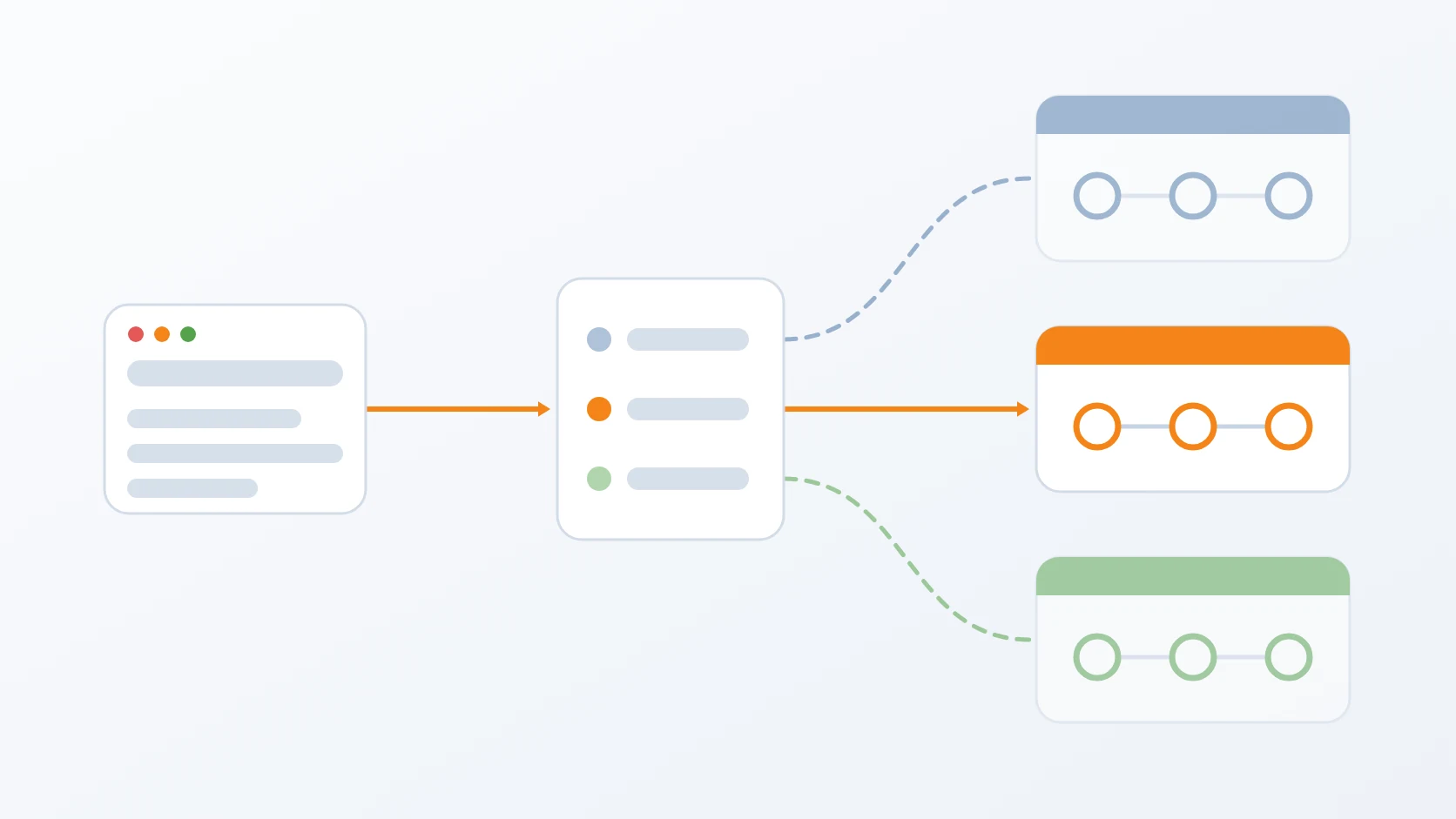
The stores have opposite requirements. A database's data directory can only be replaced while the stack is stopped; object storage can only be mirrored into a server that is running; telemetry users can only be created in a search engine that is up. So the command restores the databases first, starts the stack itself, mirrors the objects and applies the bucket access policies that a mirror does not copy, creates the telemetry users, and finally waits for every service to report healthy. It waits for storage and the search engine to run, plus a margin for the database to replay its log, before the steps that need them. A failed database restore is detected per module from the restore's output, so one module's failure is never hidden by the others' success.
C. Aligns credentials with the data it restored
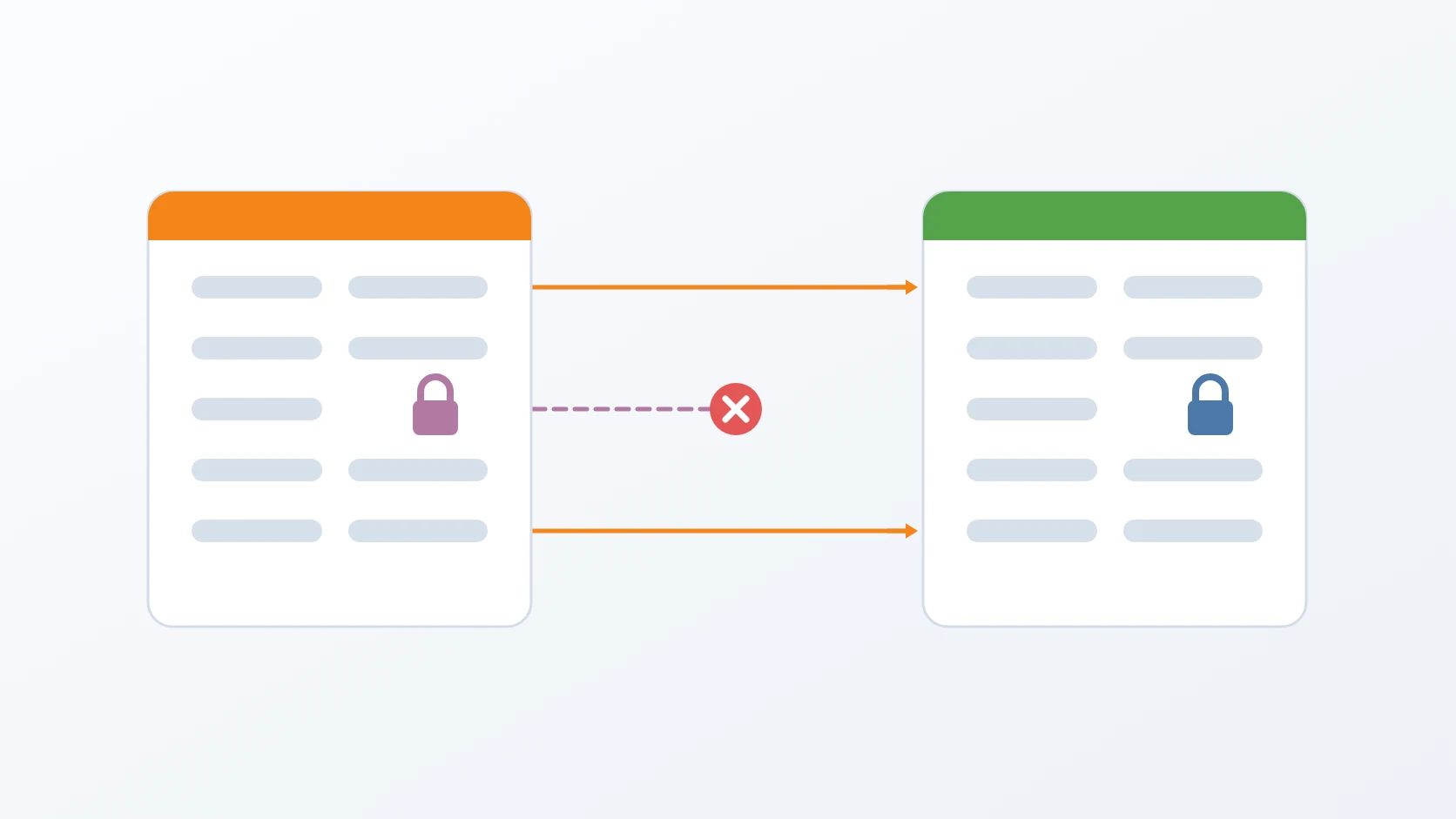
Restored data carries the credentials it was created with, so before anything starts, the toolkit brings every service's configuration into line with the data it restored. Without that step, the databases looked healthy while the services that depend on them restarted on a failed login.
D. Runs the release's migrations against production data
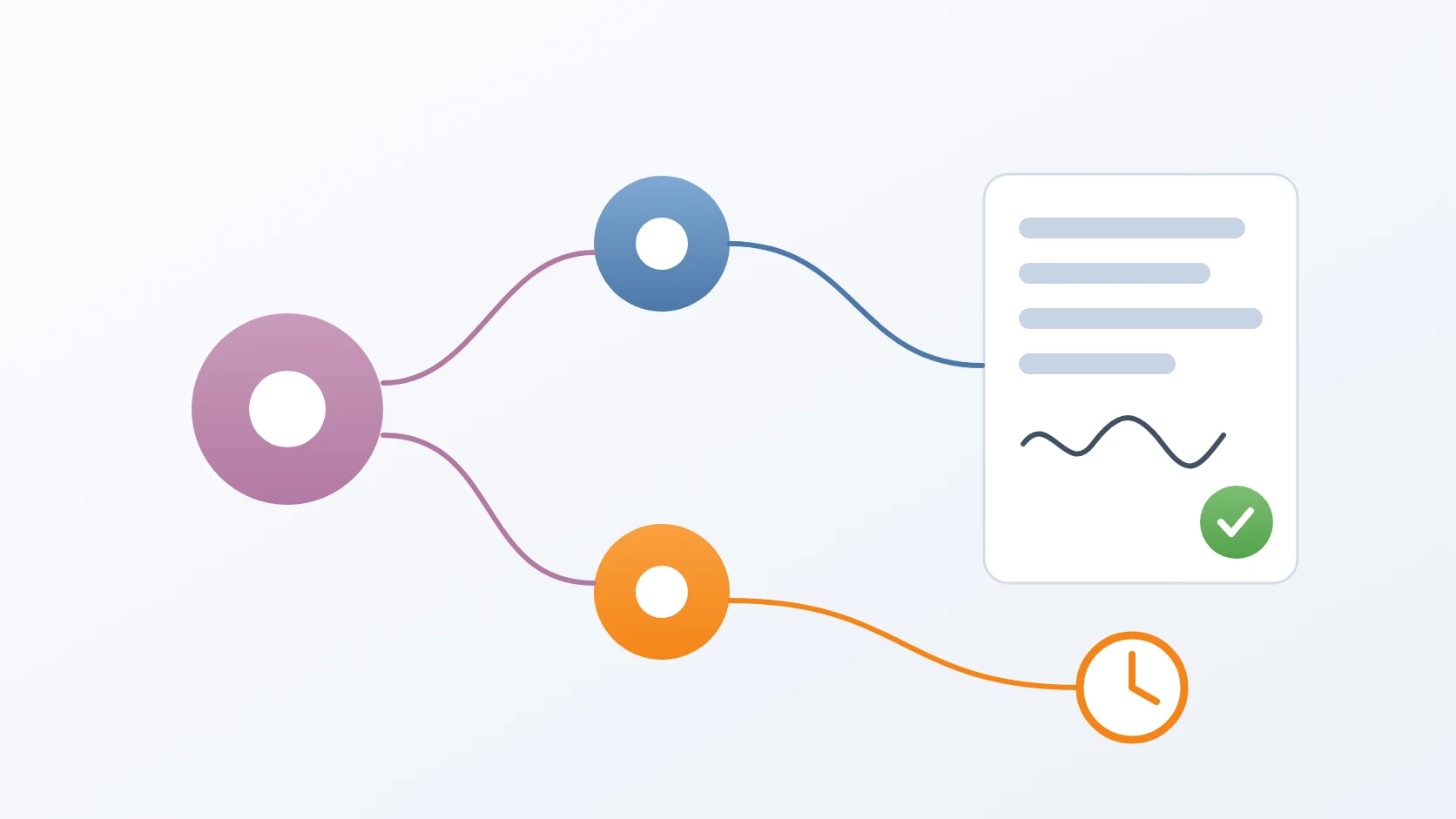
This is the step staging exists for. Once the data is restored, the application's migrations run against it, followed by the schema migrations of the certificate authorities, and either failing stops the flow with a non-zero exit code and a plain instruction not to promote. The message tells two causes apart: when the database restore had already failed, the problem is the backup chain, not this release's migration, and it points to the command that lists the chain.
E. Adapts the copy to its own network
A staging environment lives on its own network beside development and production, so every address in the copied configuration has to change. The toolkit reads the network it should use from the recorded network state rather than from constants, also rewrites the trusted proxy ranges, and then checks that no development address is left anywhere in the result. The network must already exist before a single file is written, so a failure leaves no half-made folder, and a staging gateway equal to development's is refused. Replacements match text literally rather than as regular expressions, because the dots in an address would act as wildcards and the slash in a range breaks a substitution; they touch only configuration file types and skip data, dependency, and version-control folders. Rollback copies left by other tools are excluded from the copy, after one such leftover made the check for development addresses fail every time. Each module receives its own project name, so starting it cannot replace development's containers, and its own data path — once the restore wrote to staging's path while the database read development's empty one, and every table was missing although the restore reported success. Configuration files the certificate authorities read are made readable by the user inside their image, a CA certificate that signing needs must arrive or the generation fails, and the search engine's data folder is created and handed to its user in advance.
F. Serves each version's interface, and proves it
Each version gets a snapshot of the interface, mounted for the web server, with a current link that keeps the web-server configuration static: switching versions moves the link and edits nothing. The mount is proven by reading the interface's index page through it rather than by trusting the mount command. The web-server configuration is rendered again from its template on every generation, after an old rendered copy outlived a fixed template and every presigned storage link returned a signature error. A banner names the version under test. A failed mount or web-server step does not discard the environment; it prints the option that redoes only that part, which is also the one used after a reboot.
G. Removes a version without leftovers
One staging version is spread over several places: its project folder, its data under the shared data directory, its containers, the mounted user interface, and its web-server configuration. The removal command clears all of them, deletes root-owned data through a short-lived container so that it needs no elevated rights, and can list every version with the state of each part, including data left behind by a version whose folder is gone. Removal asks me to type the version again, or accepts a flag for automation, and can keep the data while removing the rest. It finds containers by the project label in the version's own environment file, not by matching names. It unmounts the interface before deleting anything, and stops if that fails, because deleting through a live mount would delete the interface itself. When the removed version was the current one, the link and banner move to another mounted version, or are cleared. The web server is touched only when the link or banner changed, and then with a reload.
H. Gates on health
The health check reads the health status that each service's compose file already defines, rather than duplicating the probes, and retries until everything is healthy or the attempts run out. It exits with a code a release pipeline can act on, so a deployment is never declared successful on the strength of containers that merely started. No containers at all count as a failure, and a wrong argument exits with 2.
How I use it
&&
The order is not a preference. Each skipped step used to fail in its own misleading way:
| Step skipped | What it looked like |
|---|---|
| Database restore | services crash-looping on missing tables, and a 502 on the home page |
| Object storage restore | documents and images returning 404 during testing |
| Telemetry setup | every log and trace silently dropped, with nothing visible in the interface |
| Step | State the stack must be in | Why |
|---|---|---|
| Restore databases | stopped | it replaces the database's data directory |
| Restore object storage | running | it mirrors into a live storage server |
| Set up telemetry | running | it creates users through the live search engine |
Design decisions
One command, because the order is not obvious and the mistakes are quiet. The command does more than generate: it starts containers and writes web-server configuration, which is exactly what makes it complete. When a stage fails, the environment already built is left in place and the remaining steps are printed; generating the same version again is refused while its folder exists, so continuing means running those steps. The stages without which the release cannot be tested — pulling the images and the two migrations — end with a non-zero exit code so a pipeline stops too. The others — a module that fails to start, the storage restore, the telemetry setup, and the final health check — are collected into one summary that I read before any testing begins. The summary itself prints each module's real image version, after an unset variable once ended the script there, when all the heavy work had already succeeded.
Production's databases are never a source, and only real release artefacts are tested. Data comes from the backup, so building staging as often as I like costs production nothing — and proves, every time, that the backups can be restored. The one thing read from production directly is a runtime file that neither the backup nor version control holds, described below. Images are pulled from the registry for the version under test. An option to use local images exists for my laptop only, because on a server it would test an image that may never have been published, and a pass would prove nothing about the release.
Every environment-specific value is read, not guessed, and then checked. An earlier version kept the development gateway as a constant; when the development network moved, the replacement silently found nothing, staging went out carrying development's address, and its services could not reach their database. Now the gateway is read from the recorded network state, the result is scanned for any development address, and a staging environment that still contains one is deleted rather than used. The same principle covers files: data files that version control tracks are restored by asking version control for the list, and runtime state that is not in version control — such as a certificate authority's revocation list — is copied from a path I name first, otherwise from production, otherwise from development, replacing a destination that has wrongly become a directory and falling back to a short-lived container when the destination belongs to root. Without it, a mount silently becomes an empty directory and signing fails three services away. A missing revocation list is reported as a warning; a missing CA certificate that signing needs stops the generation. The staging gateway is read with no fallback at all, because the old fallback belonged to a scheme that no longer existed and would have been wrong without a word.
Removing is as complete as building, and only one version lives at a time. All versions share the same project name, container names, and ports, so a second version would quietly take over the first; the command refuses to build while another version exists. Removal clears every place a version lives, without elevated rights, and the listing shows orphaned data and missing mounts before they become a mystery. Web-server changes are applied with a reload, which keeps other sites' connections, and only after the configuration test passes, because a web server stopped by a broken configuration does not come back on its own. The test tells a broken configuration apart from one that cannot be tested for lack of rights, and a web server that is not running is started rather than reloaded.
Small guards against expensive surprises. A version name may not contain a path separator, a parent-directory reference, or a wildcard, so no operation can escape the staging folder, and a version given twice is refused. Generating without data prints a warning that the database is empty, with the symptoms that will follow and the steps to fill it. Data and backup paths are built from the project name, so they are the same on my laptop and on a server.
Specifications
| Inputs | A version number; optionally a specific backup and a path to runtime state files |
|---|---|
| Outputs | A project folder per version, its data, a mounted user interface, and its web-server configuration |
| Restores | Four PostgreSQL databases and the object storage with its access policies; telemetry and cache stores start empty by design |
| Migrations | The application's migrations and the certificate authorities' schema migrations, run against the restored data; a failure stops the flow |
| Health gate | Reads each service's own health check; configurable retries and interval; exit code 0 when healthy, 1 when attempts run out, 2 for a wrong argument |
| Safety | Production's databases are read only through their backups; one version at a time; a failed stage keeps the environment; web server reloaded only after its configuration test passes |
| Requirements | Docker; elevated rights only for the interface mount and web-server configuration |
Related
Why each environment on one machine needs its own network, state, and identity.
The release procedure in which this toolkit builds the staging step.
Each script follows the shape I give every small tool, in its Bash variant.
The toolkit whose backups are the source of every staging environment.
Why each staging version carries its own banner and web-server configuration under the same domain.
Why staging's telemetry needs a user of its own, created at the end of generation.
Terms
- Staging
- An environment that mirrors production, with a copy of its data, used to test a release before it goes live.
- Bind mount
- A directory or file on the host made available at another path, here to serve one version's interface.
- Trusted proxy
- An address range a service believes when it reports the original client's address.
- Revocation list
- A file published by a certificate authority listing certificates that are no longer valid.
- Health check
- An automatic test that a service has started and can answer.
- Pipeline
- An automated sequence of build, test, and deployment steps that stops when one fails.
Technologies covered
- Bash
- Docker Compose
- nginx