Network & Hosts Toolkit
On this page
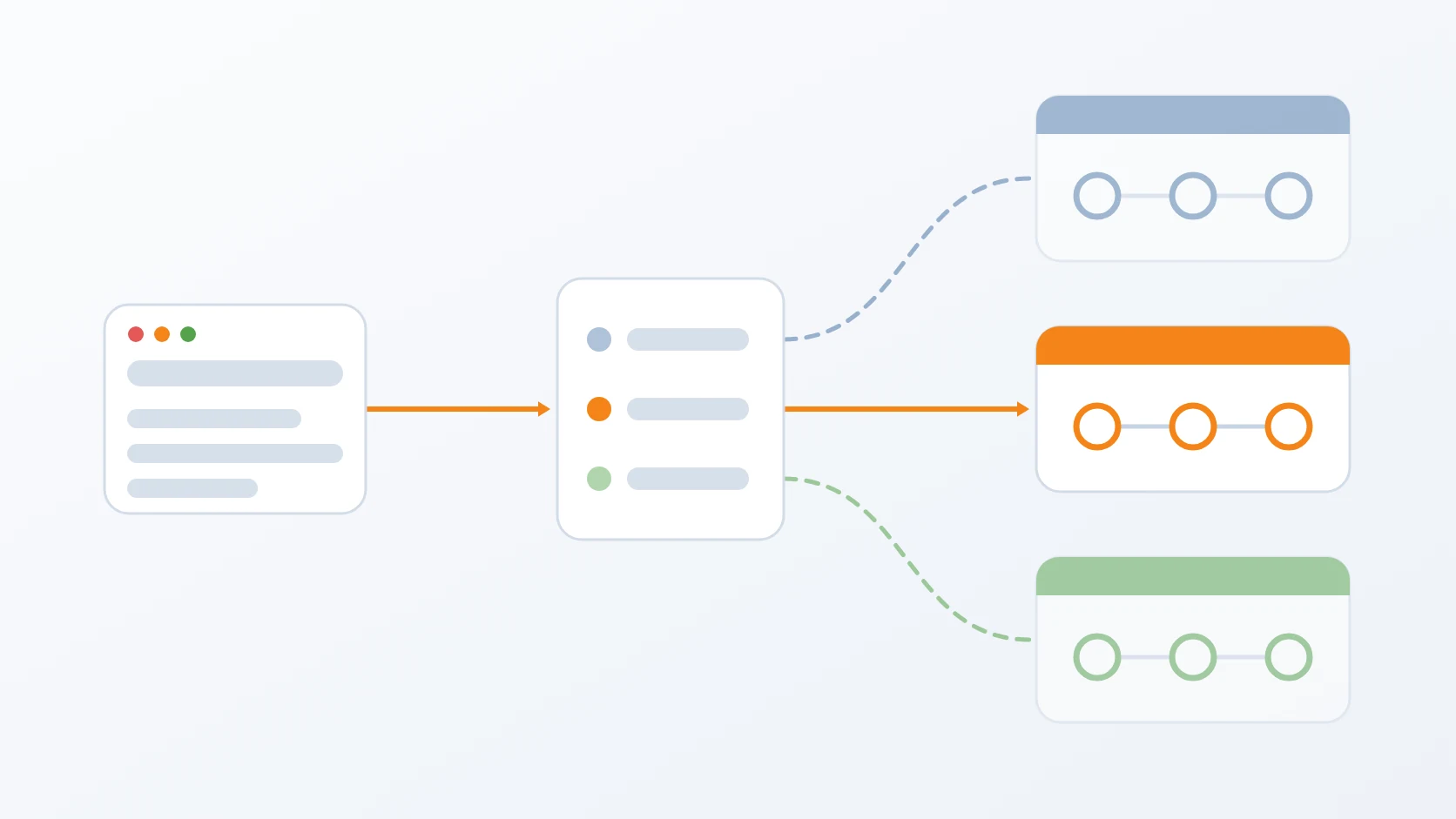
Network & Hosts Toolkit is a pair of commands that keep three environments apart on one machine and one web server. One sets an environment's addresses and brings every place that stores them into line in a single run; the other points the browser at the environment I choose. Neither asks me to remember where an address is written.
Development, staging, and production share one domain name and one nginx, and are separated only by the address each one listens on and the Docker network it runs in. That separation is only as good as its consistency: one stale address in one configuration file is enough to send a request to the wrong environment.
At a glance
| Tools | set-network, switch-env |
|---|---|
| Form | Command-line scripts sharing one helper library |
| Language | Bash with awk for literal substitution, driving Docker and nginx |
| Status | Stable, in production |
| Source code | Private |
What it does
A. Sets an environment's addresses in one command
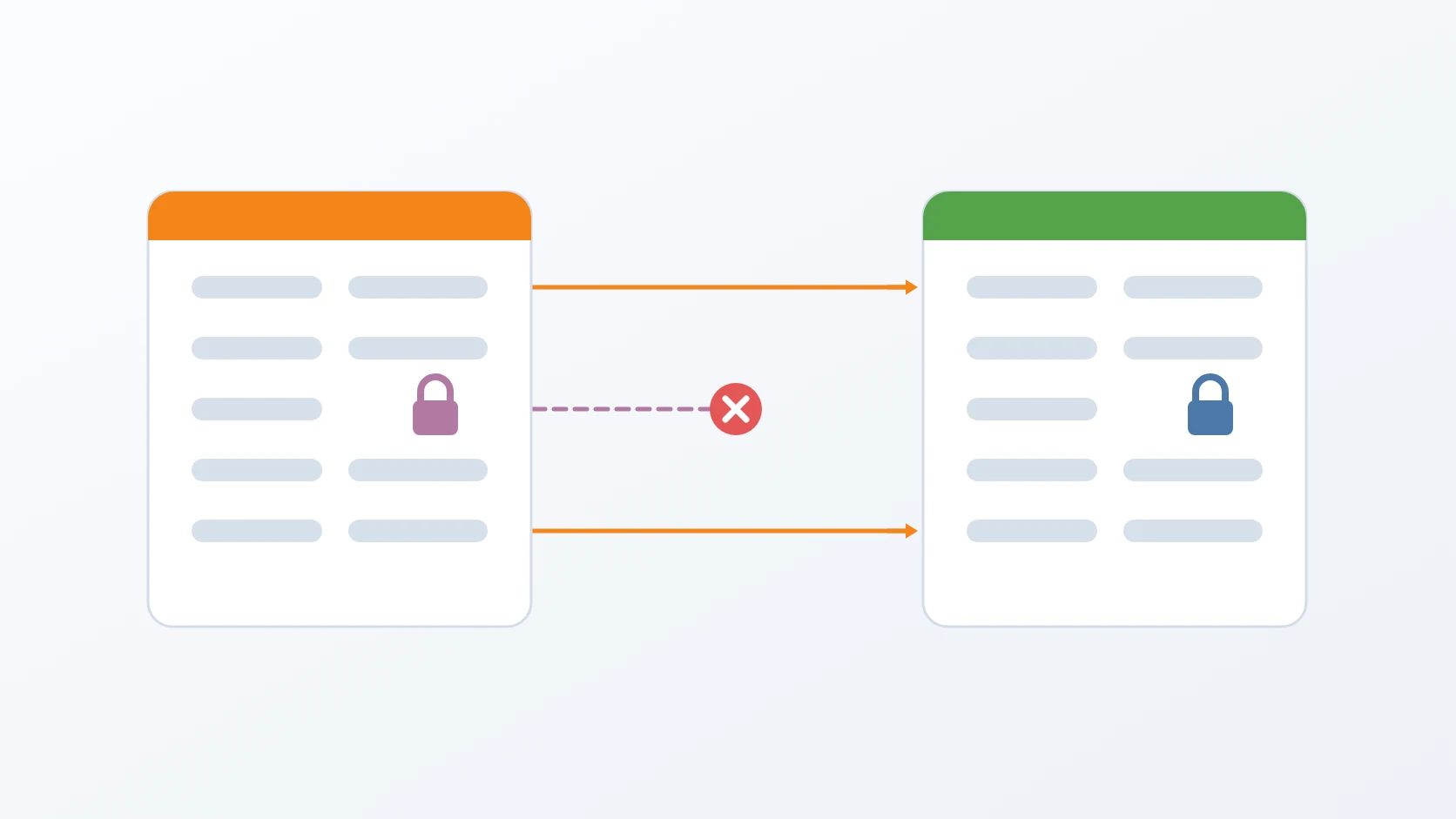
I give it an environment, a host address, and a subnet. The input is checked strictly — real IPv4 octets and a subnet in the expected form — and the gateway is derived from the subnet rather than asked for separately. The command then updates every place that holds an address: the recorded network state, the web-server configuration, the Docker network itself, which is recreated because a subnet cannot be changed in place, and the environment's folder, where the old gateway and the old range are replaced as text wherever they appear in some thirty-four configuration files. That replacement matches literally and writes the files' contents in place, so their owner, mode, and links survive a run with elevated rights.
B. Renders the web-server configuration from templates
The nginx configuration for each environment is generated from a template and installed as an ordinary root-owned file. Blocks that are identical in all three environments live in shared partials, so the only things a template carries of its own are what genuinely differs. Partials are inserted as text rather than with the web server's own include, because upstream names differ per environment, and the result is one flat file an operator can read; every upstream carries an environment prefix, because upstream names are global and a duplicate stops the web server. Each rendered file is stamped with the time and the template it came from, and installed with an atomic swap at mode 0644, which also replaces an old link — a temporary file is created readable by its owner only, and the web server's workers could not have read it. On a new machine, a placeholder for the staging version banner is created, so the first render does not wait for a staging environment that cannot exist yet. After a git pull, a render-only mode rewrites the configuration from the recorded state and touches nothing else, and it rejects extra arguments with an explanation, since they usually mean the full mode was intended.
C. Refuses before it touches anything
Before a single file changes, the command checks that the new gateway and host address are not already used by another environment, and that no other Docker network on the host, from any project, already owns the subnet. A clash stops the run with the name of the network in the way and the command that would remove it — the check exists because a subnet I chose once belonged to another project's network — and it is skipped only when the network is left alone on purpose. Before acting, the command prints what it will do, warns when the host address is not on any interface or when containers will be stopped, and asks me to type the environment's name, or accepts a flag for automation. Whether anything needs changing is judged from the installed web-server configuration as well, after a new machine once heard "no change" and was left without any configuration at all; and the output of the network inspection is cleaned before it is compared, after an empty answer made the command try to delete a network that never existed.
D. Points the browser at one environment
The second command rewrites one marked block in /etc/hosts so that both domains resolve to exactly one environment. It reads the addresses from the same recorded state, disables any other entry for those domains that would cause a double resolution, and leaves every other line alone. A none option hands both domains back to public DNS. The new file is validated before it is written — each domain active exactly once, at the requested address — and the run is abandoned if the file would shrink by more than twelve lines, the sign of unpaired markers eating it. After writing, the result is checked through the system resolver. When the target address is on no interface, the warning names the likely cause for that environment, such as a private network that is not connected or a laptop whose address changed, and only then asks for confirmation. The guide comments inside the block are generated from the real recorded addresses, after a fixed comment kept naming an address that was no longer used. Switching to the environment that is already active changes nothing, and the hosts file can be pointed at a test copy.
E. Shows the state of all three
Both commands have a show mode. The network one lists each environment's host address, gateway, and subnet, and flags a configuration whose host address is not present on any interface — treating the whole loopback range as present — a network that has not been created, and a subnet that differs from Docker's. The hosts one shows which environment the browser currently reaches.
How I use it
| Place | What one run changes |
|---|---|
| Recorded network state | the environment's gateway and listening address |
| Web-server configuration | rendered again from the template, tested, then applied |
| Environment folder | gateway, trusted-proxy ranges, host entries, service endpoints, and fallback values |
| Docker network | recreated with the new subnet |
| Exit code | Meaning |
|---|---|
| 0 | the environment uses its new addresses, or nothing needed changing |
| 1 | a step failed, the number of arguments was wrong, or the recorded state lacked a key; an invalid web-server configuration was rolled back |
| 2 | an invalid value, an unknown option, or an address clash; nothing was touched |
Design decisions
One command owns every address, so they cannot drift apart. Gateway and subnet were once written by hand in different places and fell out of step; deriving one from the other makes that impossible. The gateway and the trusted-proxy ranges are rewritten in the same run, so every address derives from one source. And this command is the only place in the project where a Docker network is created, while the services merely join it, so the network and the web server's upstream addresses always come from the same run.
The configuration is rendered, never linked into the repository. The installed configuration used to be a symlink into the working tree, so an ordinary git checkout changed the web server that was serving traffic — and one did, sending staging and production to an old gateway and turning a live route into 502. Now git cannot reach nginx at all, and running the tool leaves the working tree clean. Which file holds a value matters too: on a machine with a local override file, the listening address I type is written there, so it always wins, after a typed address was once ignored and the configuration rendered with the old one. Templates use @@NAME@@ placeholders, because nginx configuration is full of its own $ variables and a plain environment substitution would silently erase $uri into a file that still passes nginx -t; a render that leaves a placeholder or an empty required directive fails instead. Shared blocks exist because one route once vanished from a single environment and was noticed only long afterwards.
It refuses early, and on a web server it does not own alone it rolls back what it can. A broken web-server configuration takes down every site it serves. Clashes are found before anything is written. The Docker network is created before the configuration is rendered, because the new gateway must exist on the host before nginx can listen on it. The old configuration is kept outside the directory nginx reads, since a backup file there would be parsed too; if the test fails, the configuration and the recorded state are restored and the server is tested again, and a rollback that still fails is reported as fatal with the old configuration kept. The test's result is captured in a way that strict error handling cannot cut short, after a test run showed the rollback branch was never reached and a broken configuration stayed while nginx died. The test also tells a broken configuration apart from one that cannot be tested for lack of rights, which keeps the file and the stash and prints the restore command instead of guessing, and a web server that is not running is started, with its failure counter reset when it has hit its start limit. It reloads when the set of listening addresses is unchanged, so other domains keep their connections, and restarts only when an address changes, because a reload never binds a new one. The show mode flags a missing host address precisely because nginx -t does not.
Switching environments is one everyday command. The hosts command reads addresses from the recorded state, so it follows the last network change without being told. It guarantees exactly one active address per domain and backs up the file before writing. It calls sudo itself, as the network command does through the shared library — a deliberate choice, because switching happens many times a day and the alternative is editing /etc/hosts by hand each time. After a switch it restarts the web server, so that addresses changed by the network command are actually bound.
It finishes even without a terminal. It is built to finish in non-interactive sessions too, after two such runs once stopped halfway, with the configuration written but the environment files and the network not.
Specifications
| Inputs | An environment, a host address, and a subnet; or an environment to render; or an environment to point the browser at |
|---|---|
| Outputs | Updated network state, a rendered web-server configuration, rewritten environment files, a recreated Docker network, and one active block in /etc/hosts |
| Per-machine values | A local override file, kept out of version control, holds a machine's listening address; the gateway stays the same on every host |
| Safety | Clash checks before writing; configuration tested before it is applied and rolled back if invalid; reload instead of restart when the listening addresses are unchanged; containers on a network are stopped before it is recreated; hosts file validated and backed up |
| Requirements | Docker and nginx on the host; elevated rights only for the web-server configuration and /etc/hosts |
Related
The story of serving three environments from one domain name that could not change.
Why I develop against a real domain and real HTTPS, which is what the hosts switch makes practical.
The release procedure, in which rendering the configuration again follows every pull on a server.
Each script follows the shape I give every small tool, in its Bash variant.
The toolkit that builds staging environments on the networks this one records.
Why each environment on one machine needs its own subnet, network, and identity.
The short commands I use to read which networks exist and which subnets each stack holds.
Terms
- Subnet and gateway
- The address range of a Docker network, and the host-side address through which its containers are reached.
- Listening address
- The address and port a web server accepts connections on; here, the line that separates one environment from another.
- Reload and restart
- Reload loads a new configuration while keeping open connections; restart stops and starts the server, which is the only way to bind a new address.
- Hosts file
- The local file,
/etc/hosts, that maps names to addresses before DNS is asked. - Template rendering
- Producing a configuration file by filling placeholders in a template with recorded values.
- Trusted proxy
- An address range a service believes when it reports the original client's address.
Technologies covered
- Bash
- Docker
- nginx