Production Promotion Toolkit
On this page
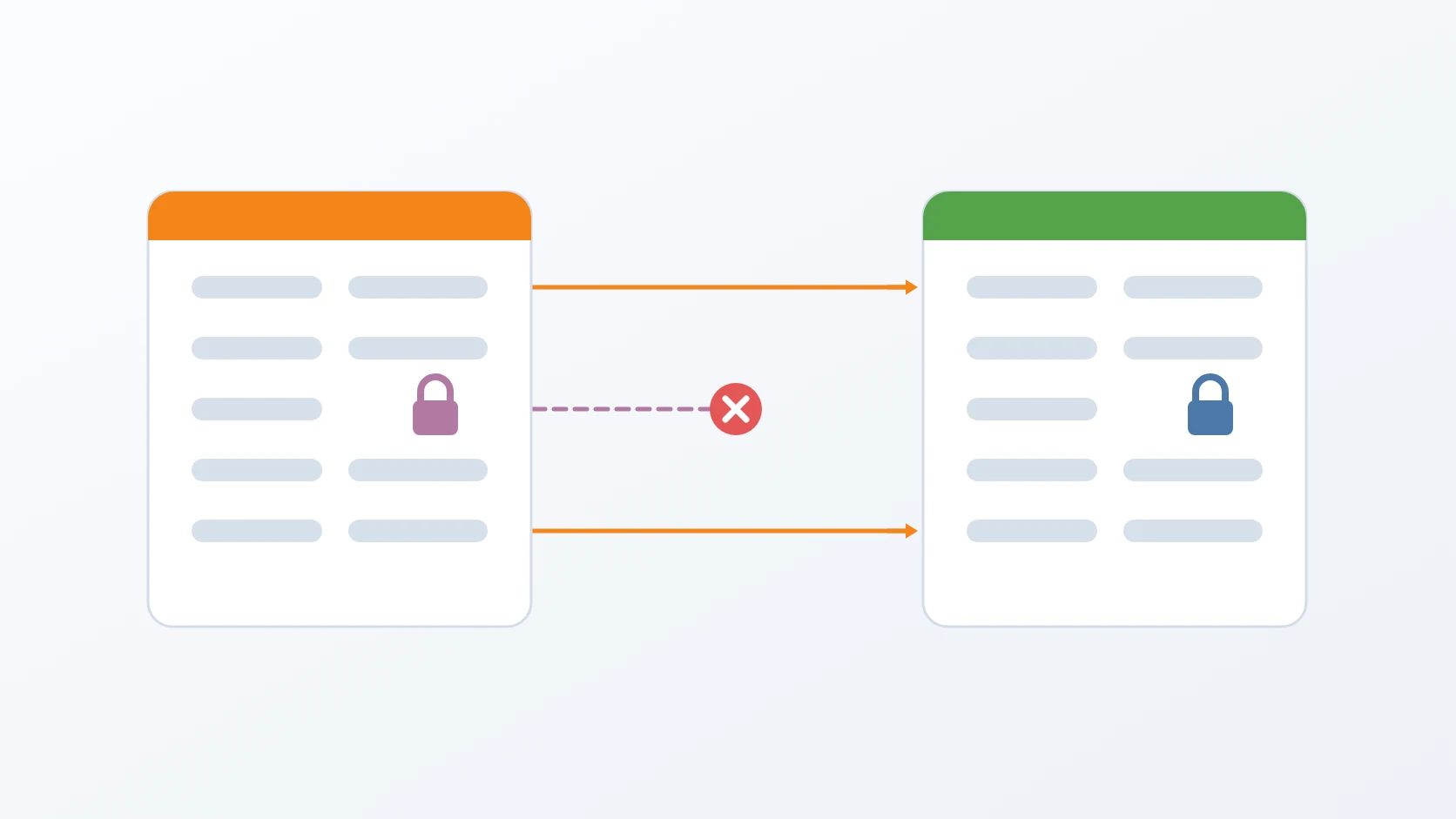
Production Promotion Toolkit is a set of three commands that bring a tested release into production without ever overwriting what belongs to production. One bootstraps a production environment the first time; one promotes each release's configuration from staging; one applies the database schema changes that a release's images carry with them. Between them, a release can change what it needs to change and nothing else.
Promoting a release looks like copying files from staging to production. It is not, because the two environments share their structure but not their secrets or their addresses — and one of those secrets is the key that makes years of encrypted data readable.
At a glance
| Tools | gen-production-env, promote-to-production, migrate-ca |
|---|---|
| Form | Command-line scripts sharing one helper library |
| Language | Bash, with embedded Python for the key-by-key comparison of nested JSON, driving Docker and rsync |
| Status | Stable, in production |
| Source code | Private |
What it does
A. Bootstraps production once
The first production environment is generated from the development templates, with every address rewritten for production's own network, read from the recorded network state with no fallback — an old fallback pointed at a subnet that no longer existed, and production would have been generated there without a warning. The rewrite matches text literally and refuses to finish if a development address remains. The generator can copy data folders, but only from a stopped source; the procedure I follow fills production through the backup toolkit instead. Every module gets production's own project name and data path, so starting it cannot replace development's containers, and the network must already exist before anything is written. Configuration the certificate authorities read is made readable by the user inside their image, and the CA certificate and revocation list arrive even when data is skipped. The generator deliberately does not start the stack — starting production is the operator's decision — and prints the two steps that must follow, one of which creates the telemetry user in its own separate mode. Once production exists, it is never generated again; from then on it changes only through promotion.
B. Promotes the structure of a release, not its values
For each service, the promotion compares staging's configuration with production's, key by key, in both environment files and nested JSON. Keys that were added are added, keys that were removed are removed, and non-sensitive values that changed — limits, timeouts, feature flags — are updated. Secrets and addresses keep production's values. A removed key is deleted line by line, so comments and ordering survive. Each module's image version is promoted too, but from the compose file only the image: line travels, never the whole file: production once stayed on an old image name that surfaced only when a migration failed, and the whole file carries per-environment address fallbacks that must not cross. In JSON, the deployment environment label counts as production's own, so production's telemetry is never labelled as development's and mixed with it. Addresses are recognised by name patterns, singular forms included, after one internal address was once treated as an ordinary value and carried a development address into production. Storage credentials are kept consistent across every file that holds them, after broken images in production turned out to be a signature error with every object intact.
C. Refuses to copy a secret
When staging has a secret that production does not have yet, the promotion does not copy it. Every other change is still applied, but the run names each blocked secret and ends with a failure until someone sets production's own value by hand. New address keys are copied, warned about where they appear, and listed again in the summary, because a warning in the middle of long output gets missed — a new base URL once carried a development address into production and the application's status page answered 503. A module that exists in staging but not in production is reported and ends the run with a different code: promotion does not create services, and it once wrote keys for a service production did not have and called the result in sync. A blocked secret outranks a missing module, and the summary tells "nothing changed" apart from "nothing changed, but modules are missing".
D. Applies the schema changes an image carries
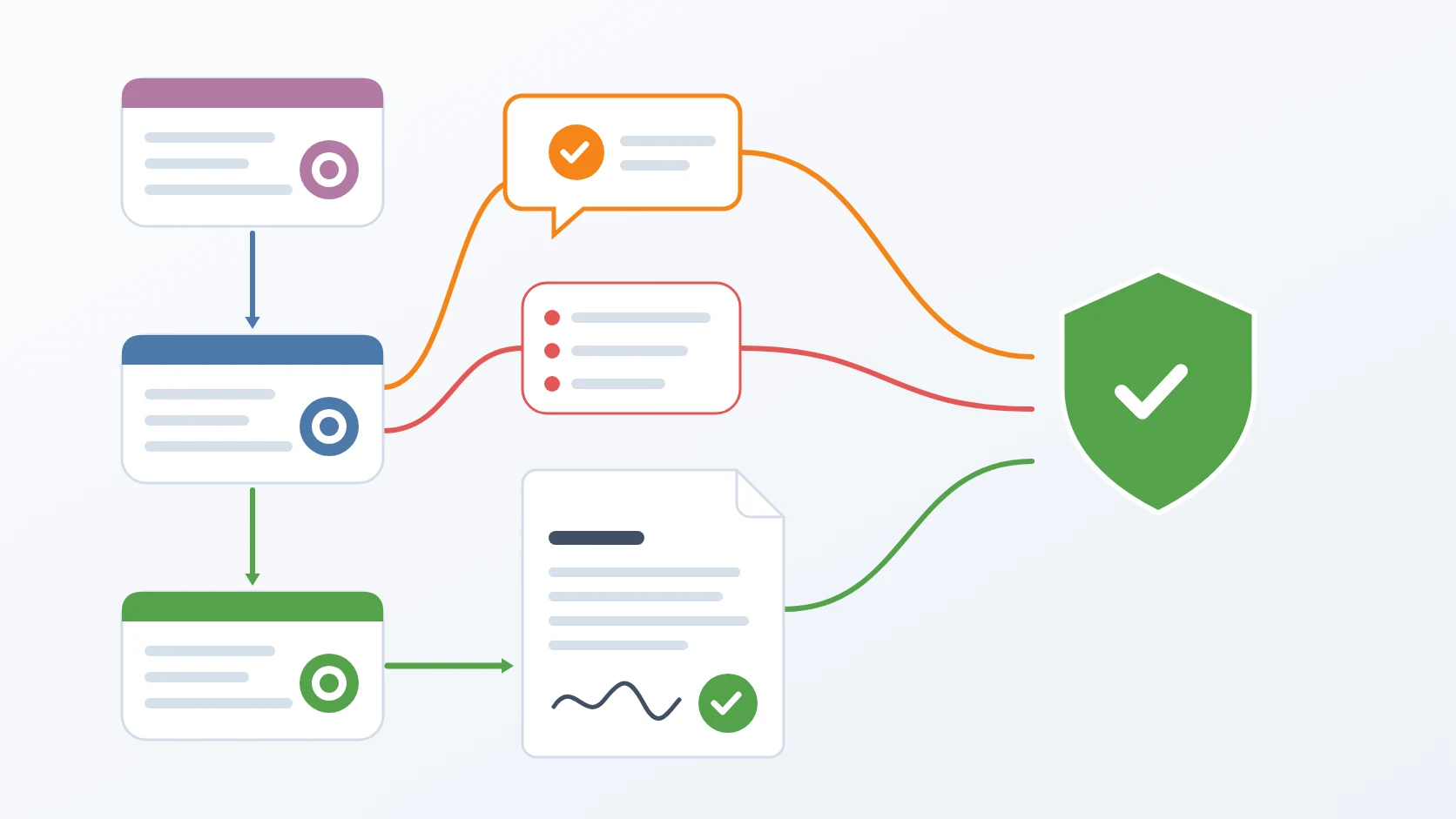
Some services do not migrate their own database when they start; their schema is created by an init script that the database runs only into an empty data directory. Once an environment holds restored data, those scripts never run again. The migration command applies each pending migration explicitly, taking the migrations from inside the service's image and recording them in the migration table the service already uses, under the version taken from the timestamp prefix of each file name, as the service's own migrator would. Each migration runs as one transaction that stops at the first error, so none is left half applied, and a module stops at its first failed migration because the later ones usually depend on it. The container prefix is read from the environment file rather than guessed from the folder name. The database must already be running, while the application container only has to exist, since its files are all that is needed. A service whose image does not carry its migrations is skipped with a request to rebuild that image, and the run counts it as a failure.
E. Shows every change before making it
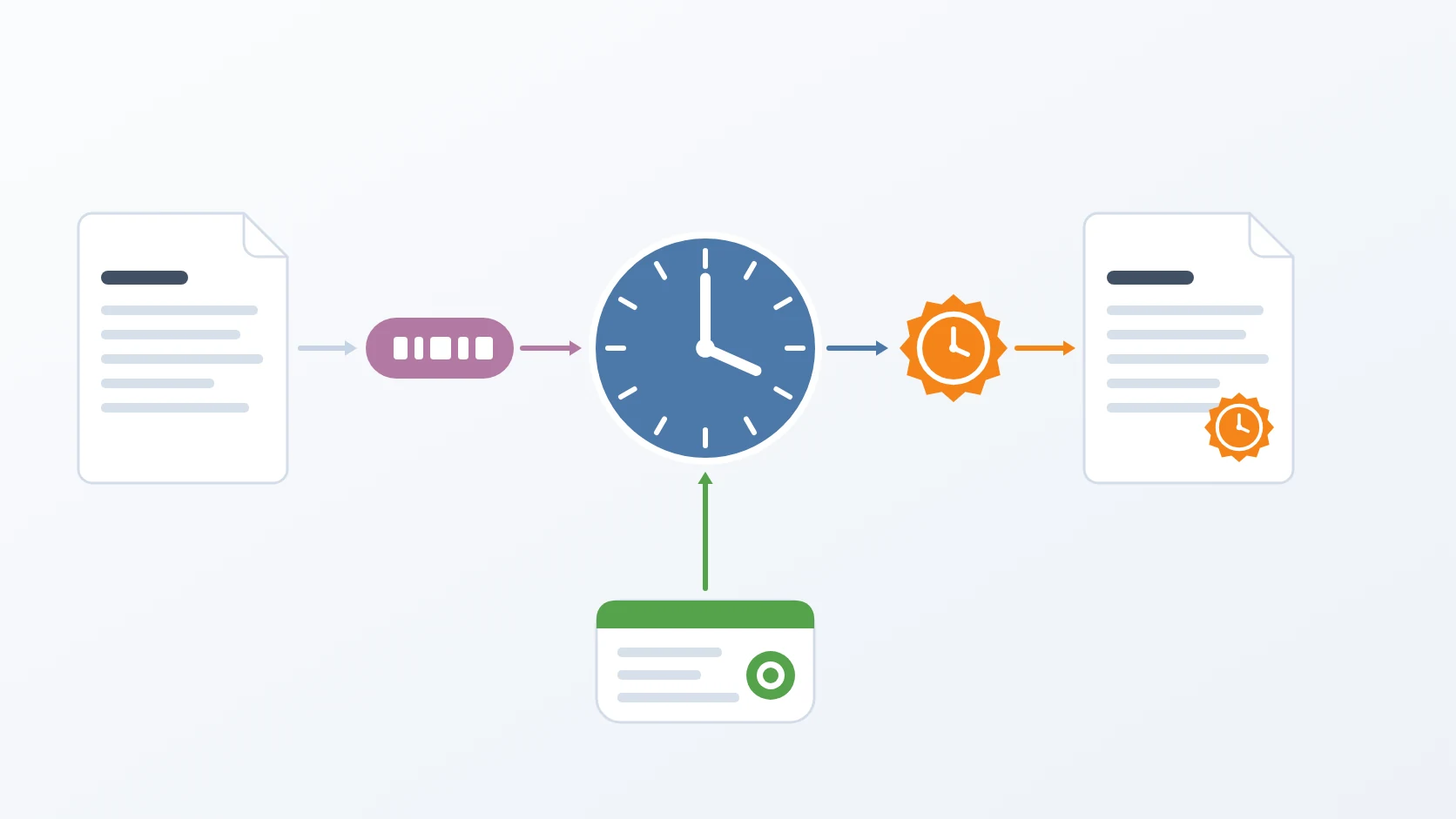
Both the promotion and the migration have a dry run that prints exactly what would change and changes nothing; the migration's dry run does not even create its tracking table. Every compose file, environment file, and JSON configuration the promotion rewrites is backed up first, next to the original, with a timestamp. At the end it prints the next steps, ending with signing one document, because a green container does not prove that signing works.
How I use it
&&
| Kind of key | Examples | What promotion does |
|---|---|---|
| Secret | application key, database password, private keys, tokens | keeps production's value; a new one blocks the promotion |
| Address | database host, service URLs, origins, trusted proxies | keeps production's value; a new one is copied and listed again for review |
| Structure | new or removed keys, rate limits, lifetimes, feature flags | promoted |
| Exit code | Meaning |
|---|---|
| 0 | production is in line with the release |
| 1 | at least one new secret was blocked and must be set by hand |
| 2 | a service exists in staging but not yet in production; promotion does not create services. When a secret is also blocked, 1 wins |
Design decisions
It promotes structure, because the values are what make production production. When I compared the two environments of one service, they had exactly the same 136 keys, and 21 of them had to keep different values. Copying the file would have given production staging's database password, staging's addresses, and — worst of all — staging's application key, which decrypts columns that were encrypted years ago with production's. So the promotion moves only what a release can legitimately change, understands both flat and nested configuration, and shows its diff in a dry run before writing anything, with a backup of every file it touches.
It never copies a secret, even when that would be convenient. A secret that exists only in staging is a new credential the release needs. Copying it would make staging and production share a credential, so a leak from the less protected environment would immediately be a leak from production. The promotion recognises secrets by an explicit list and by name patterns, refuses to carry them across, and fails loudly so that the decision is made by a person, once, on purpose. The list is kept in step with the one the rotation tool rotates, so keys with unconventional names, such as an application's encryption key, are caught too.
Migrations travel inside the image, so the server needs nothing but the image. The failure this prevents is quiet: a service with an outdated schema starts, passes its health check on the old columns, and fails only when a request touches a new one. Taking the migrations from inside the image means they always match the binary that uses them, and a server without the source code can still apply them. Recording them in the migration table the service already has, instead of a table of my own, keeps one history and makes repeating the command harmless.
Production is built once, carefully, and never again. The bootstrap refuses to copy data from a source whose containers are still running, because copying a live database's files risks a corrupt copy; the safe path, and the one I use, generates the configuration alone and fills the data through a backup and a restore. It never starts the stack itself, and it names the telemetry step as mandatory, because when that step was once skipped every service stayed healthy while two days of logs, traces, and application errors were dropped. After that first day, production is only ever changed by promotion, so every change to it has passed through staging and through a dry run.
Specifications
| Inputs | A staging version to promote from; optionally a different target and a single service |
|---|---|
| Outputs | Updated production configuration and image versions, a timestamped backup of every changed file, and applied migrations recorded in the service's own migration table |
| Formats | Environment files and nested JSON configuration, compared key by key |
| Safety | Dry run for both promotion and migration; secrets and addresses kept; new secrets never copied; backups before rewriting configuration; no data copied from a running source; migrations in single transactions |
| Requirements | Docker, rsync, and Python 3 on the host; migrations shipped inside the service images |
Related
The story of the key that decrypts production, and why configuration is promoted by structure.
The release procedure in which these commands are the promotion and migration steps.
Each script follows the shape I give every small tool, in its Bash variant.
The toolkit that fills a new production environment with its first data.
The toolkit that builds the staging environment every promotion starts from.
The toolkit that gives production its network before the bootstrap.
Why the list of secrets here is kept in step with the list that is rotated.
Why the environment label in telemetry stays production's own.
Terms
- Promotion
- Moving a release that passed testing from one environment to the next, here from staging to production.
- Secret
- A configuration value that grants access or decrypts data, such as a password, a key, or a token.
- Dry run
- Running a command so that it reports what it would change without changing anything.
- Schema migration
- A versioned change to a database's structure, applied in order and recorded so that it runs only once.
- Init script
- A script a database container runs when it starts with an empty data directory, and never again.
- Bootstrap
- Creating an environment for the first time, before any regular process can maintain it.
Technologies covered
- Bash
- Docker