Backup & Restore Toolkit
On this page
- At a glance
- What it does
- A. Backs up three kinds of data, each its own way
- B. Builds restore points that cost only their changes
- C. Restores to any point
- D. Restores object storage and telemetry as they were
- E. Says how bad a failure is
- F. Keeps retention from becoming deletion
- How I use it
- Design decisions
- Specifications
- Related
- Terms

Backup & Restore Toolkit is a set of three commands that back up a running Docker stack, restore it to any point in time, and keep the backups from growing until the disk is full. It covers the three kinds of data a typical service of mine holds — PostgreSQL databases, files in MinIO object storage, and telemetry in Elasticsearch — together with the configuration that makes them usable, and it never stops a single service to do it.
Its backups are also the source of every staging environment I build, so they are restored and checked on every release rather than only on the day something breaks. A backup that is never restored is a hope; one that is restored every week is a fact.
At a glance
| Tools | backup-production, restore-from-backup, remove-backup |
|---|---|
| Form | Command-line scripts; backup and cleanup stand alone, and only restore loads the shared helper library |
| Language | Bash, driving Docker, pg_basebackup and pg_combinebackup, the MinIO client, and rsync |
| Status | Stable, in production |
| Source code | Private |
What it does
A. Backs up three kinds of data, each its own way
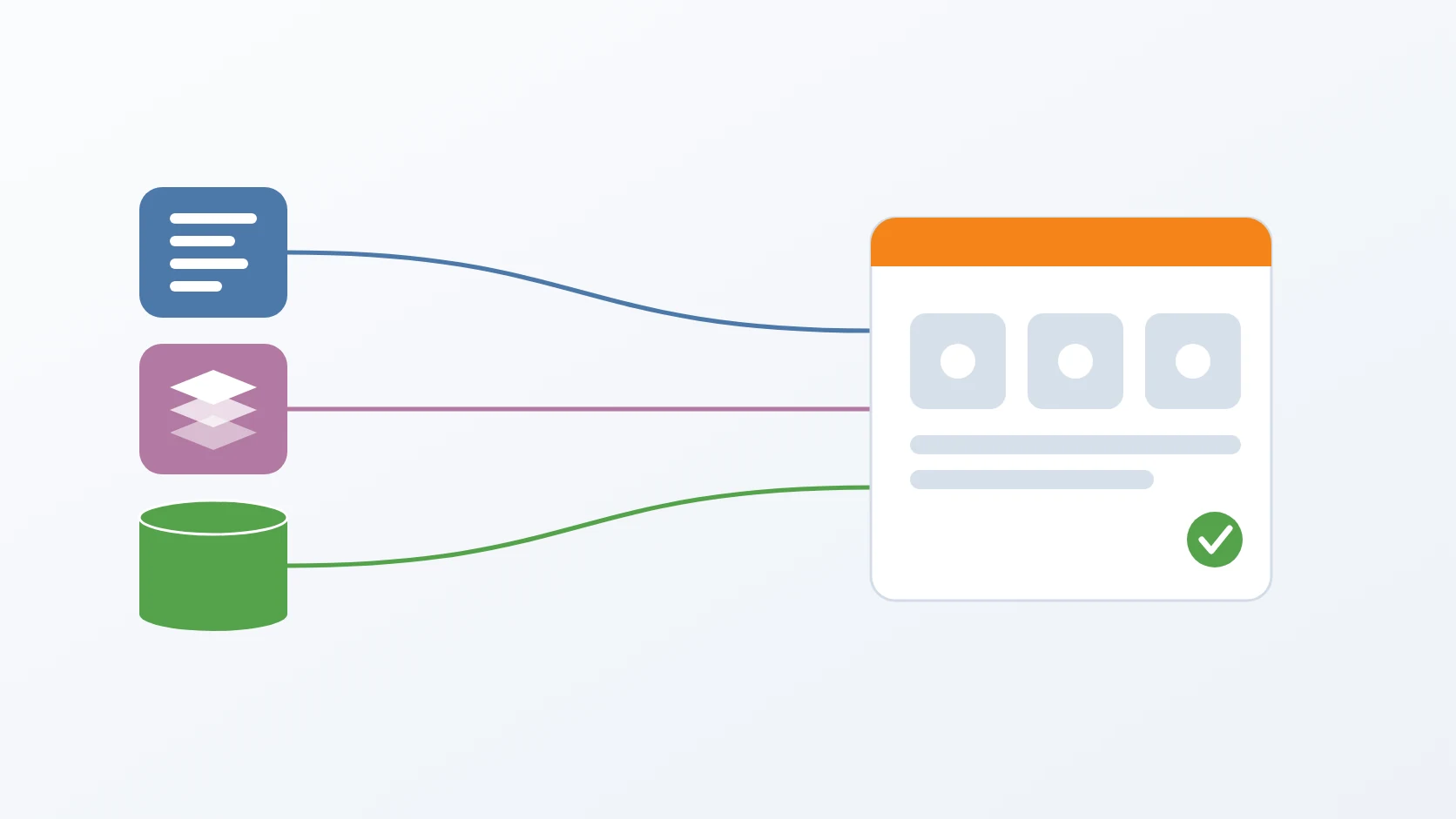
There is no single backup technique that is right for all three. PostgreSQL is backed up with pg_basebackup, as a full copy followed by block-level incrementals. MinIO is mirrored object by object. Elasticsearch is backed up through its own snapshot API, because copying the data folder of a running search engine produces a copy that may not open. All three run while the services keep serving. Each module's configuration is kept as well, because a full recovery needs more than the data alone. A database that a seeder could rebuild is backed up too, so a recovery never depends on the seeder or the upstream data it reads.
B. Builds restore points that cost only their changes
Every restore point of the object storage looks like a complete copy, yet files that did not change are hard links to the previous point, so only the changes take up space. In one measurement, three points that each held 101 MB used 102 MB on disk, not 303 MB. A file deleted from storage disappears from the newest point but stays in the older ones, which is exactly what makes going back useful. The saving depends on one shared working copy: when each point downloaded into a staging folder of its own, every object arrived with a new inode, no hard link could form, and three points cost 303 MB. The MinIO client also runs as my own user and group, because files it wrote as root once made the rotation fail with permission denied.
C. Restores to any point
Restoring rebuilds each PostgreSQL data directory from the full backup and its chain of incrementals, up to the last point or up to one I name. The database version used to rebuild a backup is read from the backup itself, so a backup taken before the stack was upgraded can still be rebuilt after. A running target database is stopped by the restore itself, which goes on only once it is down. The rebuilt directory receives a recovery signal and a restore command, and both are checked afterwards: without the signal, the image's entrypoint would initialise a fresh database over the restore and leave the environment silently empty. The default target prefix is the staging one, so production is out of reach unless I ask for it, and containers run as my user and take over root-owned folders without elevated rights, printing the exact command when they cannot.
D. Restores object storage and telemetry as they were
Object storage is mirrored back from the chosen point with removal turned on, because without it the result is the point merged into what was already there, not the point itself — a difference proven while testing restores to earlier points. The public bucket's access policy is applied again from a versioned file, since a mirror does not carry policies. For telemetry, the data streams that would collide are deleted first, because a data stream cannot simply be closed, and then the snapshot is restored Afterwards the telemetry user and role are created again and the collector and dashboard restarted, so that older backups without the security index still come back writable.
E. Says how bad a failure is
The backup command does not report just success or failure. It distinguishes a backup that is unusable from one that only missed the telemetry, so a scheduled job can react to the first immediately and to the second at leisure. A backup that captured no database at all is an error, so a production stack that is down never looks like a successful night in cron. A store whose container is not running is skipped with a note rather than failed.
F. Keeps retention from becoming deletion
Old full backups are removed after a new one is made, and the cleanup command can also run on its own schedule. The cleanup command refuses to keep fewer than one backup, never touches the shared snapshot repository or the working copy the next mirror depends on, and reports the space it really frees, counting hard-linked files once. Cleanup has a dry run and a listing that shows each full backup's size and points, the latest marker, and orphaned telemetry snapshots. It deletes a full backup's telemetry snapshots through the search engine's API before deleting the folder, because the folder holds their names — nine orphans had piled up before that order was fixed — and it repairs or removes the pointer to the latest backup when it no longer points at one.
How I use it
| Exit code | Meaning | What to do |
|---|---|---|
| 0 | every store that was running was backed up; a stopped one is skipped with a note | read the notes |
| 1 | PostgreSQL or MinIO failed; the backup is not valid for a restore | act now |
| 2 | only the Elasticsearch snapshot failed, so documents and files are safe | check the log; telemetry can follow later |
In production it runs from cron. The schedule is shaped by what the data is worth and what the disk can hold. Full backups follow the day of the week rather than every seventh day, because a seven-day step restarts each month and leaves a two-day gap at the turn. The recovery point is tied to the interval, which I chose by weighing what the data is worth against the cost of running more often. The cleanup command's keep count must match the backup's.
| Full backup | weekly, keeping two |
|---|---|
| Incremental backup | several times a day |
| Recovery point objective | a few hours of recent changes |
| How far back | about 14 days, two weekly full backups |
| Size | about 52 GB per full backup; rotation runs after the new full backup is in place, so the peak holds three, about 156 GB |
Design decisions
No downtime, and I measured it rather than assumed it. Every technique the toolkit uses works on a live service: a base backup takes its snapshot at the start and captures later writes in the write-ahead log, a mirror is consistent per object, and a snapshot is the search engine's own supported method. I tested it by writing about two million rows while an incremental backup ran; the backup succeeded, and the restore produced exactly the same number of rows. Throughout a backup, the services answered with no errors at all. Only a restore stops a database, and on production that took about seven seconds.
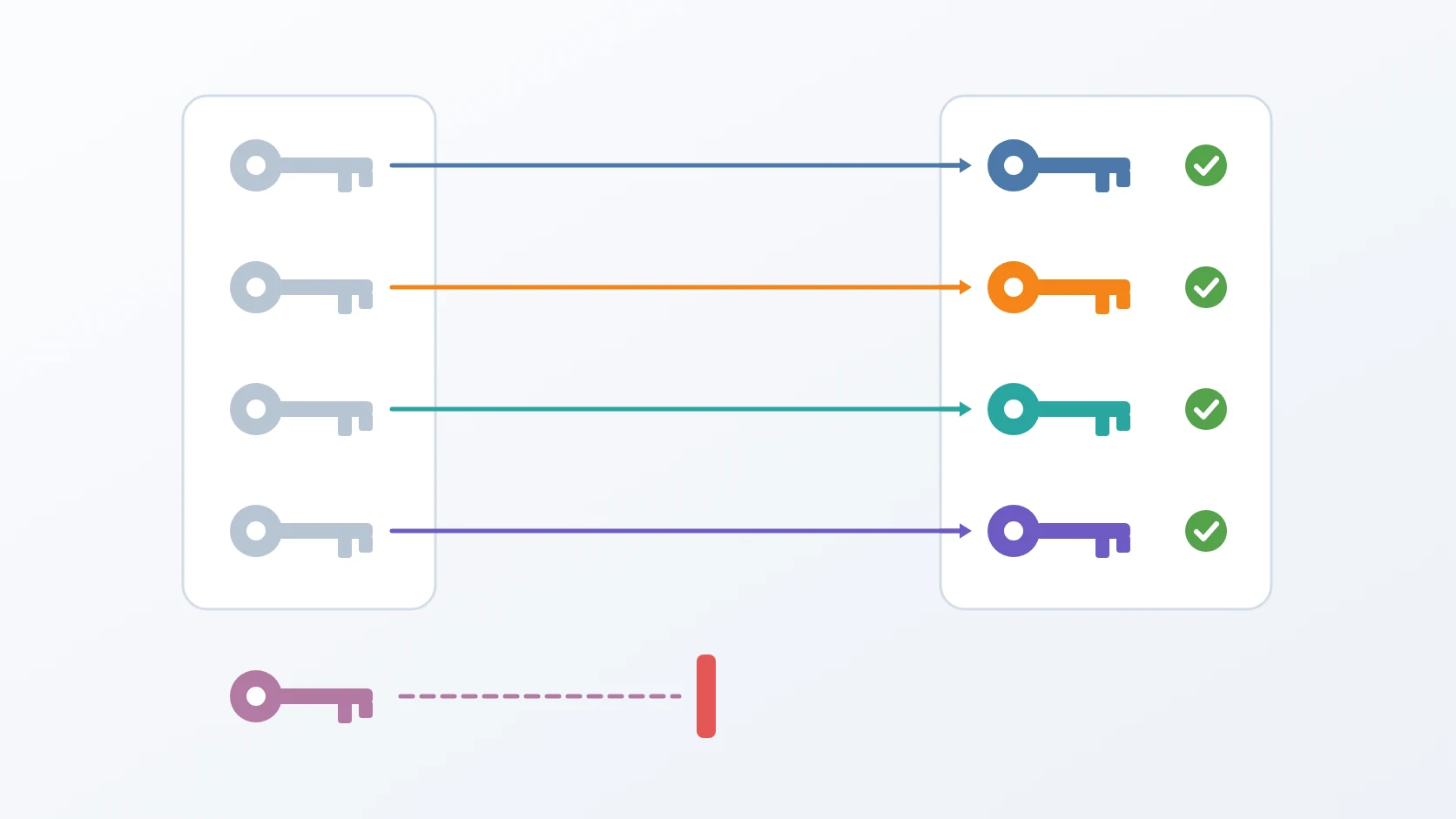
The exit code states the value of what was lost. Documents and signatures live in PostgreSQL and MinIO; Elasticsearch holds telemetry. If both kinds of failure produced the same alarm, one failed telemetry snapshot would teach whoever reads the alarms to ignore them — and the next ignored alarm would be the one that mattered. Splitting them lets a schedule treat the lesser failure explicitly, without the habit of appending || true that would hide the serious one. That habit is exactly what the scripts once had: every failure was swallowed and the run ended with success, so failed telemetry snapshots may have been reported to cron as fine for months.
It guards against the failures that look like success. Two failures happened on a real server, and neither produced an error when the backup was made; both appeared only at restore time. The incremental backup keeps a cached reference to its base, which could outlive the base itself after rotation and produce increments that could never be combined — so the cache is now compared with the manifest actually on disk, and the base is taken again when they differ. The search engine marks its snapshot repository read-only if its folder is touched from outside, after which every snapshot fails — so the toolkit recognises that message, removes only the registration, not the files, registers the repository again, and retries exactly once rather than looping. Both cases now announce themselves in the log.
A backup appears only when it is complete. Each backup is written into a hidden working folder and moved into place at the very end, so a half-finished backup never shows up as a restore point. The parent folder is created before that last move, because a move does not create one and an early version lost all of its work at the final step. Every deletion is guarded so that an empty variable can never turn into a deletion from the root, and a missing folder no longer ends the script silently under strict error handling. Full and incremental points share one layout, so a restore treats them alike, and backups in the old layout were migrated automatically with moves, not copies, so their hard links survived and their size did not double.
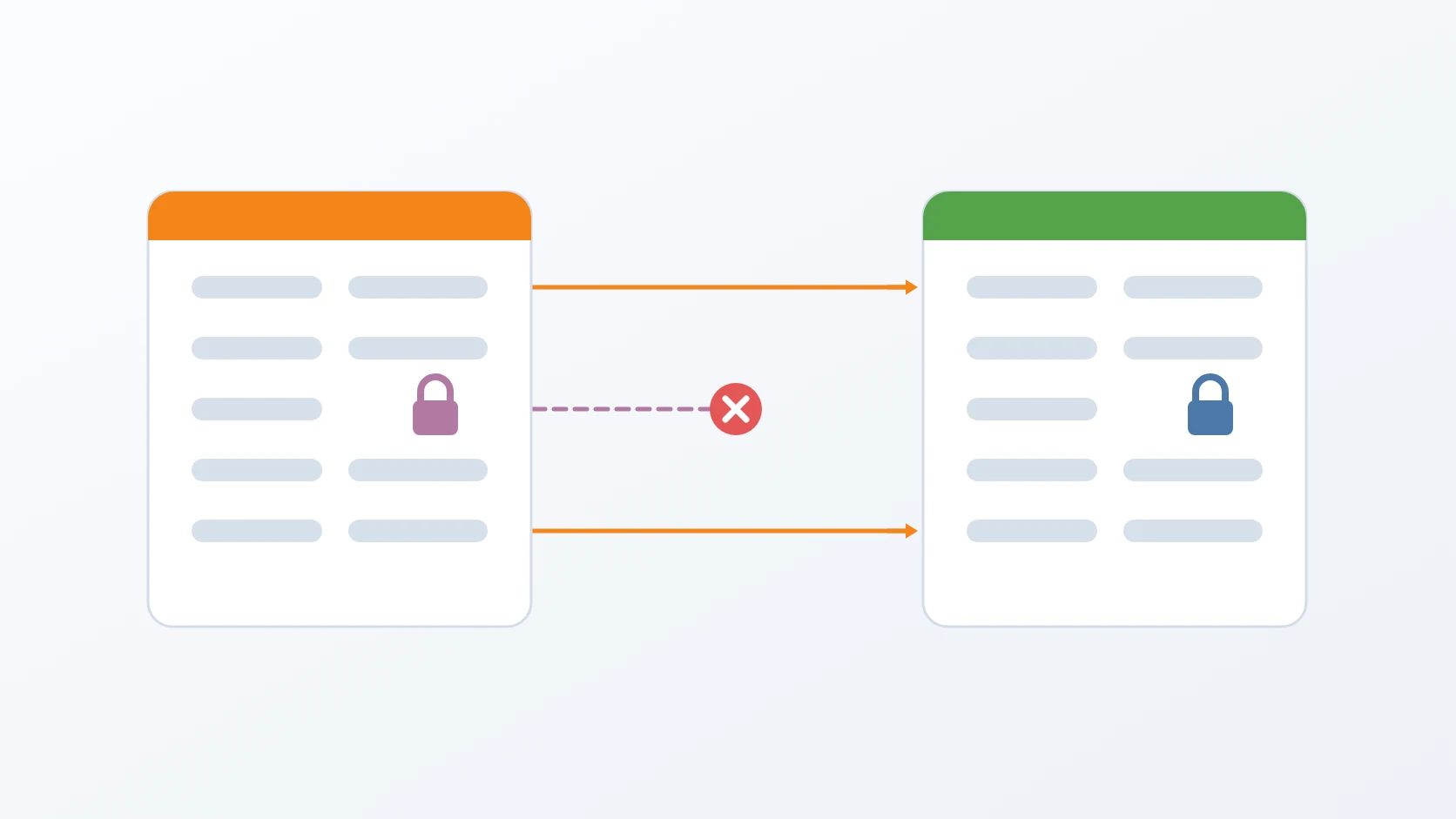
Telemetry comes back together with the user that writes it. A snapshot without the search engine's security index restored the telemetry but not the collector's user and role; the collector was then refused on every export and dropped everything, and it took two days to notice in production. Snapshots now include that index and the global state, and a restore recreates the user as a safety net for older backups. The snapshot repository lives with the backups rather than inside the environment folder, because deleting a production folder would otherwise have deleted every telemetry backup with it; its ownership is fixed through a short-lived container, and when the search engine has no repository path configured, the snapshot is skipped with the command that would enable it.
It runs from any directory, without elevated rights. Data and backup paths come from the project name rather than from where the repository sits, so they are the same on my laptop and on a server, and the scripts work from any working directory. Backup and cleanup deliberately do not load the shared library, so either can be copied and run on its own.
Going back is cheap, and cleaning up is safe. Restore points are inexpensive because of hard links, and each full backup is self-contained: deleting one was verified to leave every file in the others identical. Restore can stop at any named point, but that point is matched exactly, so I list the chain first and copy its value. The cleanup command refuses to delete everything, exits successfully when there is nothing to remove so that a monthly job does not send a monthly failure, and removes orphaned telemetry snapshots that ordinary rotation could not see.
Specifications
| Covers | PostgreSQL 17 or later with WAL summarisation enabled, four databases; MinIO; Elasticsearch through its snapshot API; each module's configuration and environment files |
|---|---|
| Outputs | A folder per full backup with its base and its incrementals, a manifest per point, and a pointer to the latest full backup |
| Downtime | None for backup; about seven seconds for a restore |
| Restore targets | All data, or PostgreSQL, MinIO, or telemetry alone; up to the last point or a named one |
| Safety | Restore stops a running target database itself and goes on only once it is down; the cleanup command keeps at least one full backup; shared repositories are never deleted |
| Requirements | Docker; the backup folder on a single filesystem so that hard links work; cron for scheduling |
Related
The story behind these scripts, including the two failures that looked like successes.
Each script follows the shape I give every small tool, in its Bash variant.
My release procedure builds every staging environment from these backups, which is what proves they can be restored.
Why telemetry moves through the snapshot API: it is portable across versions and leaves a point to return to.
Why every staging environment is born from these backups rather than from a live database.
Why telemetry needs a user and role of its own, which a restore recreates.
Terms
- Base backup
- A complete physical copy of a PostgreSQL data directory, taken while the database runs.
- Incremental backup
- A backup that holds only the blocks changed since an earlier backup, and is combined with it on restore.
- Write-ahead log (WAL)
- The log of changes PostgreSQL writes before applying them, replayed to make a backup consistent.
- Hard link
- A second name for the same file on disk, so two folders can share a file without storing it twice.
- Recovery point objective (RPO)
- The largest amount of recent data that could be lost, measured as time since the last backup.
- Snapshot repository
- The location where Elasticsearch stores its snapshots, sharing data between them.
Technologies covered
- Bash
- rsync
- Elasticsearch
- PostgreSQL
- Docker
- MinIO