Release Workflow: Development to Production
On this page
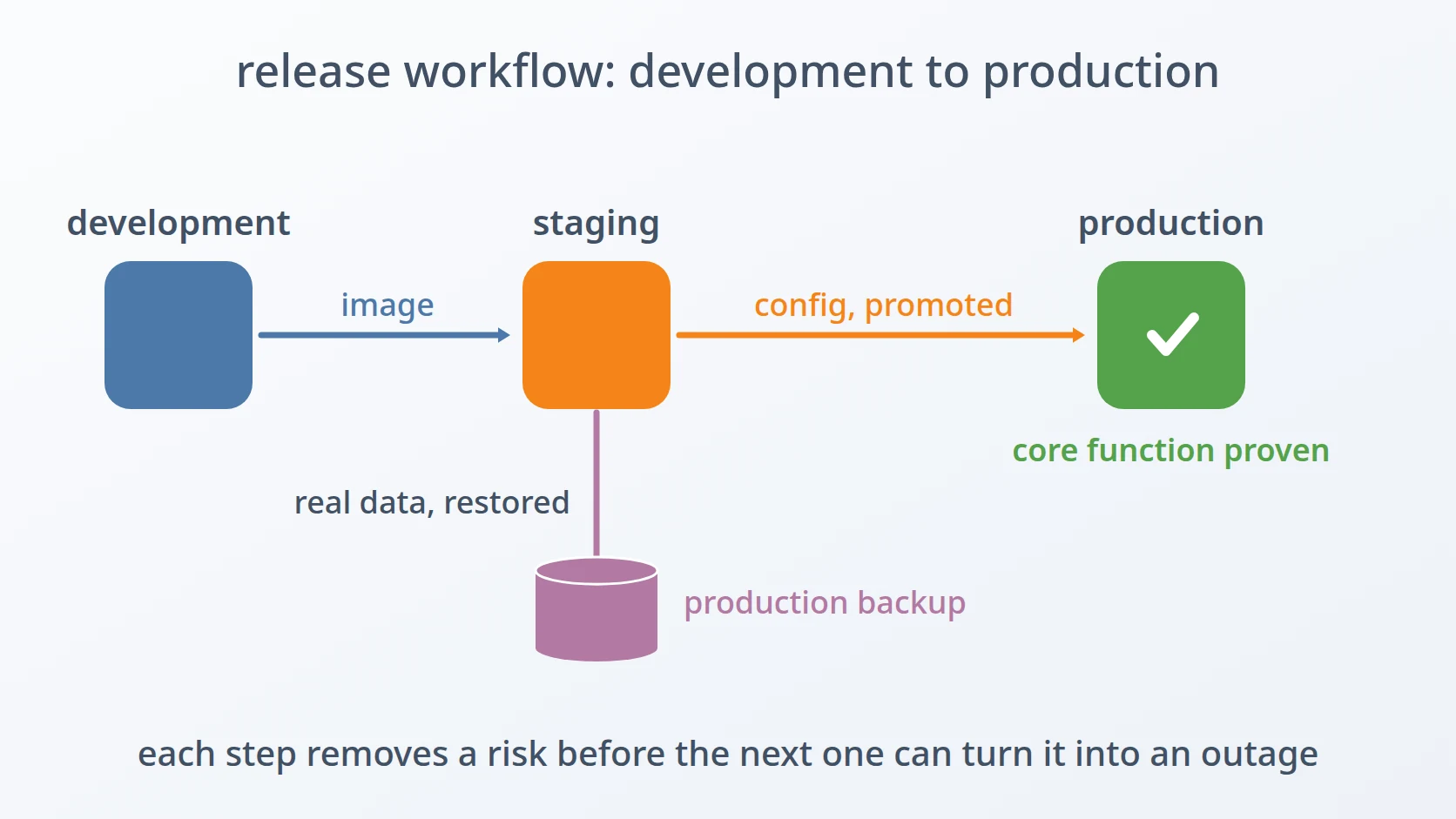
Release Workflow: Development to Production is the procedure every change of mine follows from the laptop where it is written to the production environment where people use it. It runs each time a new version of a service is ready, and it ends only when the production system has done its core job once with real data.
This page is not a deployment tutorial. It describes how I think about a job I repeat often: which steps I automated, which I deliberately left to a person, and why each step sits where it does.
At a glance
| Trigger | A new version of any service is ready to ship |
|---|---|
| Frequency | Once per release, for one service or several |
| Inputs | The changed code, a recent production backup, access to the staging environment |
| Output | Production running the new version, with its configuration and database migrated |
| Done when | Production has performed its core function once, end to end, with real data |
The recurring work
A release is not one action but a chain of them, and every link can fail in a way that only shows up later: an image that was tested but never published, a configuration file copied over production's secrets, a database migration that silently did not run, a system that reports itself healthy while its main feature is broken. Doing this by hand once is manageable. Doing it for every release of every service, months apart, is how steps get skipped.
So I turned the release into a procedure with a fixed order. Each step removes one risk before the next step could turn it into an outage, and the steps that are easy to get wrong are scripts rather than memories.
The flow
- Develop on my laptop against the real domain, check external services, run the tests.
- Build the image, then publish it as a separate step.
- Generate a staging environment from the latest production backup, and test the release there.
- Promote the configuration to production — a dry run first.
- Start production, migrate it, and check that it is healthy.
- Prove the core function once with real data, then free or remove staging.
Steps and the decisions behind them
Develop against the real domain. My laptop serves the same domain over the same certificate as production, so cookies, redirects, and callbacks behave in development the way they will behave in production. I decided to reproduce production locally rather than approximate it, because the bugs that come from a different name only appear after release, in the worst place to debug them.
Check external services before the code depends on them. When a release starts using a storage server, an identity provider, or an email account, I run a readiness check against its credentials first. A failure caught here is clearly the service's; the same failure caught after release looks like a bug in my code.
Run the automated tests. The tests must pass before an image is built. An image that does not pass its own tests is not a candidate for release, so there is no reason to spend the rest of the procedure on it.
Build the image, then publish it separately. Each service has its own version number, so a release normally rebuilds only the service that changed. The build script raises the version and builds the image, but it deliberately does not push it. Publishing is a separate, visible step, because a test of an image that was never published proves nothing about what the server will run.
Generate staging from the latest production backup. One command assembles the stack for this version, restores data from the backup, starts the services, applies database migrations, and runs a health check. The data comes from the backup, never from production directly, so staging can be rebuilt as often as I like without touching production. Using backups this way also proves, every release, that the backups can actually be restored.
Test the release on staging. Staging holds real data and runs the published image, never a local one, so a test there exercises exactly what production will run against the same kind of records. This step stays manual: deciding that a release behaves correctly is a judgement, not a check a script can make.
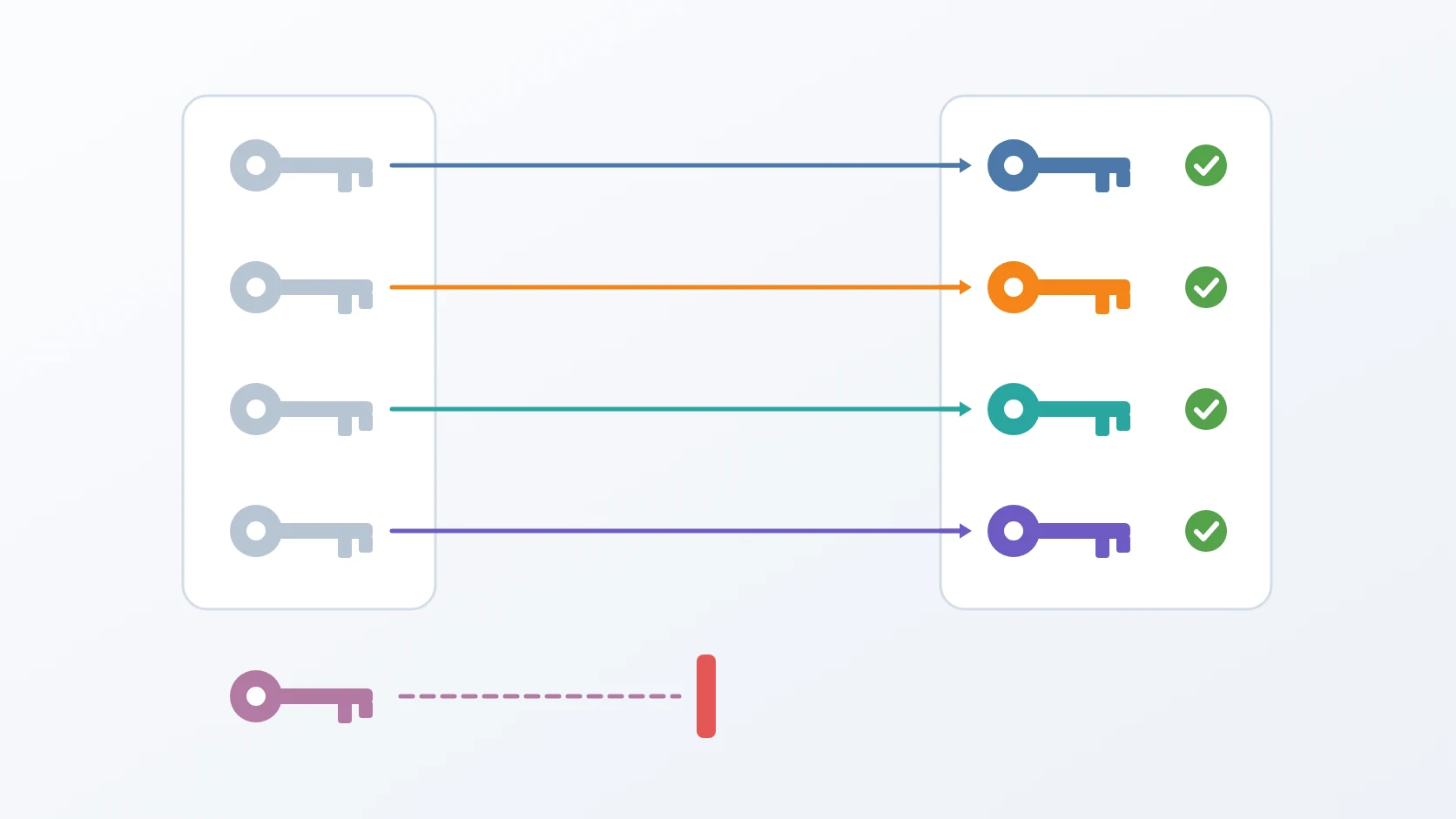
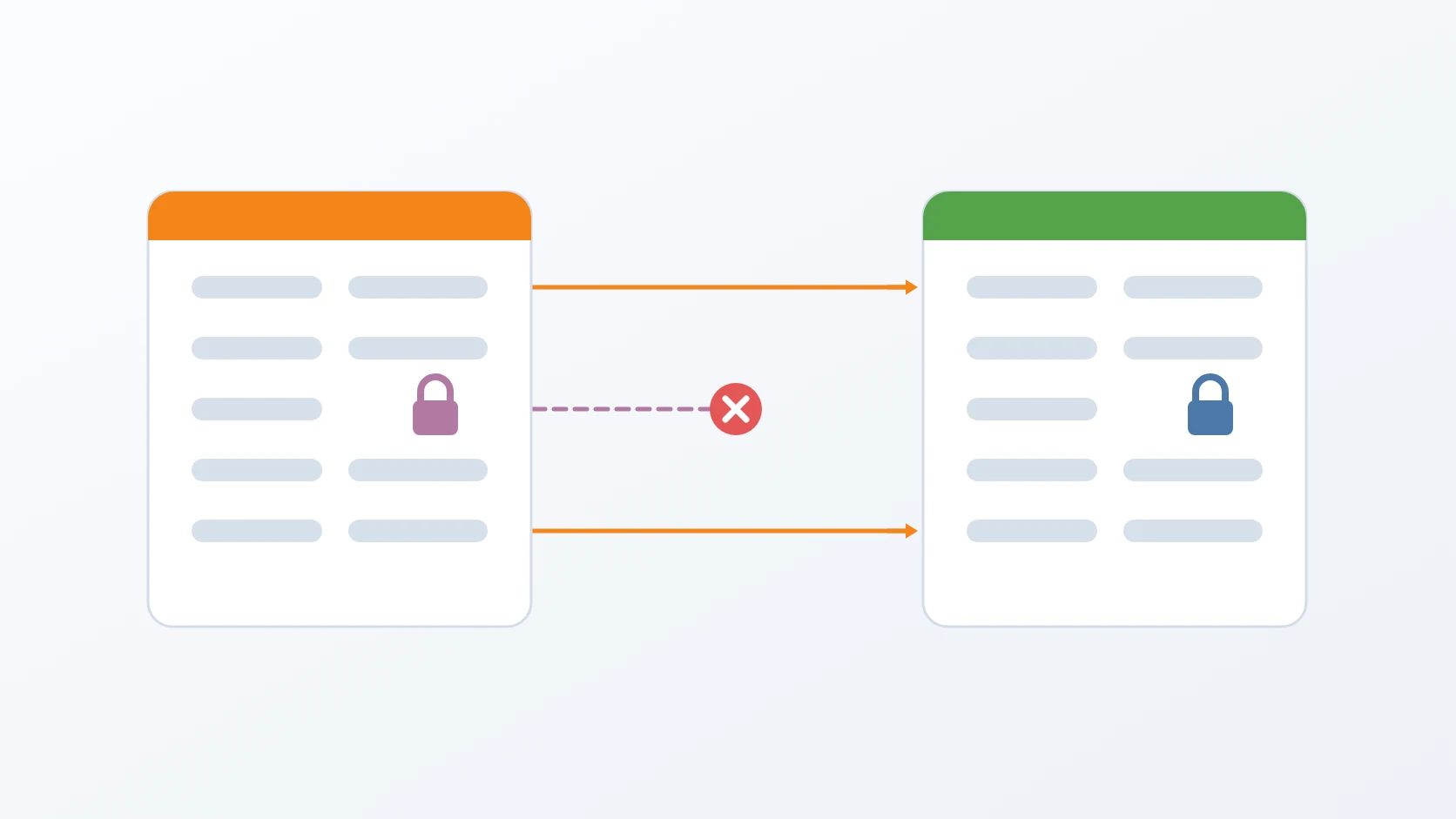
Promote the configuration — dry run first. Configuration is not copied from staging to production. The promotion script moves its structure: keys that were added or removed, and values that are not secret. Secrets and addresses stay production's own, a secret that exists only in staging stops the script until I set production's value by hand, and every file it writes is backed up first. The dry run shows me every change before anything is written.
Start production, migrate it, and check its health. The same migrations as on staging are applied explicitly, followed by the same health check. Migrations that a service does not run on start-up get their own step, so a schema change can never hide behind a container that started cleanly.
Prove the core function once. Healthy containers do not prove that the system does its job. The release is not finished until production has performed its core function once, end to end, with real data — on a document-signing platform, for example, that means signing one real document.
Free or remove staging. Once testing is over, staging is stopped to free memory on the server. When the version is no longer needed, it is removed entirely: containers, folder, state, and web server configuration, so old environments never pile up unnoticed.
What I automated, and what I did not
| Step | Automated or manual | Why |
|---|---|---|
| Readiness checks, tests | automated | the same questions every time; a machine asks them faster and never skips one |
| Build | automated | raising a version and building an image must be identical every release |
| Publish | manual, deliberately | pushing an image is the point of no return for what the server runs; it should be a conscious act |
| Generate staging | automated, one command | restore, start, migrate, and check are too many steps to repeat by hand without missing one |
| Test on staging | manual | whether a release behaves correctly is a judgement |
| Promote configuration | automated, with a dry run | copying files by hand is how secrets get overwritten; the dry run keeps me in the loop |
| New secrets | manual | a secret value must be chosen for production, never inherited from staging |
| Migrate and health check | automated | forgetting a migration fails silently |
| Prove the core function | manual | only a real transaction proves the release; it is the definition of done |
| Remove staging | automated, one command | cleaning up is easy to forget and tedious to do completely |
When it fails
Before choosing a way back, I find out exactly where the release broke, and where I look depends on how it failed.
If production does not start or is not healthy, the cause is almost always printed where the failure happened: in the terminal output of the promotion and of starting the services. A missing variable, a migration that stopped, a container that exits — these show up there, not in the logs of a system that never came up.
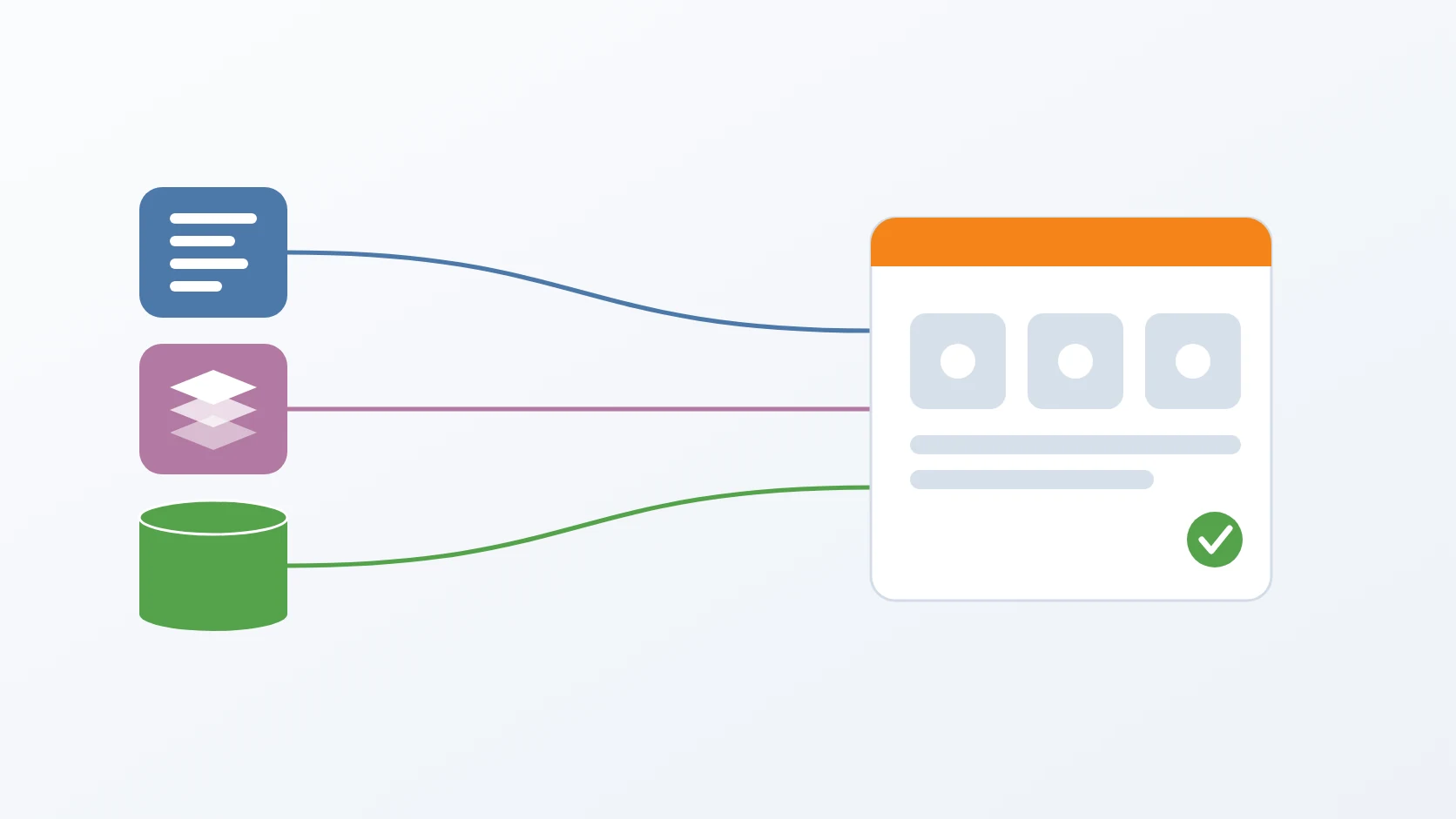
If everything is up and healthy but a feature fails, such as a signature that does not complete, I trace the request through the logs and traces the services send to the OpenTelemetry Collector and on to Elasticsearch, to find the exact point where it went wrong.
Only then do I choose how to recover, depending on what the diagnosis shows:
- Run the previous image when the new code is at fault and the data is intact.
- Restore from the backup when a migration has already changed or damaged the data.
- Fix forward when the problem is small and clear: correct it, take it through staging, and release a new version.
Why this order
The order moves every risk to the place where it is cheapest to meet. Problems with external services are caught on my laptop, before any code depends on them. Test data comes from a backup, so staging can be rebuilt freely and the backups are proven along the way. Configuration is promoted by structure, so a release can never overwrite production's secrets. Migrations are applied explicitly on both sides, so a schema change cannot hide behind a green health check. And the last step is a real transaction, because that is the one thing the system exists to do.
Variations
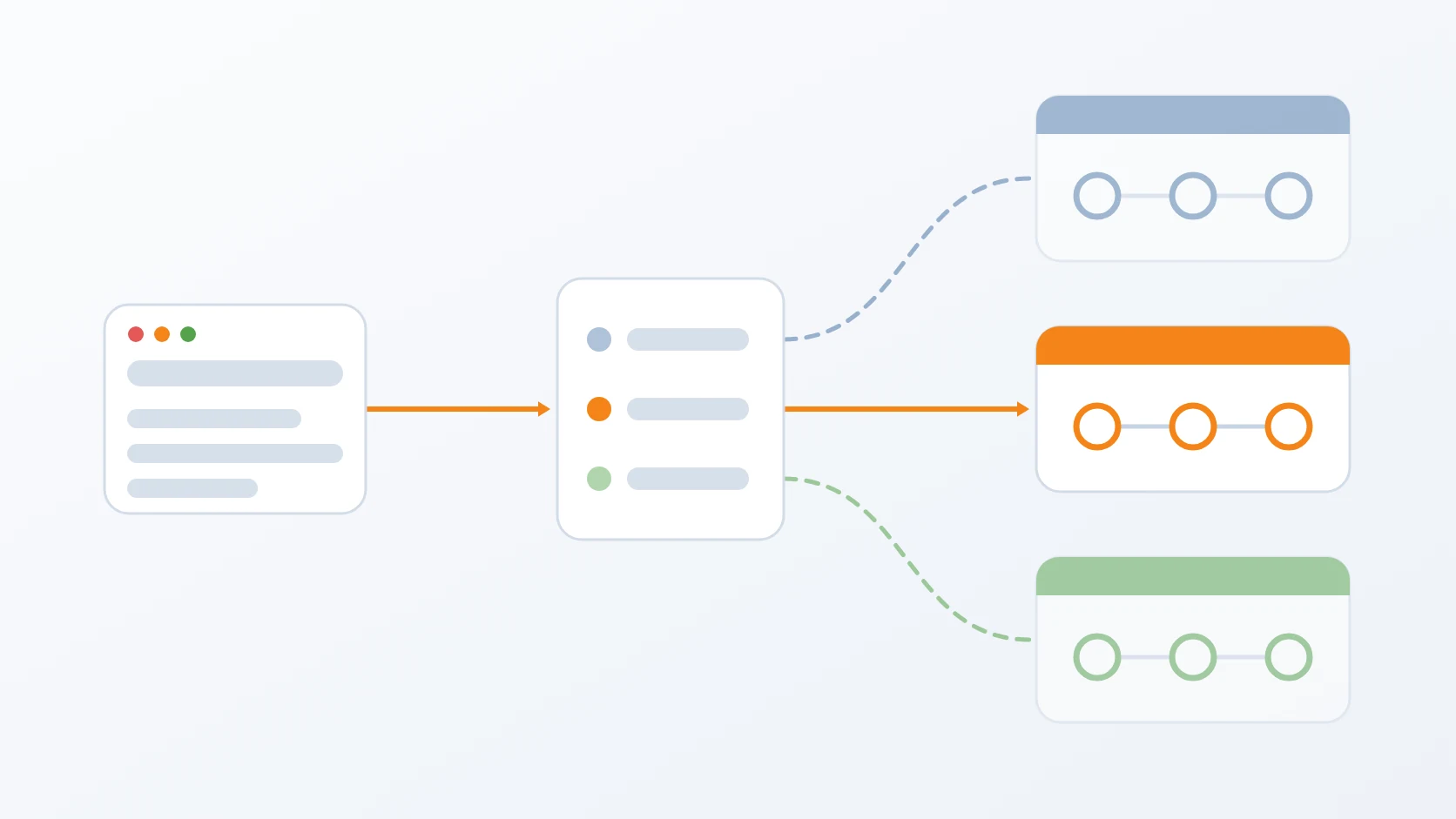
Only one service changed. This is the usual case. Only that service is built and published with a new version; every other service stays on the version it already runs, and staging is generated with that combination.
An urgent fix. A hotfix takes the same path, not a shortcut around it. What gets shorter is the test on staging, which covers only the part that was fixed instead of the whole release. Skipping staging entirely would save minutes and risk exactly the kind of failure the procedure exists to prevent.
Terms
- Staging
- An environment that mirrors production, with a copy of its data, used to test a release before it goes live.
- Image
- A packaged, versioned copy of a service and everything it needs to run, from which containers are started.
- Migration
- A versioned change to a database schema, applied in order and recorded so that it runs only once.
- Dry run
- Running a script so that it reports what it would change without changing anything.
- Health check
- An automatic test that a service has started and can answer, which says nothing about whether its features work.
- Fix forward
- Recovering from a failed release by releasing a corrected version, rather than going back to the previous one.
Technologies covered
- Docker